
Cloud Migration Cost Calculator: Planning Your Australian Business Move
Cloud Migration Cost Calculator: Planning Your Australian Business Move
Cloud migration is one of the most significant IT investments an Australian SMB will make. Get the budget wrong and you risk either stalling the project midway or facing unexpected costs that erode the business case you worked hard to build.
The challenge is that cloud migration costs extend well beyond the monthly subscription fees vendors advertise. Labour, data transfer, training, temporary parallel running of old and new systems, and potential productivity dips during transition all contribute to the true cost.
This guide provides a practical framework for calculating the total cost of cloud migration for your Australian business, covering the categories most businesses underestimate.
The Total Cost Framework
Cloud migration costs fall into five categories:
- Pre-migration costs (assessment, planning, preparation)
- Migration execution costs (data transfer, configuration, testing)
- Ongoing cloud costs (subscriptions, storage, compute)
- Hidden and transitional costs (parallel running, productivity impact, training)
- Decommissioning costs (retiring old infrastructure)
Let us work through each category.
1. Pre-Migration Costs
IT Assessment and Discovery
Before migrating, you need a clear picture of your current environment. This may involve:
- IT audit: Documenting all servers, applications, data stores, and dependencies. If done internally, budget 20 to 40 hours of IT staff time. If using a consultant, expect AUD 3,000 to 8,000 for an SMB assessment.
- Application compatibility review: Assessing which applications can move to the cloud as-is, which need modification, and which need replacement. Budget 2 to 4 hours per application.
- Network assessment: Evaluating your internet connectivity, bandwidth, and readiness for cloud workloads. May require an NBN upgrade or additional connection, costing AUD 200 to 1,000 per month ongoing.
Migration Planning
- Migration project plan: Detailed planning, scheduling, and risk assessment. Budget 40 to 80 hours of IT professional time.
- Vendor selection: Evaluating and selecting cloud providers, managed service providers, or migration partners. Budget 10 to 20 hours.
- Security and compliance planning: Ensuring the cloud environment meets Australian regulatory requirements. Budget 10 to 30 hours, more for regulated industries.
Typical pre-migration cost for a 30-person Australian business: AUD 5,000 to 20,000
2. Migration Execution Costs
Data Migration
Moving your data to the cloud involves several cost factors:
- Data volume: The amount of data to transfer. For most Australian SMBs, this ranges from 500 GB to 5 TB.
- Transfer method: For smaller data sets, transfer over the internet. For larger data sets (over 10 TB), consider Azure Data Box or AWS Snowball, which involve shipping physical storage devices.
- Transfer time: At 100 Mbps upload speed, transferring 1 TB takes approximately 24 hours. At 50 Mbps (typical NBN Business), it takes 48 hours.
- Data egress from existing providers: Some hosting providers charge for data leaving their platforms.
Internet transfer costs: Generally free for data ingress (uploading to cloud). Data egress (downloading from cloud) is charged by cloud providers but typically does not apply during migration.
Physical transfer costs (if needed): Azure Data Box starts at approximately AUD 400 per device plus shipping.
Configuration and Setup
- Cloud environment setup: Configuring Azure, AWS, or other cloud platforms. Network configuration, security settings, user provisioning. Budget 20 to 60 hours of specialist time.
- Application migration: Moving each application involves installation, configuration, data import, and validation. Budget 4 to 16 hours per application, depending on complexity.
- Email migration: Moving mailboxes to Microsoft 365 or Google Workspace. Budget 1 to 2 hours per 10 mailboxes for a clean migration.
- Server migration: Migrating on-premises servers to cloud virtual machines. Budget 4 to 8 hours per server.
Testing and Validation
- User acceptance testing: Having key users test all applications and workflows in the new environment. Budget 2 to 4 hours per department.
- Performance testing: Verifying that cloud-hosted applications perform acceptably. Budget 4 to 8 hours.
- Security testing: Validating security configurations and access controls. Budget 8 to 16 hours.
- Backup and recovery testing: Confirming backups work in the new environment. Budget 4 to 8 hours.
External Labour Costs
If using a migration partner or managed service provider:
- Cloud migration specialist: AUD 150 to 250 per hour in the Australian market
- Project management: AUD 120 to 200 per hour
- Fixed-price migration packages: Some MSPs offer fixed-price packages for standard migrations. Expect AUD 5,000 to 30,000 depending on scope.
Typical migration execution cost for a 30-person Australian business: AUD 10,000 to 40,000
3. Ongoing Cloud Costs
Microsoft 365 Licensing
The most common cloud platform for Australian SMBs:
| Plan | Approximate AUD per user per month |
|---|---|
| Microsoft 365 Business Basic | $9 |
| Microsoft 365 Business Standard | $19 |
| Microsoft 365 Business Premium | $33 |
| Microsoft 365 E3 | $54 |
For a 30-person business on Business Standard: approximately AUD 570 per month or AUD 6,840 per year.
Azure Infrastructure
If migrating servers to Azure virtual machines:
- Standard B2s VM (2 vCPUs, 4 GB RAM): Approximately AUD 60 per month
- Standard D2s v5 VM (2 vCPUs, 8 GB RAM): Approximately AUD 130 per month
- Standard D4s v5 VM (4 vCPUs, 16 GB RAM): Approximately AUD 260 per month
Add storage costs:
- Standard SSD 128 GB: Approximately AUD 20 per month
- Standard SSD 512 GB: Approximately AUD 65 per month
- Premium SSD 256 GB: Approximately AUD 55 per month
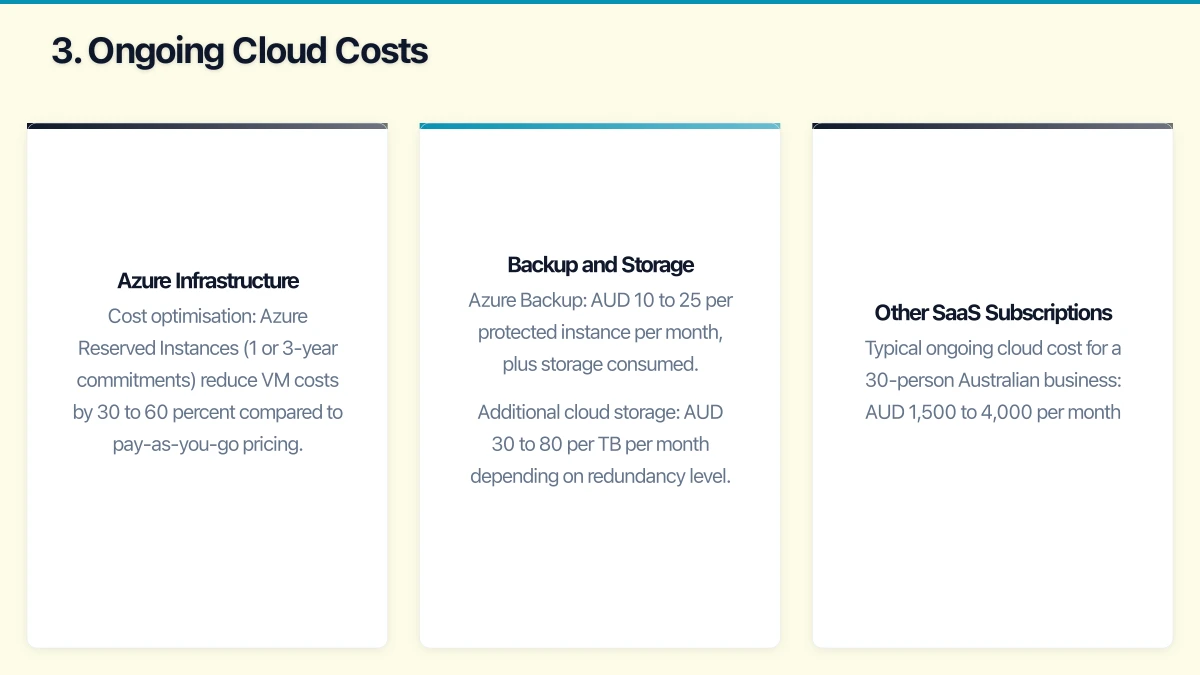
Cost optimisation: Azure Reserved Instances (1 or 3-year commitments) reduce VM costs by 30 to 60 percent compared to pay-as-you-go pricing.
Backup and Storage
- Azure Backup: AUD 10 to 25 per protected instance per month, plus storage consumed
- Additional cloud storage: AUD 30 to 80 per TB per month depending on redundancy level
Other SaaS Subscriptions
Factor in other cloud services you may adopt during migration:
- Cloud phone system: AUD 15 to 35 per user per month
- Security tools (EDR, email security): AUD 5 to 15 per user per month
- Cloud backup solution: AUD 5 to 15 per user per month
- Help desk platform: AUD 15 to 50 per agent per month
Typical ongoing cloud cost for a 30-person Australian business: AUD 1,500 to 4,000 per month
4. Hidden and Transitional Costs
These are the costs most businesses underestimate or overlook entirely.
Parallel Running
During migration, you will likely run both old and new systems simultaneously. This means paying for both environments during the transition period.
- Timeline: Typically 1 to 3 months of parallel running
- Cost: Your existing IT costs plus new cloud costs. Budget for the full overlap period.
Internet Upgrades
Cloud-dependent operations require reliable, fast internet. If your current connection is insufficient:
- NBN Business upgrade: AUD 100 to 500 per month increase
- Enterprise ethernet: AUD 500 to 2,000 per month for a dedicated connection
- 4G/5G failover: AUD 50 to 150 per month for a backup connection
Productivity Impact
Even well-managed migrations cause temporary productivity dips as staff adjust to new systems and workflows.
- Estimate: 5 to 15 percent productivity reduction for 2 to 4 weeks per major system change
- Cost: Calculate based on your average labour cost. For a 30-person business with an average loaded cost of AUD 80,000 per year per employee, a 10 percent productivity dip for two weeks costs approximately AUD 9,200.
Training
Staff need training on new cloud tools and workflows:
- Internal training: Budget 2 to 4 hours per employee for each major new tool
- External training: AUD 200 to 500 per person for formal Microsoft 365 training courses
- Ongoing support: Expect a spike in internal IT support requests for 4 to 8 weeks post-migration
Change Management
Communication, documentation, and support during the transition:
- Internal communications: Staff time for creating and distributing migration updates
- Documentation: Updating standard operating procedures and user guides
- Champions programme: Identifying and supporting tech-savvy users who help their colleagues adapt
Typical hidden and transitional costs for a 30-person Australian business: AUD 5,000 to 25,000
5. Decommissioning Costs
Hardware Disposal
Once migration is complete, old infrastructure needs to be decommissioned:
- Data wiping: Securely erasing data from old servers, hard drives, and devices. Budget AUD 50 to 100 per device for certified data destruction.
- Hardware disposal: Environmentally responsible disposal or recycling. Many Australian IT recyclers offer free pickup for business quantities.
- Lease terminations: If hardware is leased, check for early termination fees or end-of-lease obligations.
Contract Cancellations
- Hosting provider contracts: Check notice periods and cancellation fees
- Software licences: On-premises licences you no longer need (some may have residual value)
- Maintenance contracts: Server and hardware maintenance agreements
Typical decommissioning costs for a 30-person Australian business: AUD 1,000 to 5,000
Total Cost Summary
For a typical 30-person Australian SMB migrating to the cloud:
| Category | Estimated Cost Range |
|---|---|
| Pre-migration | AUD 5,000 - 20,000 |
| Migration execution | AUD 10,000 - 40,000 |
| Hidden and transitional | AUD 5,000 - 25,000 |
| Decommissioning | AUD 1,000 - 5,000 |
| Total one-time costs | AUD 21,000 - 90,000 |
| Ongoing monthly cloud costs | AUD 1,500 - 4,000/month |
The wide ranges reflect the variation between simple migrations (mostly SaaS adoption) and complex migrations (multiple servers, custom applications, regulated environments).
Building the Business Case
To justify the investment, compare total cost of ownership over three to five years:
Current on-premises costs (annual):
- Server hardware depreciation or lease payments
- Server maintenance and support contracts
- On-premises software licences and maintenance
- IT staff time for infrastructure management
- Power, cooling, and rack space
- Backup hardware and media
- Internet connectivity (current)
Projected cloud costs (annual):
- Cloud subscriptions (Microsoft 365, Azure, SaaS)
- Internet connectivity (upgraded)
- Managed service provider fees (if applicable)
- Cloud backup costs
- IT staff time for cloud management (typically reduced)
Most Australian SMBs find that cloud costs are comparable to or lower than on-premises costs when all factors are included, with significant additional benefits in flexibility, resilience, and capability.
Using Cloud Provider Calculators
Each major cloud provider offers cost calculators:
- Azure Pricing Calculator: Estimate Azure VM, storage, and service costs
- AWS Pricing Calculator: Estimate costs for AWS services
- Google Cloud Pricing Calculator: Estimate Google Cloud costs
These tools are useful for estimating ongoing infrastructure costs but do not capture migration labour, training, or transitional costs. Use them as one input to your total cost calculation, not the entire picture.
Next Steps
- Complete your IT asset audit to understand your current environment
- Use this framework to estimate costs across all five categories
- Build a three-year total cost comparison (on-premises vs cloud)
- Present the business case to stakeholders with realistic cost ranges
- Engage a migration partner for a detailed assessment and fixed-price quote
Accurate cost planning is the foundation of a successful cloud migration. Take the time to calculate comprehensively, and your Australian business will avoid the budget surprises that derail too many migration projects.
Strong cloud infrastructure is the foundation — a great website is the shopfront. Cosmos Web Tech helps Australian businesses turn technical capability into online growth.
This article is brought to you by Ganda Tech Services — Sydney’s complete digital solutions provider covering cloud, web, and mobile.