
Cloud-First IT Strategy for Australian SMBs in 2023

Cloud-First IT Strategy for Australian SMBs in 2023
As we step into 2023, Australian small and medium businesses face an inflection point. The pandemic-era rush to cloud services was often reactive and unplanned. Now, it is time to move from ad hoc cloud adoption to a deliberate cloud-first strategy that drives efficiency, resilience, and growth.
A cloud-first strategy does not mean moving everything to the cloud immediately. It means that when evaluating new IT investments, cloud-based options are the default consideration. On-premises solutions are chosen only when there is a clear, compelling reason to keep workloads local.
This guide provides a practical framework for Australian SMBs looking to formalise their cloud-first approach in 2023.
Why Cloud-First Makes Sense for Australian SMBs
Reduced Capital Expenditure
Traditional IT infrastructure requires significant upfront investment in servers, storage, networking equipment, and the physical space to house it. For SMBs watching their cash flow, the operational expenditure model of cloud computing, where you pay monthly or annually for what you use, is far more sustainable.
Access to Enterprise-Grade Technology
Cloud platforms like Microsoft Azure, Amazon Web Services (AWS), and Google Cloud give small businesses access to the same infrastructure and security capabilities used by large enterprises. A 20-person accounting firm in Brisbane can use the same disaster recovery capabilities as a multinational corporation.
Business Continuity
The floods that affected parts of Queensland and New South Wales in 2022 demonstrated how physical disasters can destroy on-premises infrastructure. Cloud-based systems with geographically distributed data centres provide built-in resilience that would be prohibitively expensive to replicate locally.
Supporting Hybrid Work
The shift to hybrid work is permanent for many Australian businesses. Cloud-first infrastructure ensures employees can access their tools and data securely from any location, whether in the office, at home, or on the road.
Assessing Your Current State
Before building your cloud-first strategy, take stock of where you stand today. Conduct a simple IT audit covering:
Infrastructure inventory:
- How many physical servers do you operate?
- What applications run on each server?
- When is each server’s end of life?
- What is your current internet bandwidth and reliability?
Application inventory:
- Which applications are already cloud-based (SaaS)?
- Which are running on local servers?
- Which are desktop-installed applications?
- Are there any legacy applications with specific hardware dependencies?
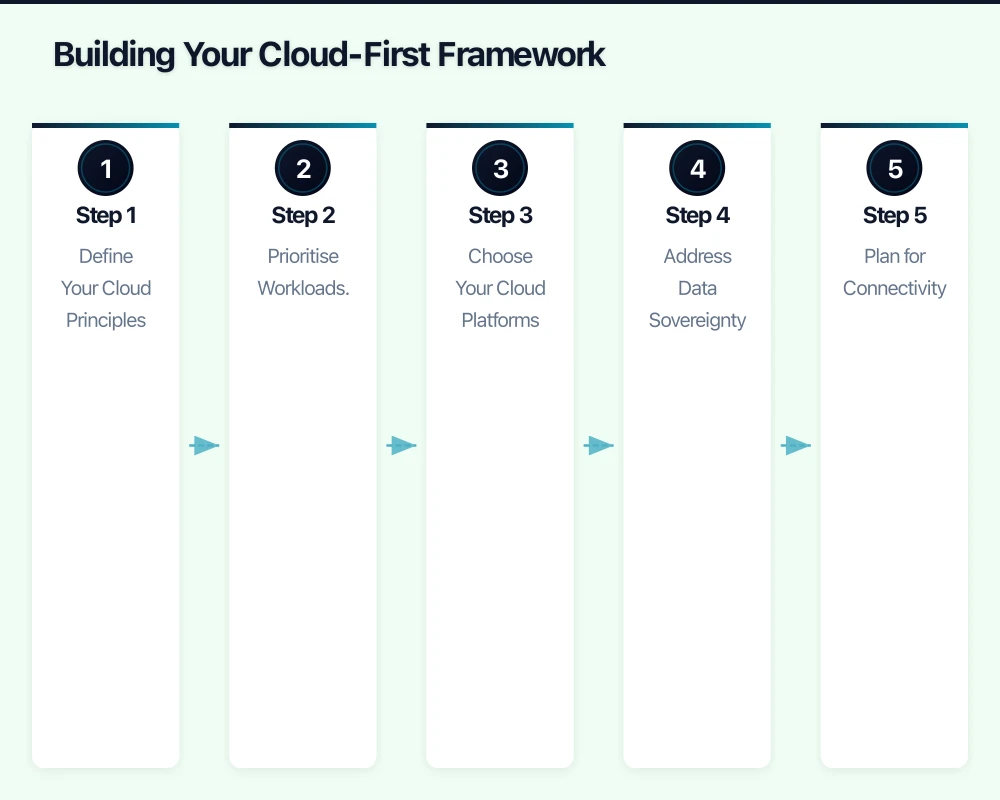
Data inventory:
- Where is your critical business data stored?
- How is it backed up?
- What are your data sovereignty requirements?
- How much data do you generate monthly?
Cost baseline:
- What do you currently spend on IT infrastructure (hardware, maintenance, power, cooling)?
- What are your current software licensing costs?
- What is the total cost of your internet connectivity?
This audit gives you a clear picture of your starting point and helps prioritise which workloads to migrate first.
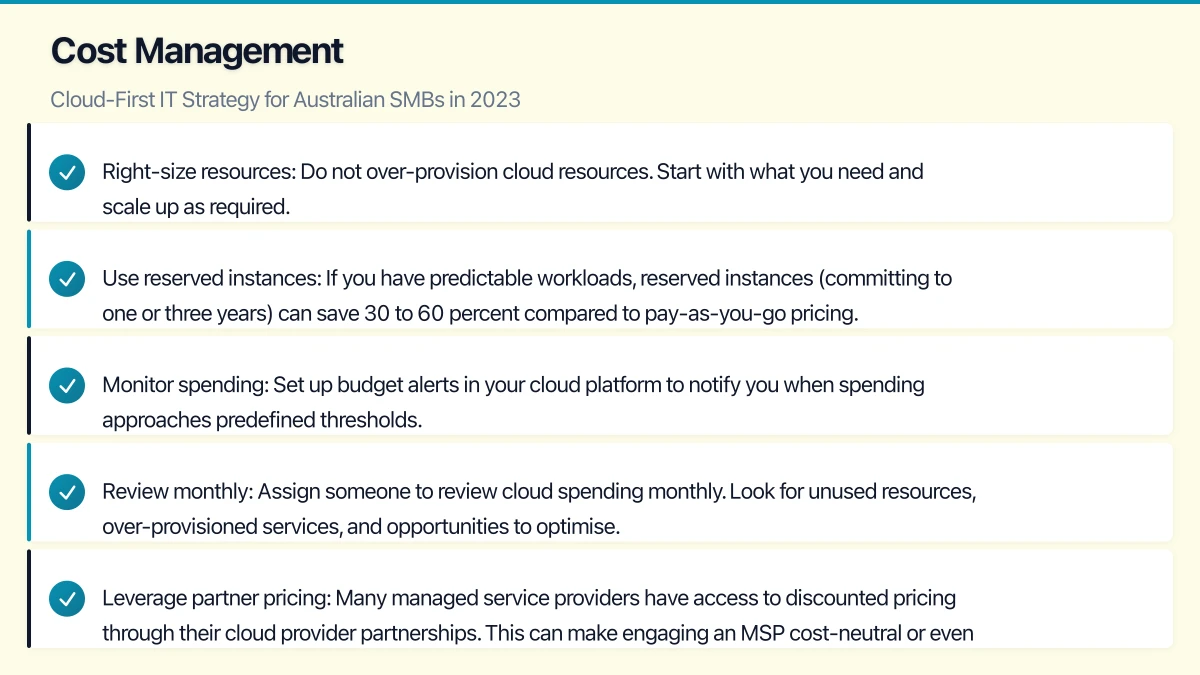
Building Your Cloud-First Framework
Step 1: Define Your Cloud Principles
Establish a set of principles that will guide decision-making. For example:
- Cloud-first by default: All new technology investments will evaluate cloud options first.
- Data sovereignty: Business data will be stored in Australian data centres wherever possible.
- Security baseline: All cloud services must support multi-factor authentication and encryption at rest and in transit.
- Vendor diversification: Avoid over-reliance on a single cloud provider for all services.
- Cost transparency: All cloud spending must be tracked and reviewed monthly.
Step 2: Prioritise Workloads for Migration
Not all workloads are equal candidates for cloud migration. Use this simple framework to prioritise:
Migrate first (quick wins):
- Email and productivity (if not already on Microsoft 365 or Google Workspace)
- File storage and collaboration
- Backup and disaster recovery
- Communication tools (phone systems, video conferencing)
Migrate second (moderate complexity):
- Line-of-business applications with cloud-native alternatives
- Customer relationship management (CRM)
- Accounting and finance software
- HR and payroll systems
Migrate carefully (higher complexity):
- Custom-built applications
- Applications with large database backends
- Systems with specific hardware integrations
- Legacy applications that may not have cloud equivalents
Potential keep on-premises:
- Applications with strict latency requirements
- Systems that require specific hardware (manufacturing, medical devices)
- Workloads where the cost of cloud migration exceeds the benefit
Step 3: Choose Your Cloud Platforms
For most Australian SMBs, the cloud platform decision revolves around a few key players:
Microsoft 365 and Azure: The natural choice if you are already using Microsoft products. Azure has data centres in Sydney and Melbourne, satisfying data sovereignty requirements. Microsoft 365 provides a comprehensive productivity and security platform.
Amazon Web Services (AWS): The largest cloud platform globally, with a Sydney region. AWS offers a vast range of services and is well-suited for businesses with more complex or custom infrastructure needs.
Google Workspace and Google Cloud: A strong option for businesses that prefer Google’s collaboration tools. Google Cloud has a Sydney region.
For most SMBs, Microsoft 365 combined with Azure for infrastructure needs provides the best balance of functionality, integration, and local support. However, your specific needs should drive the decision.
Step 4: Address Data Sovereignty
Data sovereignty is a significant consideration for Australian businesses. Under the Privacy Act 1988 and various industry-specific regulations, there are requirements around where personal information is stored and processed.
Key considerations:
- All major cloud providers now have Australian data centres (Sydney and Melbourne for most providers).
- Configure your cloud services to store data in Australian regions by default.
- Understand which data is covered by sovereignty requirements and which is not.
- Review your cloud provider’s data processing agreements for compliance with Australian privacy laws.
- Some industries (healthcare, financial services, government) may have additional requirements.
Step 5: Plan for Connectivity
A cloud-first strategy is only as strong as your internet connection. Australian SMBs should consider:
- Primary connection: NBN Business-grade or enterprise ethernet, depending on your needs and location.
- Redundancy: A secondary internet connection (4G/5G failover or a second fixed-line provider) to maintain access during outages.
- Bandwidth: Assess your bandwidth requirements based on the number of users and the applications you plan to move to the cloud.
- SD-WAN: For businesses with multiple locations, software-defined wide area networking can optimise traffic routing and provide failover capabilities.
In areas where NBN connectivity is limited, consider 5G business internet as either a primary or secondary connection. Telstra, Optus, and other carriers have been expanding their 5G coverage across Australian metro and regional areas.
Cost Management
One of the most common concerns about cloud adoption is cost. Without proper management, cloud costs can escalate quickly. Implement these practices from the start:
Right-size resources: Do not over-provision cloud resources. Start with what you need and scale up as required. Most cloud platforms allow you to resize resources with minimal disruption.
Use reserved instances: If you have predictable workloads, reserved instances (committing to one or three years) can save 30 to 60 percent compared to pay-as-you-go pricing.
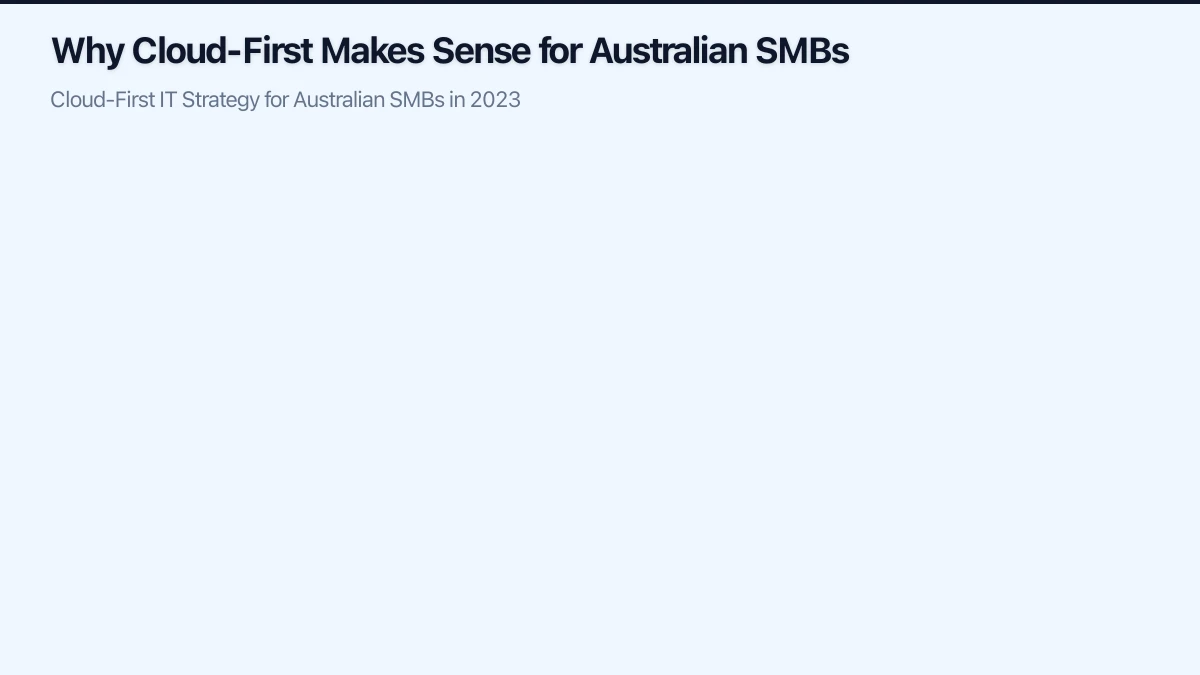
Monitor spending: Set up budget alerts in your cloud platform to notify you when spending approaches predefined thresholds.
Review monthly: Assign someone to review cloud spending monthly. Look for unused resources, over-provisioned services, and opportunities to optimise.
Leverage partner pricing: Many managed service providers have access to discounted pricing through their cloud provider partnerships. This can make engaging an MSP cost-neutral or even cost-positive compared to managing cloud services directly.
Security in a Cloud-First World
Moving to the cloud does not abdicate your security responsibilities. Under the shared responsibility model, your cloud provider secures the infrastructure, but you are responsible for securing your data, access, and configurations.
Essential security measures for cloud-first SMBs:
- Enable multi-factor authentication on all cloud services
- Implement least-privilege access (users only get the permissions they need)
- Use conditional access policies to control when and how users access cloud services
- Enable logging and monitoring across all cloud platforms
- Conduct regular security reviews of cloud configurations
- Ensure all data is encrypted in transit and at rest
- Implement a cloud backup strategy (do not rely solely on your cloud provider’s built-in redundancy)
Building Your 2023 Roadmap
Here is a realistic timeline for an Australian SMB transitioning to a cloud-first approach:
Q1 2023: Foundation
- Complete IT and application audit
- Define cloud principles and strategy
- Select primary cloud platform(s)
- Upgrade internet connectivity if needed
- Enable baseline security (MFA, audit logging)
Q2 2023: Quick Wins
- Migrate email and productivity to cloud (if not done)
- Move file storage to SharePoint/OneDrive or equivalent
- Implement cloud backup solution
- Set up cost monitoring and alerts
Q3 2023: Core Applications
- Migrate or replace line-of-business applications
- Implement cloud-based communication tools
- Begin decommissioning on-premises servers where possible
- Train staff on new tools and workflows
Q4 2023: Optimise and Expand
- Review and optimise cloud costs
- Address remaining on-premises workloads
- Implement advanced security capabilities
- Plan for 2024 cloud investments
Common Pitfalls to Avoid
Lift and shift without optimisation: Simply moving existing on-premises applications to cloud virtual machines often results in higher costs without the benefits of cloud-native architectures. Where possible, adopt SaaS alternatives rather than rehosting.
Ignoring change management: Technology migration is as much a people challenge as a technical one. Invest in training and communication to ensure your team adopts new tools effectively.
No exit strategy: Understand how you would move away from a cloud provider if needed. Avoid deep vendor lock-in where possible, and ensure your data is always exportable.
Neglecting compliance: Ensure your cloud strategy addresses Australian regulatory requirements from the outset, not as an afterthought.
Getting Started
The best time to begin your cloud-first journey was yesterday. The second-best time is today. Start with the IT audit, define your principles, and identify your quick wins. Many Australian businesses find that engaging a managed IT services provider with cloud migration expertise accelerates the process and reduces risk.
A well-executed cloud-first strategy positions your Australian SMB for agility, resilience, and growth in 2023 and beyond.
Cloud is one piece of the digital puzzle. Ash Ganda writes about enterprise technology strategy and how to align IT investments with business growth.
Part of the Ganda Tech Services family, Cloud Geeks delivers specialist IT and cloud solutions for Australian small and medium businesses.