
Cloud Disaster Recovery Options for Australian SMBs
Cloud Disaster Recovery Options for Australian SMBs
Disaster recovery used to mean a second server room in another location — expensive, complex, and out of reach for most small businesses. Cloud computing has fundamentally changed this. Today, an Australian SMB can have enterprise-grade disaster recovery for a fraction of what it cost five years ago.
This guide covers cloud-based disaster recovery options for Australian small businesses, from simple backup-based recovery to full-scale cloud DR that can have your business running again in minutes.
Understanding DR Terminology
Before evaluating options, you need to understand two critical metrics:
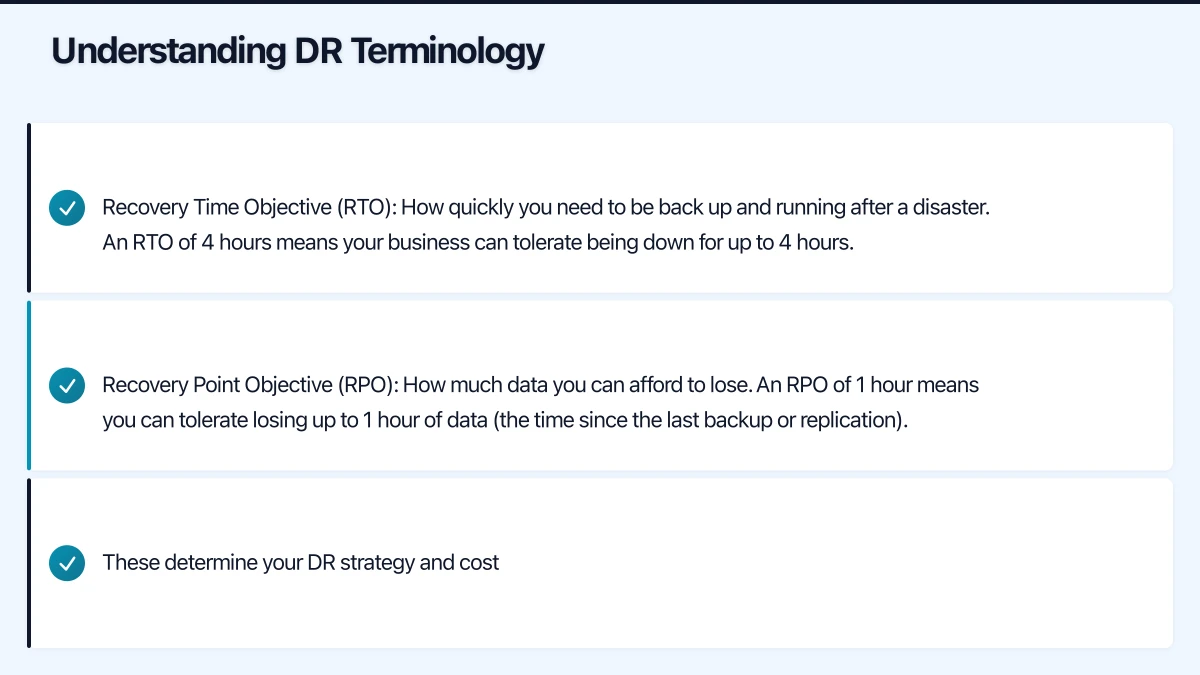
Recovery Time Objective (RTO): How quickly you need to be back up and running after a disaster. An RTO of 4 hours means your business can tolerate being down for up to 4 hours.
Recovery Point Objective (RPO): How much data you can afford to lose. An RPO of 1 hour means you can tolerate losing up to 1 hour of data (the time since the last backup or replication).
These determine your DR strategy and cost:
| RTO | RPO | DR Approach | Relative Cost |
|---|---|---|---|
| Days | 24 hours | Backup and restore | Low |
| Hours | 4-8 hours | Warm standby | Medium |
| Minutes | Minutes | Hot standby / replication | High |
| Near-zero | Near-zero | Active-active | Very high |
For most Australian SMBs, an RTO of 4 to 8 hours and an RPO of 1 to 4 hours provides a reasonable balance of protection and cost.
Option 1: Cloud Backup with Manual Recovery
How it works: Your data is backed up to cloud storage (Azure Blob, AWS S3, or a backup service). If disaster strikes, you restore from backup to new hardware or cloud infrastructure.
RTO: 8 to 48 hours (depending on data volume and recovery process) RPO: Depends on backup frequency (typically 12 to 24 hours)
Suitable for: Small businesses with limited IT budgets and tolerance for longer downtime.
Tools:
- Veeam Backup and Replication: Industry-leading backup with cloud restore capability. Supports Azure, AWS, and cloud service provider targets. Community edition is free for up to 10 workloads.
- Azure Backup: Microsoft’s native backup service. Simple to configure for Azure VMs, SQL databases, and on-premise servers (via the Azure Backup agent). Pay-per-use pricing.
- Acronis Cyber Protect: Combined backup and security platform. Cloud backup with one-click cloud restore. Approximately $85 per workstation per year.
- Datto SIRIS: Popular with MSPs. Backup appliance with cloud replication and instant virtualisation. Pricing through MSP partners.
Cost estimate: $100 to $500 per month for a typical SMB with 1-2 servers and 1 TB of data.
Limitations:
- Recovery is slow (especially for large data volumes over Australian internet connections)
- Requires manual effort to restore and configure
- Downtime is measured in hours or days, not minutes
Option 2: Disaster Recovery as a Service (DRaaS)
How it works: Your servers are continuously replicated to cloud infrastructure. If disaster strikes, the cloud copies are activated, and your business runs from the cloud until the primary site is restored.
RTO: 15 minutes to 4 hours RPO: Minutes to hours (depending on replication frequency)
Suitable for: Businesses where extended downtime has significant financial impact.
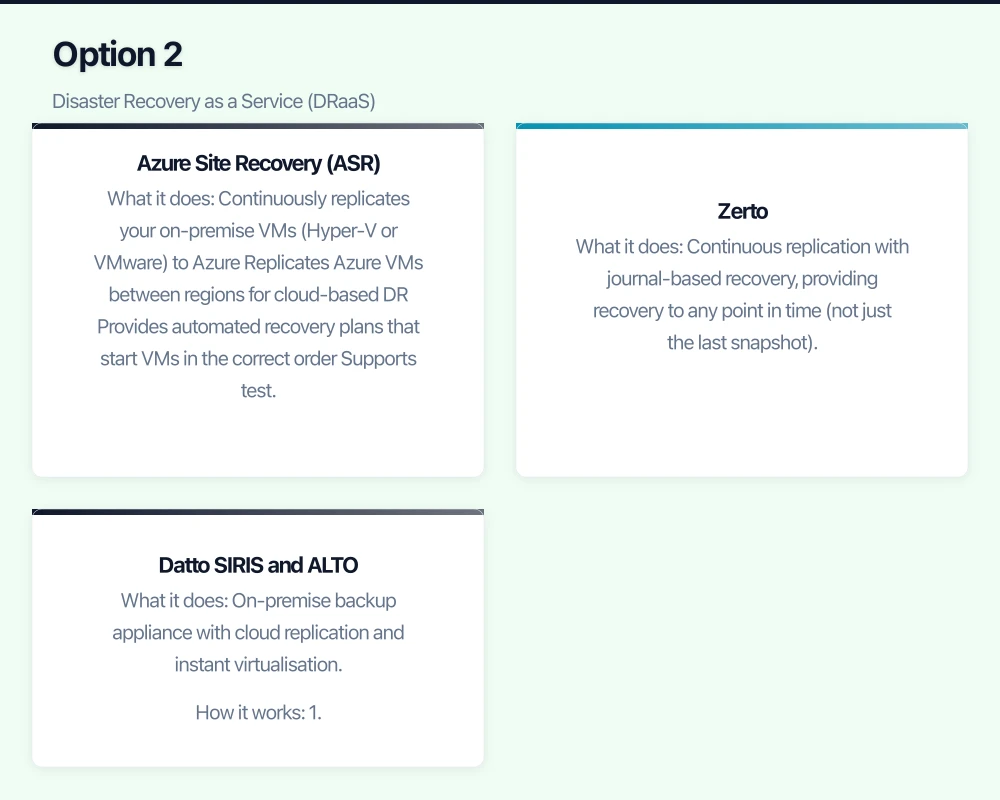
Azure Site Recovery (ASR)
Microsoft’s native DRaaS offering for Azure.
What it does:
- Continuously replicates your on-premise VMs (Hyper-V or VMware) to Azure
- Replicates Azure VMs between regions for cloud-based DR
- Provides automated recovery plans that start VMs in the correct order
- Supports test failovers (DR testing without affecting production)
How replication works:
- Install the Azure Site Recovery agent on your on-premise infrastructure
- ASR continuously replicates VM data to Azure storage in your chosen Australian region
- In a disaster, you trigger failover from the Azure portal
- VMs start in Azure using the replicated data
- Once the primary site is restored, you fail back
Cost:
- Per protected VM: approximately $38 per month
- Azure compute costs during failover (you only pay for VMs while running)
- Azure storage for replicated data: approximately $0.05 per GB per month
- For a typical SMB with 3 servers: approximately $115 per month for replication, plus compute costs during actual failover
Australian considerations:
- Replicate to the Australia East (Sydney) or Australia Southeast (Melbourne) region
- Cross-region replication (Sydney to Melbourne) provides geographic separation
- Internet upload speed affects initial replication time. A 1 TB server over a 20 Mbps upload connection takes approximately 5 days for initial replication. After that, only changes are replicated.
Zerto
What it does: Continuous replication with journal-based recovery, providing recovery to any point in time (not just the last snapshot).
Strengths:
- Near-zero RPO (continuous replication)
- Journal-based recovery: recover to any point in the last 30 days
- Excellent for ransomware recovery (recover to the moment before the attack)
- Supports on-premise to cloud, cloud to cloud, and multi-cloud DR
Cost: Approximately $100 to $150 per protected VM per month (through an MSP partner). More expensive than ASR but more capable.
Datto SIRIS and ALTO
What it does: On-premise backup appliance with cloud replication and instant virtualisation.
How it works:
- The Datto appliance backs up your servers locally (fast recovery)
- Backups are replicated to Datto’s cloud (offsite protection)
- If your server fails, the appliance can instantly virtualise the backup (running the server image on the appliance hardware)
- If the office is inaccessible, the cloud replica can be virtualised in Datto’s cloud
Strengths:
- Very fast local recovery (minutes)
- Cloud failover for site-level disasters
- Managed through MSPs, reducing your IT burden
- Screenshot verification (automated testing of backup recoverability)
Cost: Hardware appliance ($2,000 to $5,000) plus monthly service (approximately $200 to $600 per month depending on data volume). Typically purchased through an MSP.
Australian considerations: Datto has cloud infrastructure in Australia for local data storage and compliance.
Option 3: Cloud-Native DR (for Cloud-Based Workloads)
If your workloads are already in the cloud, DR strategies differ from on-premise scenarios.
Microsoft 365 DR
What Microsoft provides:
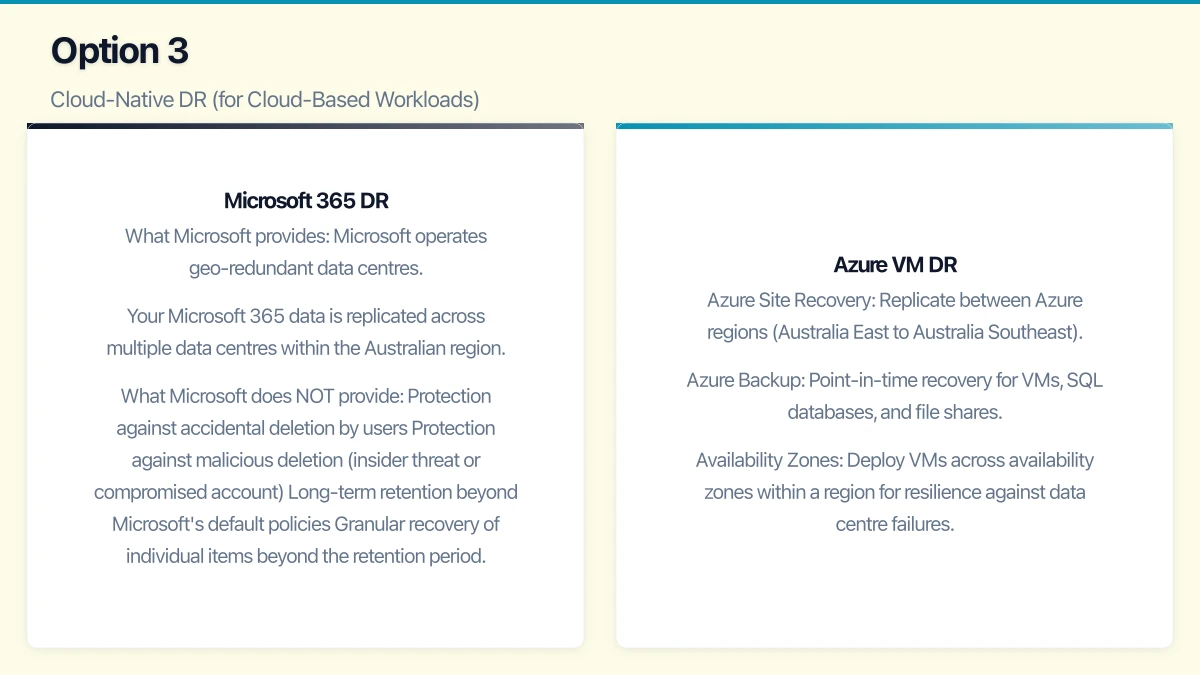
- Microsoft operates geo-redundant data centres. Your Microsoft 365 data is replicated across multiple data centres within the Australian region.
- Microsoft guarantees high availability (99.9% uptime SLA) for Exchange Online, SharePoint Online, and Teams.
What Microsoft does NOT provide:
- Protection against accidental deletion by users
- Protection against malicious deletion (insider threat or compromised account)
- Long-term retention beyond Microsoft’s default policies
- Granular recovery of individual items beyond the retention period
What you should add:
- Third-party backup for Microsoft 365 (Veeam for Microsoft 365, Acronis, or Datto SaaS Protection)
- Cost: approximately $3 to $6 per user per month
- Provides independent backup and granular recovery for Exchange, SharePoint, OneDrive, and Teams
Azure VM DR
For workloads running on Azure VMs:
- Azure Site Recovery: Replicate between Azure regions (Australia East to Australia Southeast)
- Azure Backup: Point-in-time recovery for VMs, SQL databases, and file shares
- Availability Zones: Deploy VMs across availability zones within a region for resilience against data centre failures
Building Your DR Plan
Step 1: Identify Critical Systems
List every system your business depends on and rank them by criticality:
Tier 1 (recover first):
- Email and communication (Microsoft 365)
- Core business application (ERP, CRM, accounting)
- Internet connectivity
Tier 2 (recover second):
- File storage and collaboration (SharePoint, file servers)
- Line-of-business applications
- Database servers
Tier 3 (recover last):
- Development and test environments
- Non-critical internal applications
- Archive systems
Step 2: Define RTO and RPO for Each Tier
| Tier | RTO | RPO |
|---|---|---|
| Tier 1 | 1-4 hours | 1 hour |
| Tier 2 | 4-8 hours | 4 hours |
| Tier 3 | 24-48 hours | 24 hours |
Step 3: Choose DR Solutions by Tier
- Tier 1: Azure Site Recovery or DRaaS with continuous replication
- Tier 2: Azure Backup with frequent backup schedule (every 4 hours)
- Tier 3: Daily backup with cloud storage
Step 4: Document Recovery Procedures
For each system, document:
- How to initiate recovery
- Who is authorised to initiate recovery
- Step-by-step recovery procedure
- How to verify recovery was successful
- Communication plan (who to notify during and after recovery)
Step 5: Test Regularly
DR testing is the most commonly skipped step, and it is the most important.
Test frequency:
- Tier 1 systems: Quarterly
- Tier 2 systems: Semi-annually
- Full DR simulation: Annually
Testing methods:
- Tabletop exercise: Walk through the recovery plan verbally. Low effort, catches procedural gaps.
- Component test: Recover a single system to verify it works. Moderate effort, validates technical capability.
- Full simulation: Simulate a disaster scenario and execute the complete recovery plan. High effort, validates the entire process.
Azure Site Recovery supports test failovers that create isolated recovery environments without affecting production. Use this capability for regular testing.
Cost Summary
For a typical Australian SMB with 2-3 on-premise servers and 20 Microsoft 365 users:
| Component | Monthly Cost |
|---|---|
| Azure Site Recovery (3 VMs) | $115 |
| Azure storage for replication | $50 |
| Microsoft 365 backup (20 users) | $80 |
| Cloud backup for other data | $50 |
| Total | $295 |
Compare this to the cost of one day of downtime for your business. If your business generates $5,000 per day in revenue, a single day of downtime exceeds an entire year of DR costs.
Getting Started
- This week: Identify your critical systems and estimate the cost of one day of downtime for each.
- This month: Define RTO and RPO for each system. Get quotes for appropriate DR solutions.
- Within 60 days: Implement DR for Tier 1 systems and backup for Microsoft 365.
- Within 90 days: Implement DR for Tier 2 and 3 systems. Document recovery procedures.
- Quarterly: Test recovery for Tier 1 systems.
Cloud-based disaster recovery has made business resilience accessible to Australian SMBs. The technology is proven, the costs are reasonable, and the alternative — having no DR plan — is a risk that no business should accept.
Your cloud setup handles the heavy lifting — now make sure your website delivers. Cosmos Web Tech provides web design and SEO services for businesses across Sydney and Western Sydney.
This article is brought to you by Ganda Tech Services — Sydney’s complete digital solutions provider covering cloud, web, and mobile.