
Cloud-Based Point of Sale Systems for Australian Retail

Cloud-Based Point of Sale Systems for Australian Retail
The days of clunky cash registers and standalone POS terminals are fading for Australian retailers. Cloud-based point of sale systems have matured to the point where they offer more functionality, better reliability, and lower total cost of ownership than traditional on-premises alternatives.
For Australian retail businesses, from boutique shops on Chapel Street to regional hardware stores, a cloud POS system is no longer just a cash register replacement. It is the hub connecting sales, inventory, customer management, accounting, and reporting into a single platform.
If you are still running an ageing POS system, considering opening a new store, or simply wanting to modernise your retail technology, this guide covers what Australian retailers need to know about cloud-based POS in 2023.
Why Cloud POS for Australian Retail?
Real-Time Visibility
Cloud POS systems sync data in real-time across all locations. If you operate multiple stores, you can see sales, inventory levels, and staff performance across every location from a single dashboard. No more waiting for end-of-day reports or manually consolidating data.
Lower Upfront Costs
Traditional POS systems often require AUD 5,000 to 15,000 per terminal for hardware, software licences, and installation. Cloud POS systems typically cost AUD 1,000 to 3,000 per terminal for hardware, with software on a monthly subscription.
Automatic Updates
Cloud POS software updates automatically. You always have the latest features, security patches, and compliance updates without scheduling downtime or paying for upgrade services.
Anywhere Access
View your business performance from anywhere with an internet connection. Check real-time sales from your phone, adjust pricing from home, or review inventory levels while travelling.
Integration Ecosystem
Modern cloud POS platforms integrate with accounting software (Xero, MYOB), ecommerce platforms (Shopify, WooCommerce), loyalty programmes, and marketing tools. This eliminates manual data entry and keeps your business systems in sync.
Comparing Cloud POS Systems for Australian Retail
Square
Pricing: Free plan available. Plus plan at AUD 69 per month per location.
Transaction fees: 1.6 percent for tap and chip payments. 2.2 percent for manually entered transactions.
Key features:
- Free POS software with basic plan
- Built-in payment processing (no separate merchant account needed)
- Inventory management
- Customer directory and loyalty programme
- Staff management and timesheets
- Reporting and analytics
- Online store included
- Australian-based payment processing
Hardware: Square Reader (AUD 59), Square Stand (AUD 249), Square Terminal (AUD 499), Square Register (AUD 1,299).
Best for: Small retailers and new businesses wanting a simple, affordable system with no lock-in contracts. The free tier makes it accessible for businesses just starting out.
Considerations: Transaction fees can add up for high-volume retailers. The free plan is limited in advanced features.
Lightspeed Retail
Pricing: From approximately AUD 89 per month (Lean plan, billed annually).
Transaction fees: Varies by plan and payment provider. Lightspeed Payments available in Australia.
Key features:
- Advanced inventory management with variants, bundles, and matrices
- Multi-location support with stock transfers
- Built-in ecommerce
- Customer loyalty and CRM
- Detailed reporting and analytics
- Purchase order management
- Supplier catalogue integration
- Staff management with roles and permissions
Hardware: Compatible with iPad and various peripheral hardware. Hardware bundles available from approximately AUD 600.
Best for: Retailers with complex inventory needs (fashion, sporting goods, electronics) that need detailed product management across multiple locations.
Considerations: Higher monthly cost than simpler platforms. The feature depth is its strength but may be more than a very small retailer needs.
Vend (now part of Lightspeed)
Pricing: Now integrated into Lightspeed’s plans. Existing Vend customers continue on legacy plans.
Key features:
- Clean, intuitive interface
- Strong inventory management
- Multi-outlet capability
- Xero integration (both NZ-founded companies)
- Customer loyalty
- Works on iPad and desktop
Best for: Existing Vend users. New customers are directed to Lightspeed Retail.
Note: Lightspeed acquired Vend in 2021. While the Vend product continues for existing customers, Lightspeed is gradually integrating Vend’s features into its platform.
Shopify POS
Pricing: From AUD 56 per month (Basic Shopify plan including online store). POS Pro add-on at AUD 129 per month per location.
Transaction fees: From 1.75 percent for in-person payments with Shopify Payments.
Key features:
- Seamless integration between online and physical retail
- Unified inventory across online and in-store
- Buy online, pick up in store (BOPIS)
- Customer profiles shared across channels
- Staff management and POS PINs
- Reporting across all sales channels
- Extensive app ecosystem
Hardware: Shopify POS hardware including card readers, stands, and receipt printers. Various bundles available.
Best for: Retailers that sell both online and in-store and want a unified omnichannel experience. If you already use Shopify for ecommerce, adding POS is a natural extension.
Considerations: The full POS feature set requires the POS Pro add-on, which adds to the cost.
Hike POS
Pricing: From AUD 69 per month (Essential plan).
Key features:
- Designed for Australian and New Zealand retailers
- Multi-outlet inventory management
- Xero and QuickBooks integration
- Loyalty programme
- Works on iPad, PC, and Mac
- Layby management (relevant for Australian retail)
- Purchase orders and supplier management
Hardware: Compatible with iPad and standard receipt printers, cash drawers, and barcode scanners.
Best for: Australian retailers wanting a locally designed system with features specific to the Australian market, including layby support.
Key Selection Criteria for Australian Retailers
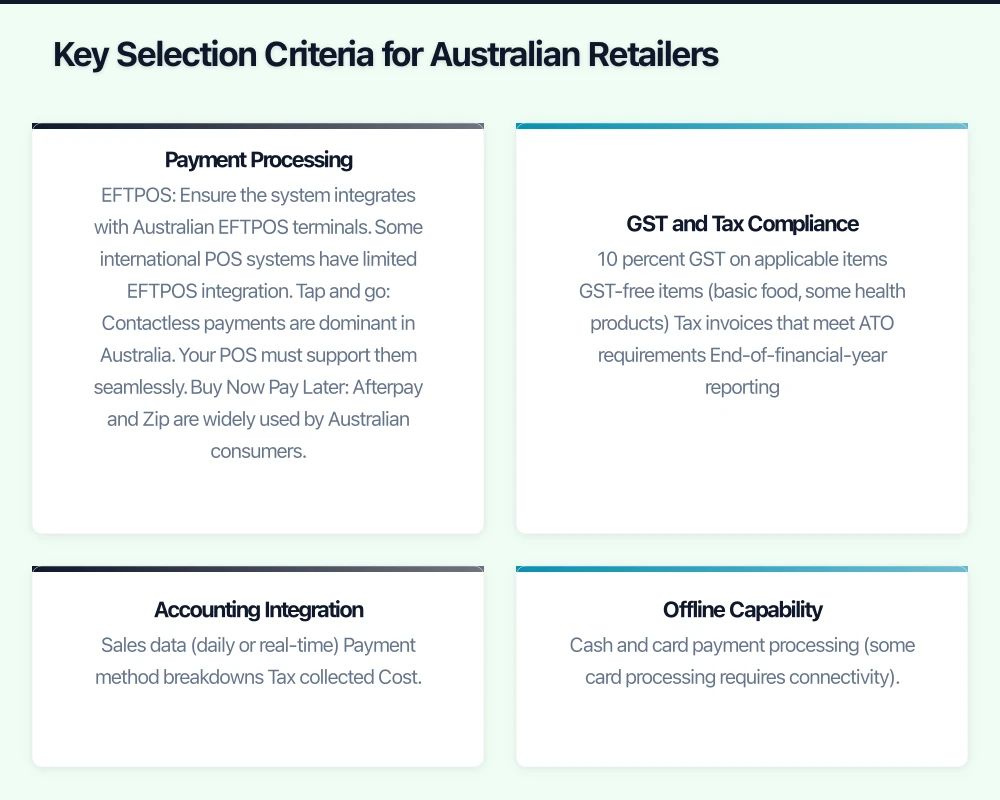
Payment Processing
In Australia, you need a POS system that works with local payment methods:
- EFTPOS: Ensure the system integrates with Australian EFTPOS terminals. Some international POS systems have limited EFTPOS integration.
- Tap and go: Contactless payments are dominant in Australia. Your POS must support them seamlessly.
- Buy Now Pay Later: Afterpay and Zip are widely used by Australian consumers. Check whether the POS supports these methods.
- Integrated vs standalone terminals: Integrated terminals communicate directly with your POS, eliminating manual entry errors. Standalone terminals require the operator to enter the amount manually.
GST and Tax Compliance
Australian POS systems must handle:
- 10 percent GST on applicable items
- GST-free items (basic food, some health products)
- Tax invoices that meet ATO requirements
- End-of-financial-year reporting
Ensure your POS correctly handles mixed-GST baskets and generates compliant tax invoices.
Accounting Integration
The most important integration for Australian retailers is with their accounting software. Xero is the dominant platform for Australian SMBs, followed by MYOB and QuickBooks.
Look for integrations that sync:
- Sales data (daily or real-time)
- Payment method breakdowns
- Tax collected
- Cost of goods sold
- Inventory valuations
This eliminates manual data entry and ensures your books are always current.
Offline Capability
Cloud POS depends on an internet connection, but internet outages happen. Ensure your POS system can continue processing sales offline and sync when connectivity is restored. Key offline capabilities:
- Cash and card payment processing (some card processing requires connectivity)
- Barcode scanning and product lookup
- Receipt printing
- Order queuing for later sync
Australian Support
Consider the support options available in Australian time zones:
- Phone or chat support during AEST/AEDT business hours
- Australian knowledge base and documentation
- Local implementation partners or resellers
- Australian user community
Implementation Considerations
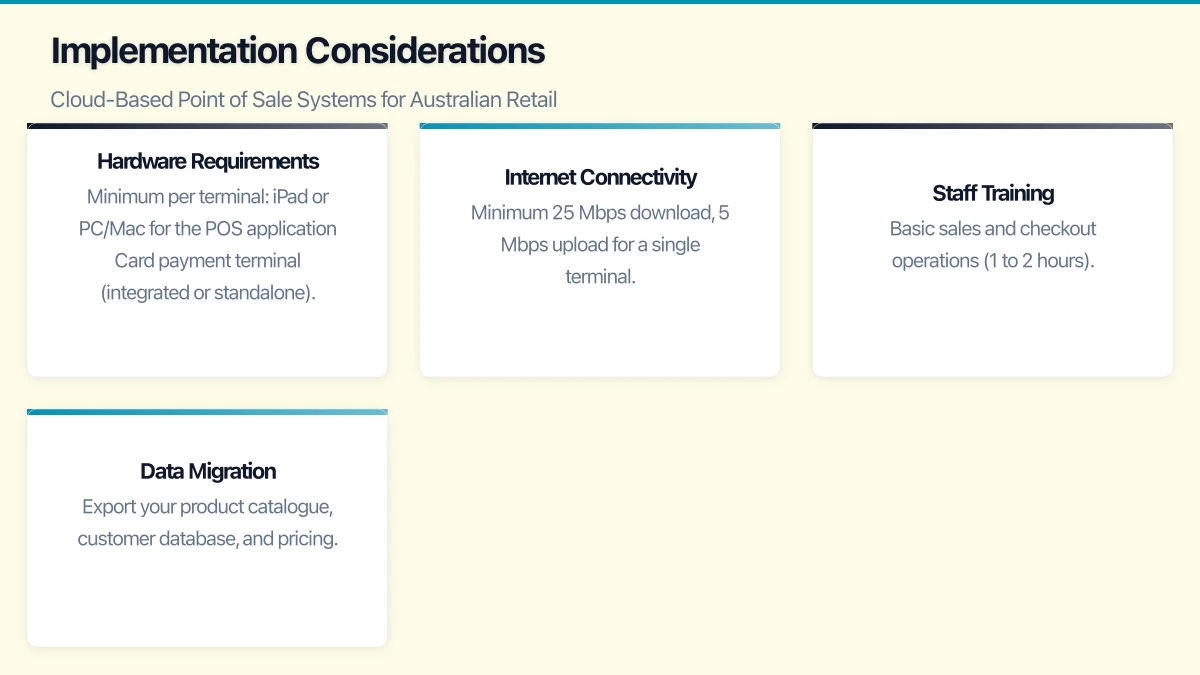
Hardware Requirements
Minimum per terminal:
- iPad or PC/Mac for the POS application
- Card payment terminal (integrated or standalone)
- Receipt printer (thermal printers are standard)
- Cash drawer (if accepting cash)
- Barcode scanner (handheld or built into counter)
Budget per terminal: AUD 1,000 to 3,000 for a complete setup depending on hardware choices.
Internet Connectivity
A reliable internet connection is essential. For retail locations:
- Minimum 25 Mbps download, 5 Mbps upload for a single terminal
- Additional bandwidth for each concurrent terminal
- Consider a 4G/5G backup connection for failover
- Wired ethernet connection preferred over WiFi for POS terminals
Staff Training
Cloud POS systems are generally intuitive, but staff training is still essential:
- Basic sales and checkout operations (1 to 2 hours)
- Returns and exchanges (30 minutes)
- Inventory receiving and management (1 to 2 hours for relevant staff)
- Reporting and end-of-day procedures (1 hour for managers)
- Troubleshooting common issues (30 minutes)
Data Migration
If migrating from an existing POS system:
- Export your product catalogue, customer database, and pricing
- Clean the data before importing (remove obsolete products, fix duplicate customers)
- Verify imported data thoroughly before going live
- Plan for a parallel running period where both systems are active
Security and PCI Compliance
All businesses that accept card payments must comply with the Payment Card Industry Data Security Standard (PCI DSS). Cloud POS systems simplify PCI compliance because the POS provider handles most of the security requirements, but you still have responsibilities:
- Use strong, unique passwords for POS accounts
- Keep POS hardware in a secure area
- Do not store card numbers on paper or in files
- Keep your POS software and hardware updated
- Restrict POS access to authorised staff
- Use a business-grade firewall and segmented network
Making the Decision
For most Australian retailers in 2023:
- Starting a new retail business? Square offers the lowest barrier to entry with no monthly fees on the basic plan.
- Growing retailer with complex inventory? Lightspeed provides the depth of features you need.
- Selling online and in-store? Shopify POS unifies your channels seamlessly.
- Want an Australian-designed solution? Hike POS is built with the Australian market in mind.
Regardless of your choice, moving to a cloud-based POS system modernises your retail operations, provides real-time business insights, and positions your Australian retail business for growth. The data and visibility a modern POS provides will help you make better decisions about inventory, staffing, and customer engagement.
Want your team to manage cloud operations from their phones? Awesome Apps creates mobile dashboards and management tools for Australian SMBs.
Ganda Tech Services brings together cloud infrastructure, web development, and mobile app expertise to help Australian businesses thrive in the digital economy.