
Choosing an IT Support Provider in Australia: What to Look For

Choosing an IT Support Provider in Australia: What to Look For
Your IT support provider is one of the most important business relationships you will have. The right provider keeps your systems running, protects your data, and helps you use technology to grow your business. The wrong one costs you money, creates frustration, and leaves you vulnerable.
With hundreds of IT support companies operating across Australia, finding the right fit takes deliberate evaluation. This guide walks you through the key criteria, questions to ask, and warning signs to watch for.
Understanding the Service Models
Before evaluating providers, understand the two main service models:
Break-Fix
You call when something breaks. The provider charges by the hour to fix it.
Pros: No ongoing commitment. You only pay when you need help. Cons: Unpredictable costs. No proactive monitoring or maintenance. Problems are addressed after they cause disruption. The provider is financially incentivised for things to break.
Managed Services
You pay a fixed monthly fee for comprehensive IT management and support.
Pros: Predictable costs. Proactive monitoring reduces downtime. Aligned incentives — the provider benefits when things run smoothly. Strategic guidance included. Cons: Ongoing commitment. Monthly cost even when nothing breaks.
For most Australian SMBs with five or more employees, managed services is the better model. The proactive approach reduces downtime and the predictable cost simplifies budgeting.
Key Evaluation Criteria
1. Technical Competence
Look for evidence that the provider has genuine expertise:
Certifications: Check for vendor certifications relevant to your environment:
- Microsoft Partner status (Gold or Silver, or the new Solutions Partner designations)
- Cisco, Fortinet, or SonicWall certifications for networking and security
- VMware or Microsoft certifications for virtualisation
- Cloud certifications (Azure, AWS)
Certifications are not everything, but they demonstrate investment in skills and vendor relationships.
Industry experience: Has the provider worked with businesses similar to yours in size and industry? Ask for examples.
Team depth: How many technical staff does the provider have? A one-person operation may offer great personal service but limited availability and expertise breadth. A larger team provides redundancy and a wider skill set.
2. Service Scope
Understand exactly what is included and what costs extra:
Included services should typically cover:
- Help desk support for day-to-day issues
- Remote and on-site support
- Server and network monitoring
- Patch management
- Antivirus management
- Backup monitoring
- Vendor management (dealing with your internet provider, software vendors)
Commonly excluded (often available as add-ons):
- Project work (migrations, upgrades, new setups)
- Hardware procurement
- After-hours emergency support
- Cybersecurity assessments
- Compliance consulting
Get the scope in writing. Verbal assurances of “we cover everything” are meaningless when a dispute arises.
3. Response Times
How quickly will the provider respond when you have an issue? Look for documented SLAs:
- Critical issues: 15 to 30 minutes
- High priority: 1 to 2 hours
- Standard issues: 4 to 8 business hours
Clarify the difference between response time (acknowledging the issue) and resolution time (fixing it). Also ask what happens after hours — is there emergency support available?
4. Proactive vs Reactive
A good managed services provider does not just fix problems — they prevent them. Ask about:
- Monitoring: Do they monitor your systems 24/7? What tools do they use?
- Patching: How do they manage operating system and software updates?
- Reporting: Do they provide regular reports on system health, ticket volumes, and issues resolved?
- Strategic reviews: Do they meet with you periodically to discuss your technology roadmap?
- Security posture: Do they proactively assess and improve your security?
5. Communication and Culture
You will interact with your IT provider regularly. The relationship needs to work on a human level.
- Plain language: Do they explain things clearly without unnecessary jargon?
- Responsiveness: How quickly do they respond during the sales process? This is a preview of their service.
- Listening: Do they ask about your business goals, or do they immediately jump to technical solutions?
- Proactivity: Do they suggest improvements, or do they wait for you to ask?
6. Local Presence
While much IT support can be delivered remotely, on-site visits are sometimes necessary. Consider:
- Where is the provider based? Can they get to your office within a reasonable time?
- Do they have staff in your city or state?
- What are the charges for on-site visits (if not included in the monthly fee)?
For businesses in major Australian cities (Sydney, Melbourne, Brisbane, Perth, Adelaide), there are ample local providers. In regional areas, options may be more limited, and you may need to rely more heavily on remote support.
7. Security Practices
Your IT provider will have access to your most sensitive systems. Their own security practices must be exemplary:
- Do they use MFA on their own systems and tools?
- How do they manage administrative credentials for your environment?
- What happens to your data and credentials if you end the relationship?
- Have they experienced a security breach? If so, how did they handle it?
- Do they carry cyber liability insurance?
Questions to Ask Potential Providers
Here are specific questions to include in your evaluation:
- How many clients do you currently support, and what is the average size?
- What is your staff-to-client ratio?
- Can you provide references from clients in a similar industry or size?
- What is your staff turnover rate? (High turnover means you constantly deal with new people who do not know your environment.)
- How do you handle after-hours emergencies?
- What is your onboarding process for new clients?
- How do you document client environments?
- What tools do you use for monitoring, ticketing, and remote access?
- How do you handle project work — is it included or quoted separately?
- What is your contract length and what are the exit terms?
Pricing Expectations
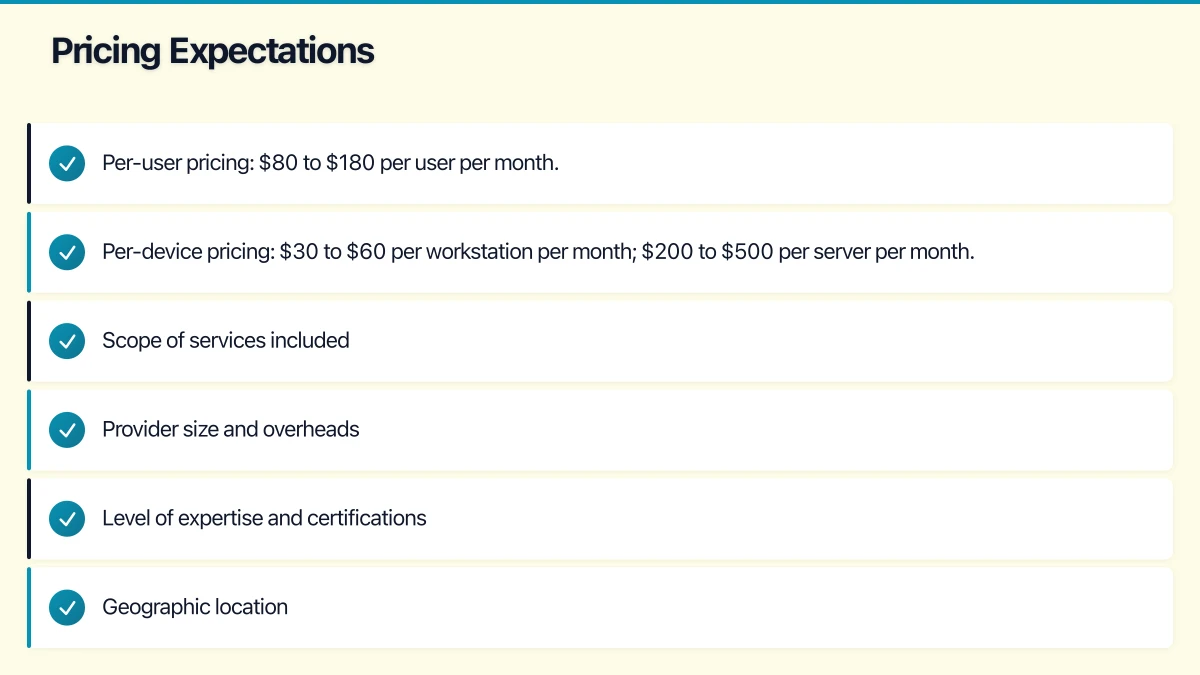
In the Australian market, expect the following ranges for managed IT services:
- Per-user pricing: $80 to $180 per user per month
- Per-device pricing: $30 to $60 per workstation per month; $200 to $500 per server per month
The wide range reflects differences in:
- Scope of services included
- Provider size and overheads
- Level of expertise and certifications
- Geographic location
Be cautious of significantly below-market pricing. A provider charging $50 per user per month is either cutting corners, understaffed, or making up the difference with out-of-scope charges.
Red Flags
Watch for these warning signs:
- No written service agreement: A reputable provider always puts the scope, SLAs, and terms in writing.
- Aggressive sales tactics: High-pressure sales suggest the provider values the contract more than the relationship.
- No onboarding assessment: Quoting without understanding your environment is guessing.
- Vague inclusions: “We cover everything” without specifics usually means disputes later.
- No documentation practices: A provider that does not document your environment is creating dependency and risk.
- Resistance to transition: A provider that makes it difficult to leave (withholding passwords, documentation, or access) is putting their interests above yours.
- No strategic capability: If the provider can only fix what is broken and cannot advise on what to build, you are missing half the value of a managed services relationship.
- Poor online reputation: Check Google reviews, industry forums, and LinkedIn. A pattern of complaints is telling.
The Selection Process
A structured selection process leads to better outcomes:
- Shortlist: Identify 3 to 5 providers through recommendations, online research, and industry directories.
- Initial conversations: Discuss your needs and get a sense of each provider’s approach and culture.
- Formal proposals: Request detailed proposals including scope, SLAs, pricing, and contract terms.
- Reference checks: Speak to existing clients. Ask about the provider’s strengths, weaknesses, and responsiveness.
- Site assessment: A credible provider will want to assess your environment before finalising their proposal.
- Decision: Evaluate proposals against your criteria. The cheapest option is rarely the best value.
Making the Transition
If you are switching from an existing provider:
- Give proper notice: Honour your current contract’s termination terms.
- Request documentation: Ask your current provider for all documentation of your environment, including passwords, configurations, and licence keys.
- Plan the handover: Coordinate between the old and new providers to ensure a smooth transition.
- Be patient: It takes a new provider 30 to 90 days to fully understand your environment and hit their stride.
Final Thoughts
Choosing an IT support provider is not just a procurement decision — it is choosing a business partner. The right provider becomes an extension of your team, understanding your business and aligning technology with your goals.
Take the time to evaluate your options properly. Ask hard questions. Check references. And do not be afraid to trust your instincts about the people you will be working with. Technical skills can be verified; cultural fit is equally important and harder to assess on paper.
The Australian IT services market is competitive and mature. There are many excellent providers out there. With the right evaluation process, you will find the one that is right for your business.
For executive-level thinking on technology investment and digital strategy, explore Ash Ganda’s blog on enterprise innovation.
This article is brought to you by Ganda Tech Services — Sydney’s complete digital solutions provider covering cloud, web, and mobile.