
Choosing a Business Internet Plan in Australia

Choosing a Business Internet Plan in Australia
Your internet connection is arguably the most critical piece of infrastructure in your business. When it goes down, email stops, cloud applications are inaccessible, phone systems fail (if VoIP), and productivity grinds to a halt. Yet many Australian businesses are on consumer-grade plans that were never designed for business use.
This guide helps you choose the right internet plan for your Australian business, covering NBN options, business-grade alternatives, failover strategies, and bandwidth planning.
Understanding Australian Business Internet Options
NBN Plans
The National Broadband Network (NBN) is the most common internet connection for Australian businesses. NBN plans are available in several speed tiers:
NBN Speed Tiers (as of late 2022):
| Tier | Download | Upload | Typical Business Use |
|---|---|---|---|
| NBN 25 | 25 Mbps | 5 Mbps | Very small office (under 5 staff), basic email and web |
| NBN 50 | 50 Mbps | 20 Mbps | Small office (5-15 staff), cloud apps and video calls |
| NBN 100 | 100 Mbps | 20 Mbps | Medium office (15-30 staff), multiple video calls |
| NBN 100/40 | 100 Mbps | 40 Mbps | Medium office needing better upload for file sharing |
| NBN 250 | 250 Mbps | 25 Mbps | Larger office (30-50+ staff) or data-intensive work |
| NBN 1000 | 1000 Mbps | 50 Mbps | High-demand environments |
Important: Available speeds depend on your NBN technology type:
- FTTP (Fibre to the Premises): All speed tiers available
- FTTB/FTTN (Fibre to the Building/Node): Maximum speed depends on copper distance. Many premises on FTTN cannot achieve speeds above NBN 50 or 100.
- HFC (Hybrid Fibre Coaxial): Most speed tiers available, though upload speeds may be limited
- Fixed Wireless: Limited to lower speed tiers
Check your NBN technology type at nbnco.com.au by entering your address.
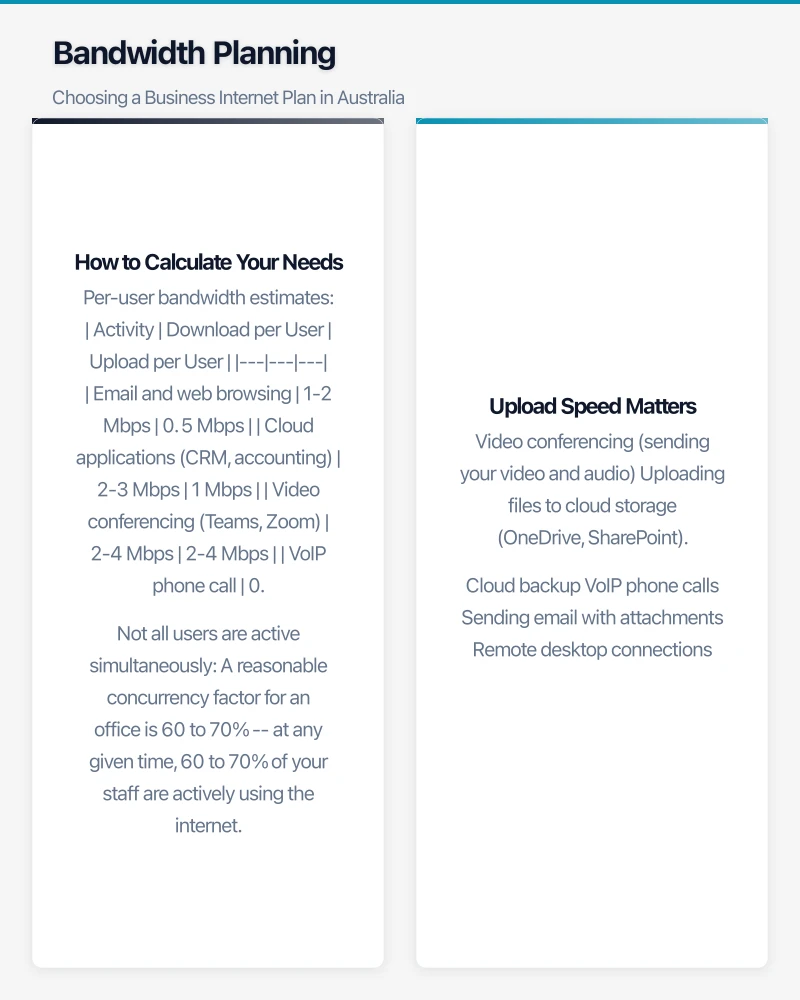
Consumer vs. Business NBN Plans
Consumer plans:
- Lower cost (typically $60 to $100 per month)
- Best-effort speeds (you might not get the maximum speed during peak times)
- Standard support (phone queue, next business day)
- No service level agreement (SLA)
Business plans:
- Higher cost (typically $100 to $300 per month for standard NBN, more for enhanced)
- Better contention ratios (more bandwidth allocated per customer, more consistent speeds)
- Priority support (faster response times)
- Some include basic SLAs (guaranteed fault response times)
- Static IP address often included (needed for VPNs, servers, and some security configurations)
NBN Enterprise Ethernet:
- Dedicated fibre connection (not shared with other premises)
- Symmetric speeds (same upload and download)
- Enterprise SLAs (4-hour fault response)
- Available at 10, 20, 50, 100, 200, 400, or 1000 Mbps
- Cost: $300 to $2,000+ per month depending on speed
- Only available at addresses with NBN fibre infrastructure
Non-NBN Business Internet
Business-grade fibre (non-NBN):
- Providers like TPG, Optus, and Telstra offer dedicated fibre services outside the NBN
- Symmetric speeds, enterprise SLAs
- Available in major CBD and metro areas
- Cost comparable to NBN Enterprise Ethernet
4G/5G Fixed Wireless:
- Telstra, Optus, and Vodafone offer fixed wireless services
- Speeds vary significantly by location and network congestion
- Good as a primary connection for remote or temporary sites
- Excellent as a failover/backup connection
- Cost: $55 to $200 per month depending on data allowance and speed
Satellite (Starlink):
- Available across Australia, including remote and regional areas
- Starlink Business: approximately $139 per month with a $750 hardware cost
- Latency of 20 to 40 ms (usable for VoIP and video, though higher than wired connections)
- Good for remote locations without NBN access
Bandwidth Planning
How to Calculate Your Needs
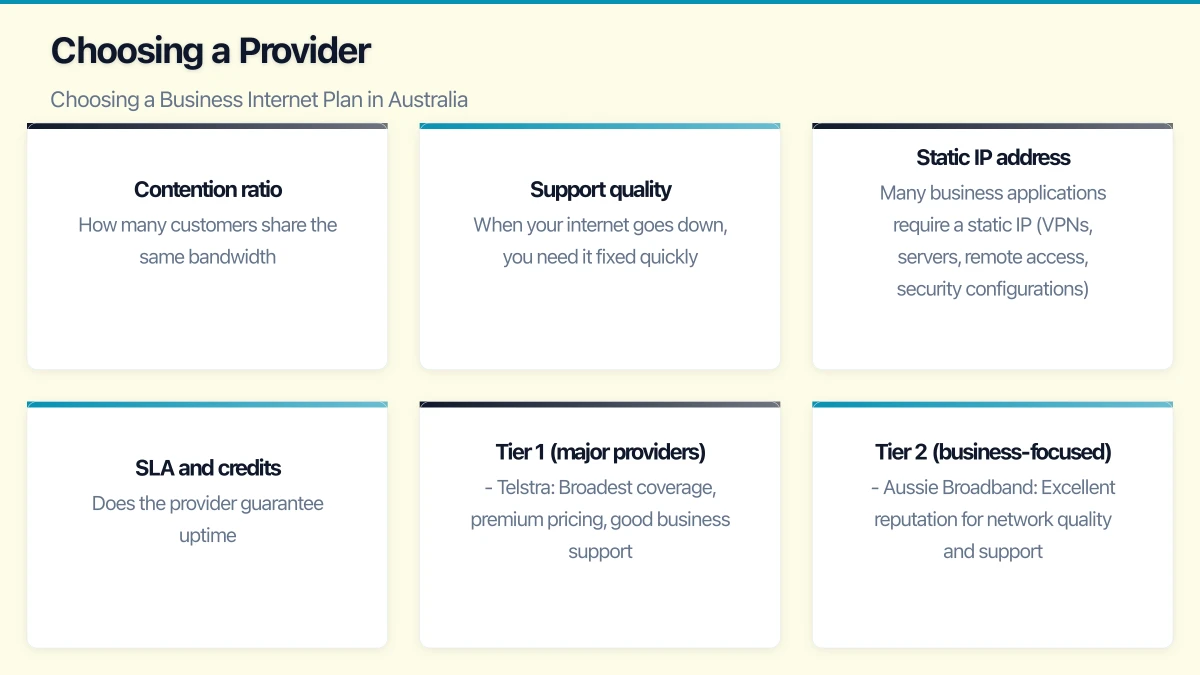
Per-user bandwidth estimates:
| Activity | Download per User | Upload per User |
|---|---|---|
| Email and web browsing | 1-2 Mbps | 0.5 Mbps |
| Cloud applications (CRM, accounting) | 2-3 Mbps | 1 Mbps |
| Video conferencing (Teams, Zoom) | 2-4 Mbps | 2-4 Mbps |
| VoIP phone call | 0.1 Mbps | 0.1 Mbps |
| Large file transfers (CAD, video) | 10-50 Mbps | 10-50 Mbps |
Not all users are active simultaneously. A reasonable concurrency factor for an office is 60 to 70% — at any given time, 60 to 70% of your staff are actively using the internet.
Example calculation for a 20-person office:
- 12 users on cloud apps: 12 x 3 Mbps = 36 Mbps download, 12 x 1 Mbps = 12 Mbps upload
- 4 users on video calls: 4 x 4 Mbps = 16 Mbps download, 4 x 4 Mbps = 16 Mbps upload
- 4 users on basic web/email: 4 x 2 Mbps = 8 Mbps download, 4 x 0.5 Mbps = 2 Mbps upload
- Total: 60 Mbps download, 30 Mbps upload
Recommendation: NBN 100/40 as a minimum, with NBN 250 or Enterprise Ethernet preferred for headroom.
Upload Speed Matters
Many Australian businesses underestimate the importance of upload speed. Upload is used for:
- Video conferencing (sending your video and audio)
- Uploading files to cloud storage (OneDrive, SharePoint)
- Cloud backup
- VoIP phone calls
- Sending email with attachments
- Remote desktop connections
The standard NBN 100 plan offers 100/20 (100 Mbps down, 20 Mbps up). For a 20-person office with regular video conferencing, 20 Mbps upload can become a bottleneck. The NBN 100/40 tier or Enterprise Ethernet with symmetric speeds addresses this.
Failover and Redundancy
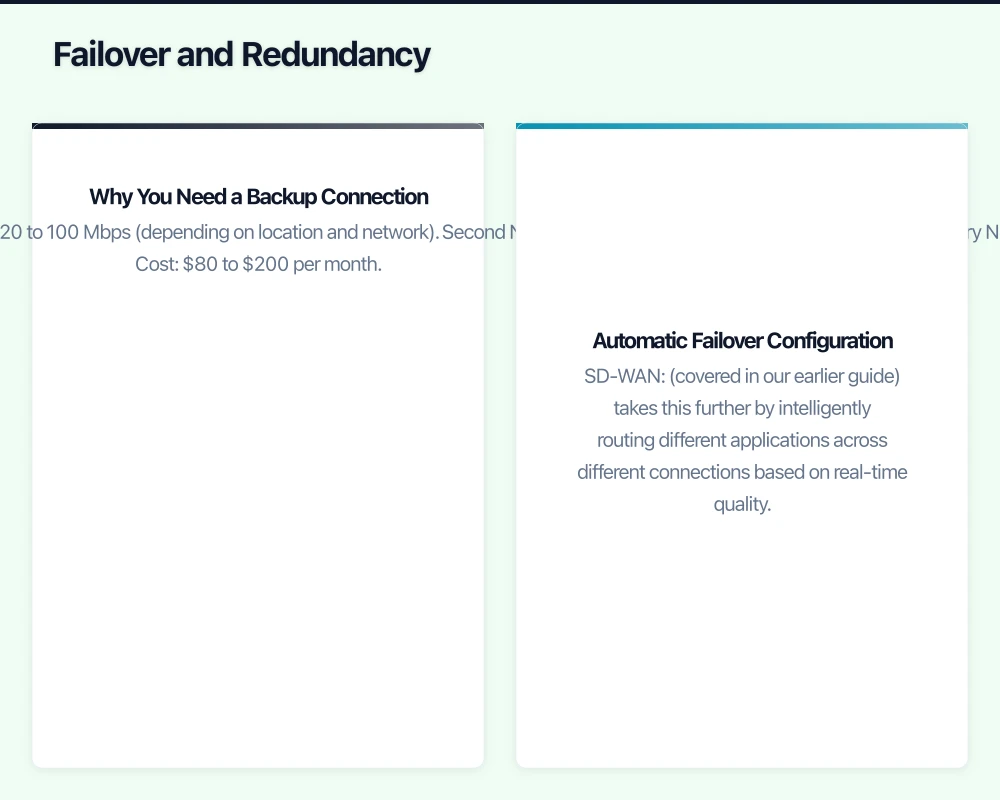
Why You Need a Backup Connection
For any business where internet downtime equals lost productivity or revenue, a backup connection is essential.
Common failover options:
4G/5G mobile broadband failover:
- Cost: $55 to $100 per month for a dedicated failover SIM
- Deploy in a 4G/5G router or a firewall with a built-in mobile slot
- Automatic failover when the primary connection drops
- Provides 20 to 100 Mbps (depending on location and network)
Second NBN connection (different provider):
- Useful if your primary NBN is unreliable
- Note: If both connections use the same NBN technology, a fault in the local NBN infrastructure will affect both
- Cost: $80 to $200 per month
Secondary fixed connection (different technology):
- For example, primary NBN fibre plus secondary Optus 5G fixed wireless
- Different technology ensures one failure does not affect both
- Best redundancy for critical businesses
Automatic Failover Configuration
Your firewall or router should handle failover automatically:
- Configure dual WAN on your firewall (most business firewalls support this)
- Set the primary connection with higher priority
- Configure health checks (ping tests to reliable targets)
- When the primary fails health checks, traffic automatically routes to the secondary
- When the primary recovers, traffic returns to the primary
SD-WAN (covered in our earlier guide) takes this further by intelligently routing different applications across different connections based on real-time quality.
Choosing a Provider
Key Criteria for Business Internet
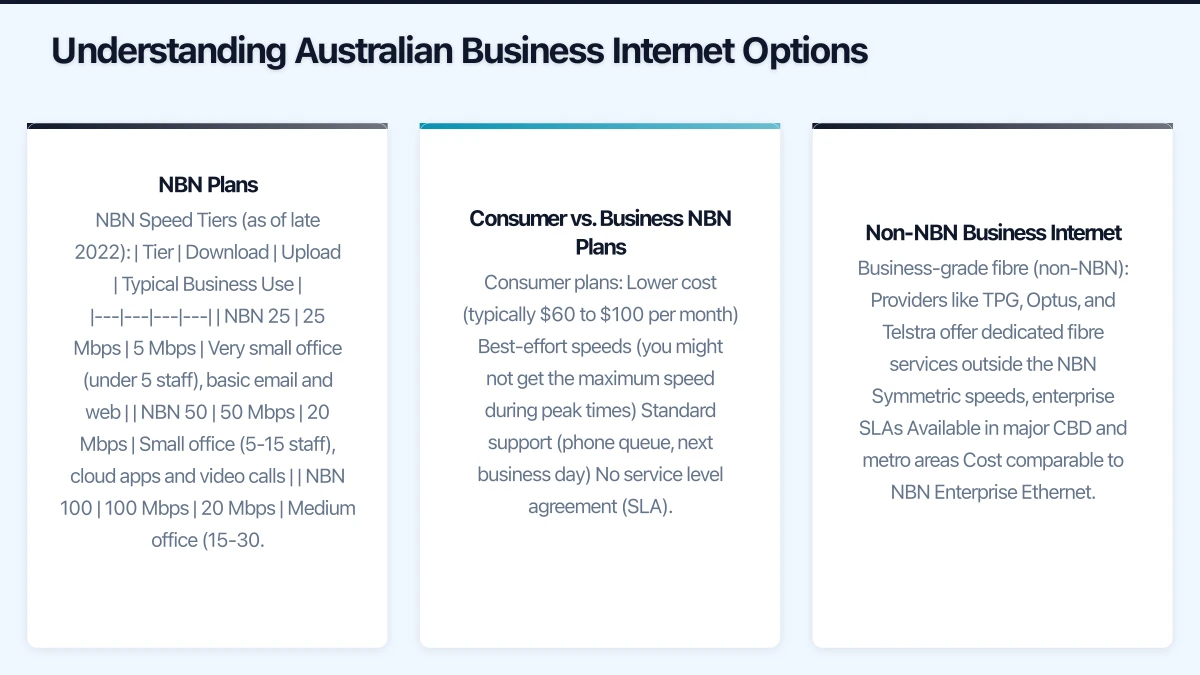
Contention ratio: How many customers share the same bandwidth. Lower contention ratios mean more consistent speeds. Business plans typically have better contention ratios than consumer plans, but few providers disclose exact numbers.
Support quality: When your internet goes down, you need it fixed quickly. Evaluate:
- Support hours (24/7 vs. business hours)
- Response time commitments
- Fault resolution targets
- Whether you get Australian-based support
Static IP address: Many business applications require a static IP (VPNs, servers, remote access, security configurations). Most business plans include at least one static IP.
SLA and credits: Does the provider guarantee uptime? What compensation do you receive if they miss their targets?
Australian Business Internet Providers
Tier 1 (major providers):
- Telstra: Broadest coverage, premium pricing, good business support. NBN and dedicated fibre options.
- Optus: Competitive pricing, good metro coverage. Business NBN and dedicated services.
- TPG/iiNet: Strong value, good business plans. TPG offers dedicated fibre in metro areas.
Tier 2 (business-focused):
- Aussie Broadband: Excellent reputation for network quality and support. Popular with IT professionals.
- Superloop: Strong in metro areas, good business NBN and fibre products.
- Macquarie Telecom: Business-only provider with strong SLAs and managed services.
Tier 3 (specialist):
- Vocus (formerly Amcom): Enterprise-grade fibre and networking for larger businesses.
- AAPT: Business and enterprise services, part of the TPG group.
For most Australian SMBs, Aussie Broadband or Telstra Business provides the best balance of quality, support, and value. Aussie Broadband consistently rates highly for customer satisfaction and network performance. Telstra offers the broadest coverage and strongest SLAs but at a premium price.
Practical Recommendations by Business Size
1-5 staff (home office or micro-business):
- NBN 50 business plan: $80 to $120 per month
- 4G failover: $55 per month
- Total: approximately $150 per month
5-15 staff (small office):
- NBN 100/40 business plan: $120 to $200 per month
- 4G/5G failover: $70 per month
- Static IP included
- Total: approximately $200 to $270 per month
15-30 staff (medium office):
- NBN 250 business plan or Enterprise Ethernet 100 Mbps: $200 to $600 per month
- 4G/5G failover or secondary NBN: $80 to $150 per month
- Total: approximately $300 to $750 per month
30-50+ staff (larger office):
- Enterprise Ethernet 200+ Mbps or dedicated fibre: $500 to $1,500 per month
- Secondary connection (different technology): $100 to $300 per month
- Consider SD-WAN for intelligent traffic management
- Total: approximately $600 to $1,800 per month
Monitoring Your Connection
Once you have chosen and deployed your internet connection:
- Monitor uptime and speed using a tool like PRTG, Uptime Robot, or your firewall’s built-in monitoring
- Track bandwidth usage to identify if you are approaching capacity
- Test speed regularly using speedtest.net or fast.com (run tests during business hours for realistic results)
- Review monthly whether your plan still meets your needs
Your internet connection is the foundation of your business IT. Invest in a plan that provides adequate bandwidth, reliable uptime, and the support you need when things go wrong. The cost difference between a consumer plan and a proper business plan is modest compared to the cost of downtime.
Your clients expect mobile access. Awesome Apps specialises in building customer-facing mobile apps backed by reliable cloud infrastructure.
Ganda Tech Services brings together cloud infrastructure, web development, and mobile app expertise to help Australian businesses thrive in the digital economy.