
Business Continuity Planning for Australian Small Businesses
Business Continuity Planning for Australian Small Businesses
If 2020 taught Australian businesses anything, it is that disruptions can come from anywhere and escalate quickly. Bushfires, floods, pandemics, cyberattacks — the list of potential threats is long. Yet most Australian SMBs still do not have a formal business continuity plan. Many assume it is only for large enterprises with dedicated risk management teams.
That assumption is wrong, and it is dangerous. A small business is actually more vulnerable to disruption than a large one because it has fewer resources to absorb the shock. A solid business continuity plan (BCP) can mean the difference between a temporary setback and permanent closure.
What Is Business Continuity Planning?
Business continuity planning is the process of identifying potential threats to your business and developing strategies to ensure critical operations can continue — or resume quickly — when a disruption occurs.
It is not just about IT disaster recovery, though technology is a significant component. A comprehensive BCP covers your people, processes, technology, and facilities.
Why It Matters for SMBs
Consider these scenarios:
- Your office is damaged by a storm and you cannot access it for two weeks.
- A ransomware attack encrypts all your files and servers.
- Your key supplier goes out of business.
- A critical staff member is suddenly unavailable for an extended period.
- A pandemic forces your entire team to work from home.
For each scenario, ask yourself: could your business continue to operate? How long until you were back to normal? What would it cost?
If you do not have good answers, you need a business continuity plan.
Step 1: Business Impact Analysis
Before you can plan for disruption, you need to understand what matters most. A business impact analysis (BIA) identifies your critical business functions and the impact of losing them.
Identify Critical Functions
List every function your business performs and rank them by criticality:
- Critical: Must be restored within hours. The business cannot operate without them. Examples: processing customer orders, accessing email, using your accounting system.
- Important: Should be restored within one to two days. Significant inconvenience but the business can survive short-term. Examples: internal reporting, marketing activities.
- Non-critical: Can be deferred for a week or more. Examples: long-term planning, non-urgent maintenance.
Define Recovery Objectives
For each critical function, establish two key metrics:
- Recovery Time Objective (RTO): The maximum acceptable time the function can be unavailable. For example, you might determine that email must be restored within 4 hours, but your CRM can be down for up to 24 hours.
- Recovery Point Objective (RPO): The maximum acceptable amount of data loss measured in time. An RPO of one hour means you can afford to lose up to one hour of data. This determines how frequently you need to back up.
Assess Financial Impact
Estimate the cost of downtime for each critical function:
- Lost revenue per hour or per day
- Penalty costs for missed deadlines or SLA breaches
- Reputational damage
- Staff costs during downtime
- Recovery costs
This analysis helps justify the investment in continuity measures. If a day of downtime costs $10,000, spending $5,000 on prevention is a bargain.
Step 2: Risk Assessment
Identify the threats most likely to affect your business and assess their probability and impact.
Common Threats for Australian SMBs
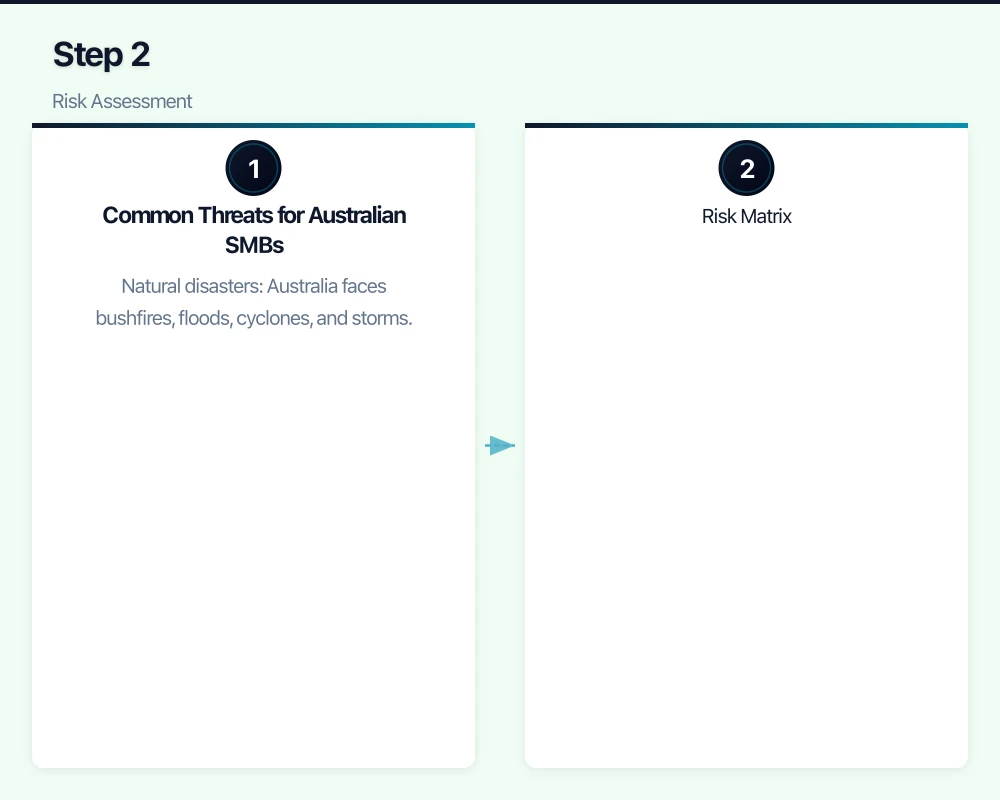
Natural disasters: Australia faces bushfires, floods, cyclones, and storms. Your risk depends on your location, but every part of the country faces some natural hazard.
Cyberattacks: Ransomware, data breaches, and business email compromise are increasing in frequency and sophistication. Every business with an internet connection is a potential target.
Technology failures: Hardware failures, software bugs, and service outages can disrupt operations. Hard drives fail, servers crash, and cloud services occasionally go down.
Supply chain disruption: The pandemic demonstrated how dependent many businesses are on their supply chains. A key supplier’s failure can cascade through your operations.
Utility failures: Power outages, internet outages, and telecommunications failures can halt operations.
Human factors: Key person dependency, staff illness, workplace accidents, and even disgruntled employees can disrupt your business.
Risk Matrix
For each threat, assess:
- Likelihood: How likely is this to occur in the next year? (Low, Medium, High)
- Impact: If it occurs, how severe would the disruption be? (Low, Medium, High)
Focus your planning on high-likelihood and high-impact scenarios. You cannot plan for everything, but you can address the most significant risks.
Step 3: Develop Continuity Strategies
For each critical function and identified risk, develop strategies to maintain or quickly restore operations.
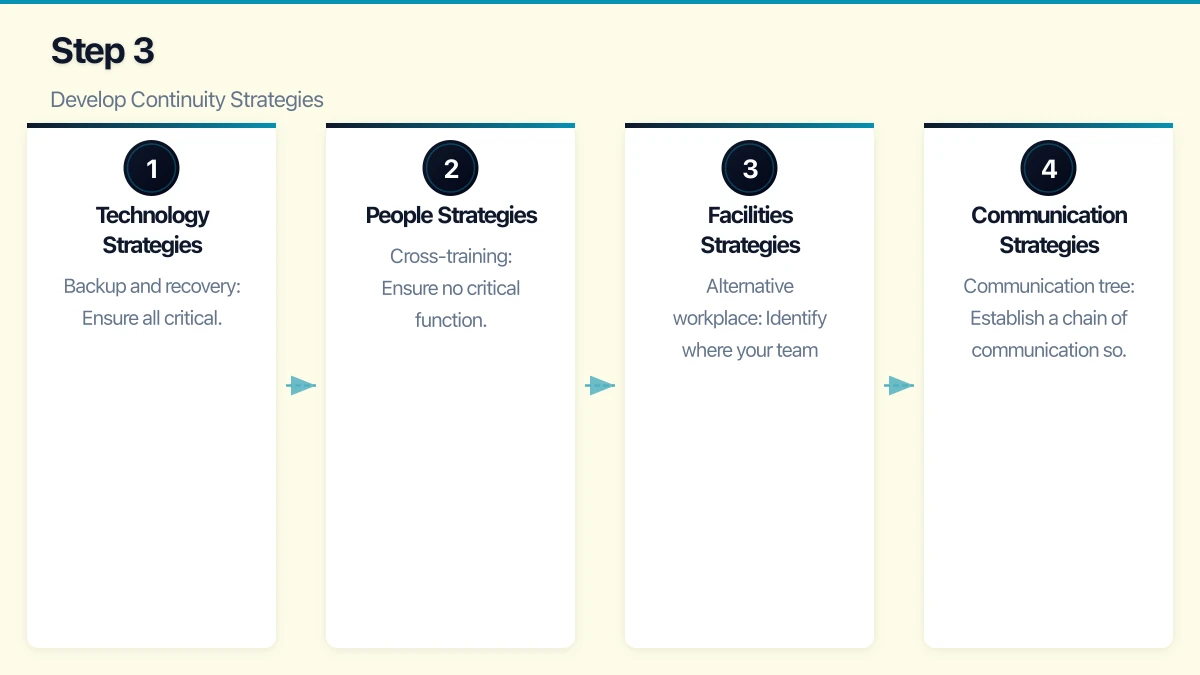
Technology Strategies
Backup and recovery: Ensure all critical data is backed up regularly, with backups stored offsite or in the cloud. Test your backups by performing regular restoration tests.
Cloud services: Cloud-based applications and infrastructure provide built-in redundancy. If your office is inaccessible, staff can access cloud services from anywhere with an internet connection.
Redundant systems: For critical systems, consider redundancy. This might mean a secondary internet connection, a standby server, or failover cloud infrastructure.
Cyber incident response: Have a specific plan for responding to cyberattacks, including isolation procedures, communication protocols, and restoration steps.
People Strategies
Cross-training: Ensure no critical function depends on a single person. Cross-train staff so that others can step in.
Remote work capability: Ensure your team can work remotely at short notice. The infrastructure investments made during 2020 serve double duty as business continuity measures.
Emergency contacts: Maintain an up-to-date list of emergency contacts for all staff, along with contact details for key vendors and service providers.
Succession planning: For critical roles, have a plan for who steps in if someone is unavailable.
Facilities Strategies
Alternative workplace: Identify where your team would work if your primary office is unavailable. Options include staff working from home, temporary office space, or co-working spaces.
Equipment access: If staff need specific equipment, ensure they can access it or have alternatives. For example, company laptops that go home with staff each day.
Insurance: Review your business insurance to ensure it covers relevant disruption scenarios, including business interruption insurance.
Communication Strategies
Communication tree: Establish a chain of communication so information flows quickly during a crisis. Who contacts whom? Through what channels?
External communications: Prepare template communications for customers, suppliers, and other stakeholders that can be quickly customised during an incident.
Alternative channels: If your primary communication tools (email, phone system) are affected, have backup channels. A team group chat on mobile phones, for example.
Step 4: Document the Plan
A business continuity plan that exists only in someone’s head is not a plan. Document it clearly and keep it accessible.
Essential Documentation
Your BCP document should include:
- Plan overview: Purpose, scope, and key contacts.
- Activation criteria: What events trigger the plan? Who has authority to activate it?
- Business impact analysis summary: Critical functions, RTOs, and RPOs.
- Response procedures: Step-by-step instructions for each disruption scenario.
- Contact lists: Internal team, external vendors, emergency services, insurers.
- Technology details: System configurations, passwords (stored securely), vendor support contacts, licence keys.
- Recovery procedures: How to restore each critical system and function.
- Communication templates: Pre-drafted messages for staff, customers, and stakeholders.
Accessibility
Store your BCP in multiple locations:
- A digital copy in the cloud (accessible from any device)
- A printed copy stored securely offsite
- Key contacts and activation procedures stored on mobile devices of authorised staff
If your BCP is only stored on the server that has failed, it is useless when you need it most.
Step 5: Test the Plan
An untested plan is an assumption, not a guarantee. Regular testing reveals gaps and builds confidence.
Testing Methods
Tabletop exercise: Walk through a scenario as a team. “It is Monday morning and we discover ransomware has encrypted our file server. What do we do?” Discuss each step without actually performing actions.
Walkthrough test: Physically walk through the recovery procedures for a specific scenario. Check that contact details are current, access credentials work, and procedures are clear.
Simulation test: Simulate a disruption and execute the plan in a controlled environment. For example, have your team work from home for a day using only the tools and access available during a real office outage.
Full test: Actually invoke the plan (during a planned maintenance window). Restore from backups, switch to alternative systems, and verify everything works.
Testing Schedule
At minimum:
- Tabletop exercise: Every six months
- Backup restoration test: Quarterly
- Contact list verification: Quarterly
- Full plan review and update: Annually
Step 6: Maintain the Plan
A business continuity plan is a living document. It must be updated whenever your business changes:
- New staff or departing staff (update contact lists and responsibilities)
- New systems or decommissioned systems (update technology details)
- Office relocation or renovation
- Changes to critical business functions
- Lessons learned from real incidents or tests
Assign ownership of the BCP to a specific person (or your MSP) to ensure it stays current.
Getting Started
You do not need to create a comprehensive BCP overnight. Start with these steps:
- Identify your three most critical business functions and determine your RTO and RPO for each.
- Verify your backups are working and can be restored.
- Ensure your team can work remotely if needed.
- Create an emergency contact list with phone numbers for all staff, key vendors, and service providers.
- Schedule a tabletop exercise within the next month to walk through a disruption scenario with your team.
From there, build out the full plan over the coming weeks and months. The process of thinking through these scenarios is valuable in itself — it often reveals vulnerabilities you did not know existed.
Business continuity planning is not about predicting the future. It is about being prepared for uncertainty. In a country like Australia, where natural disasters, cyber threats, and global events can disrupt business without warning, that preparation is not optional — it is essential.
Looking beyond the technical to the strategic? Ash Ganda writes about how CTOs and business leaders can drive digital transformation.
Cloud Geeks operates under the Ganda Tech Services umbrella, delivering end-to-end technology solutions for Australian businesses.