
Azure Arc for Australian Businesses: Managing Hybrid Cloud Without the Complexity

Introduction
The promise of cloud was simplicity—someone else manages the infrastructure, you focus on your business. The reality for most Australian businesses is messier. You’ve got workloads in Azure, maybe some in AWS, servers still running in the office or a local data centre, and increasingly, edge devices at remote sites.
Managing this hybrid estate means juggling multiple portals, inconsistent security policies, fragmented monitoring, and operational overhead that defeats the purpose of cloud adoption in the first place.
Azure Arc addresses this sprawl by extending Azure’s management capabilities to infrastructure running anywhere—on-premises servers, other clouds, edge locations. It doesn’t replace your existing infrastructure; it brings it under unified management.
For Australian businesses navigating the practical realities of hybrid cloud, Arc offers a path to operational consistency without requiring an all-or-nothing cloud migration.
What Azure Arc Actually Does
Azure Arc extends Azure management and governance to resources outside Azure. Let’s be specific about what this means.
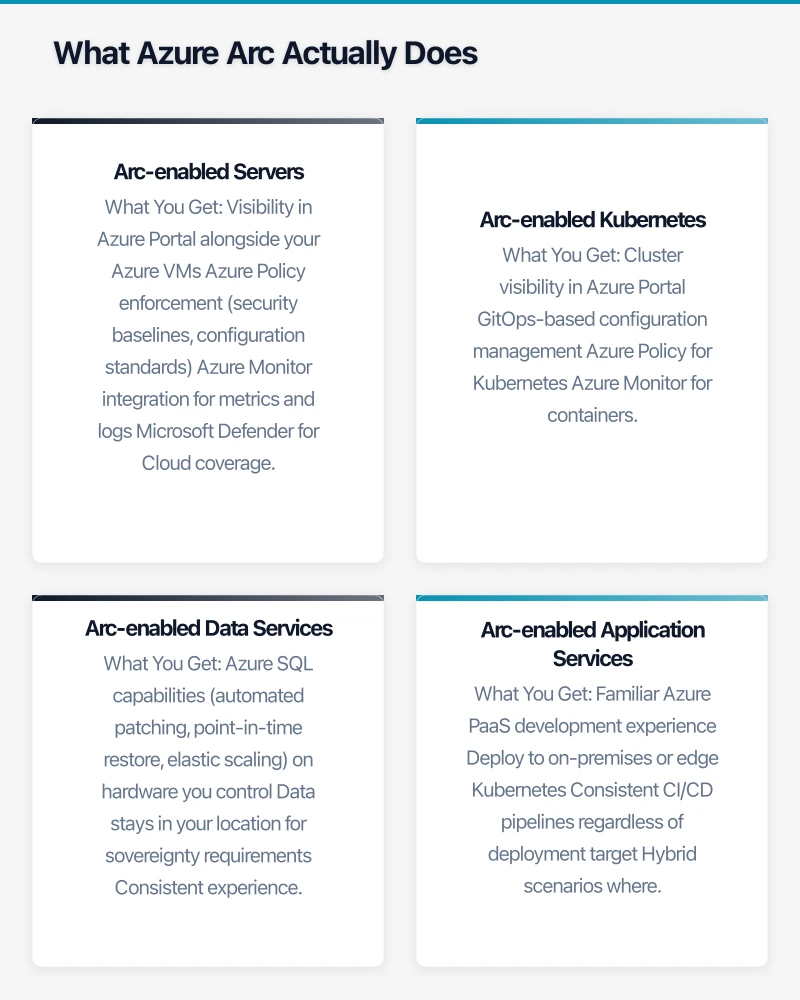
Arc-enabled Servers
Connect Windows and Linux servers running anywhere—your office, a colocation facility, AWS, GCP—to Azure management.
What You Get:
- Visibility in Azure Portal alongside your Azure VMs
- Azure Policy enforcement (security baselines, configuration standards)
- Azure Monitor integration for metrics and logs
- Microsoft Defender for Cloud coverage
- Azure Update Management for patching
- Azure Automation runbooks execution
What You Don’t Get:
- The servers don’t move to Azure—they stay where they are
- Compute charges are still with your existing provider
- You’re not getting Azure’s underlying infrastructure benefits
The Value: Consistent management, security, and monitoring across all your servers regardless of location.
Arc-enabled Kubernetes
Bring Kubernetes clusters running anywhere under Azure management.
What You Get:
- Cluster visibility in Azure Portal
- GitOps-based configuration management
- Azure Policy for Kubernetes
- Azure Monitor for containers
- Azure Defender for Kubernetes
- Ability to deploy Azure services (like App Services, Functions, Logic Apps) to your cluster
The Value: Run containerised workloads wherever makes sense—on-premises for data sovereignty, at the edge for latency, in other clouds for specific capabilities—while maintaining consistent operations.
Arc-enabled Data Services
Run Azure SQL Managed Instance and Azure Database for PostgreSQL on your own infrastructure.
What You Get:
- Azure SQL capabilities (automated patching, point-in-time restore, elastic scaling) on hardware you control
- Data stays in your location for sovereignty requirements
- Consistent experience with cloud-native Azure databases
- Pay-as-you-go or reserved capacity pricing
The Value: Azure database capabilities without moving data to the cloud—critical for regulated industries or data sovereignty requirements.
Arc-enabled Application Services
Deploy Azure App Services, Functions, Logic Apps, and API Management to Kubernetes clusters running anywhere.
What You Get:
- Familiar Azure PaaS development experience
- Deploy to on-premises or edge Kubernetes
- Consistent CI/CD pipelines regardless of deployment target
- Hybrid scenarios where some services run in Azure, others on-premises
The Value: Modern application development without requiring cloud-only deployment.
Why Australian Businesses Are Adopting Arc
Several factors make Arc particularly relevant for Australian businesses right now.
Data Sovereignty Requirements
Australian businesses in healthcare, government, legal, and financial services often can’t move certain data to cloud—even to Australian Azure regions. Regulatory requirements, customer contracts, or risk policies mandate on-premises data residence.
Arc-enabled Data Services let these businesses get Azure SQL capabilities while keeping databases in their own data centres. This isn’t a workaround; it’s a supported, production-ready architecture.
Multi-Cloud Reality
Despite vendor preferences, most Australian businesses of any size operate across multiple clouds. Maybe Azure for Microsoft 365 integration, AWS for a specific SaaS dependency, GCP for data analytics. This isn’t poor planning—it’s practical reality.
Arc provides the unified control plane that makes multi-cloud manageable rather than maddening. One portal, one set of policies, one monitoring solution.
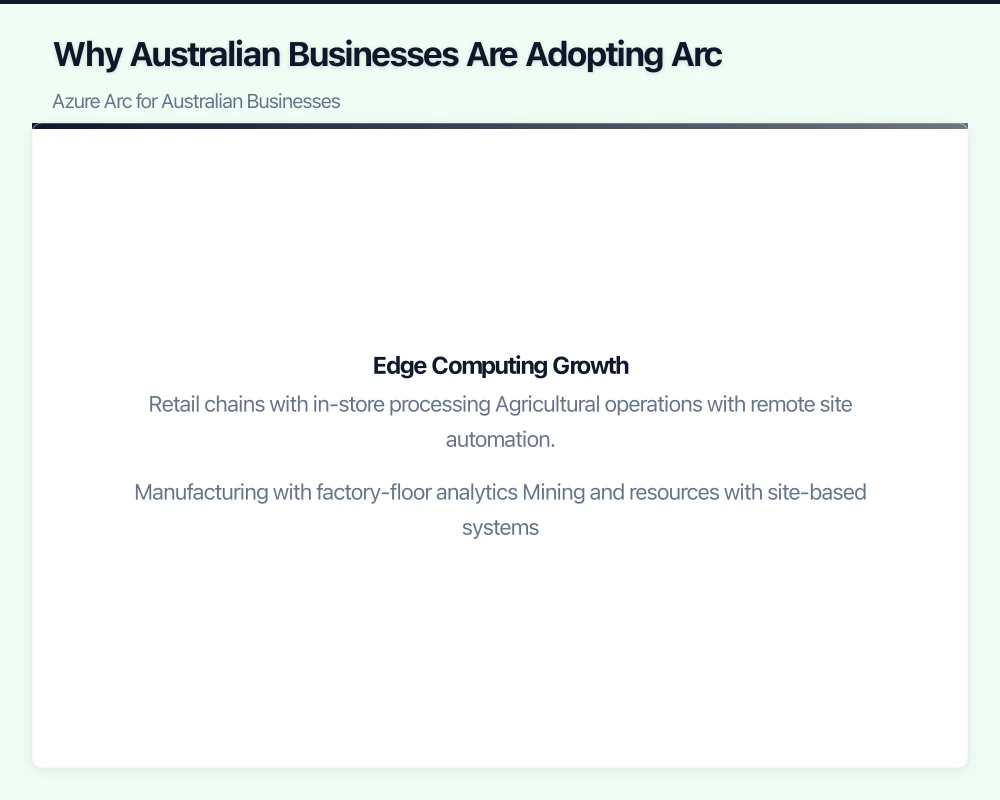
Edge Computing Growth
Australian businesses increasingly have compute requirements outside traditional data centres:
- Retail chains with in-store processing
- Agricultural operations with remote site automation
- Manufacturing with factory-floor analytics
- Mining and resources with site-based systems
Arc extends cloud management to these edge locations, enabling consistent operations without requiring each site to have its own IT capability.
Pace of Migration
The “lift and shift everything to cloud” approach hasn’t worked for most organisations. Migration is a multi-year journey, and some workloads may never move. Arc lets businesses get cloud management benefits during the transition rather than waiting for migration completion.
Practical Implementation Scenarios
Here’s how Australian businesses are using Arc in practice.
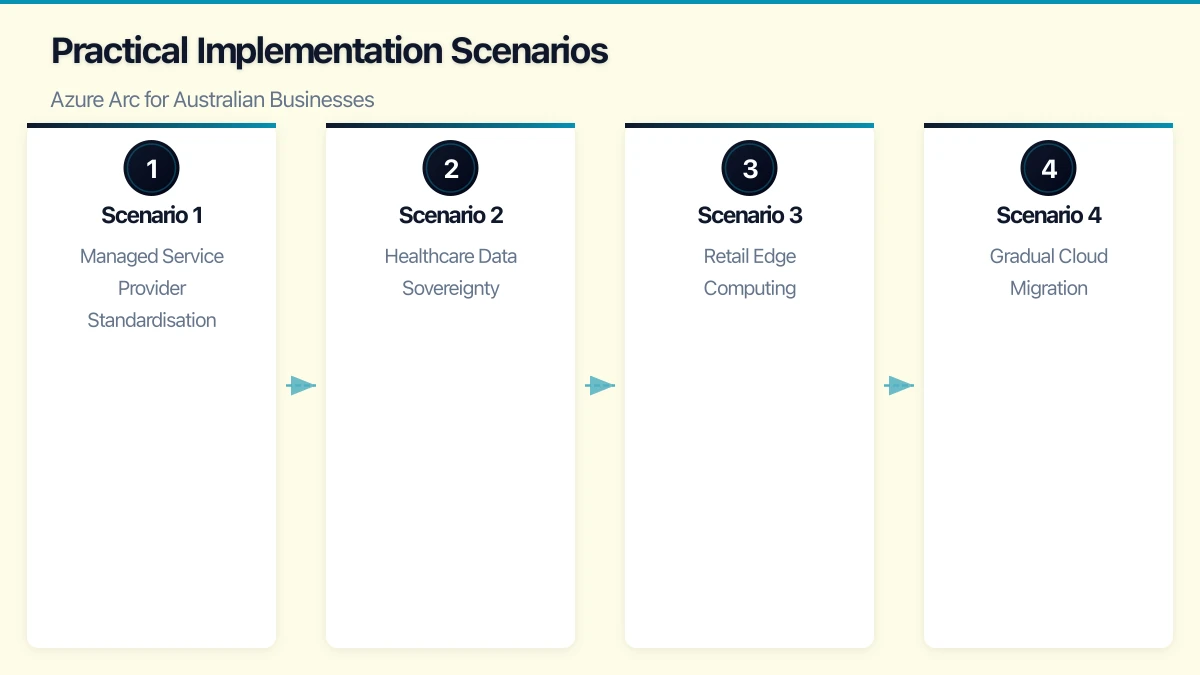
Scenario 1: Managed Service Provider Standardisation
The Situation: An Australian MSP manages 40+ SMB clients with a mix of on-premises servers, Azure VMs, and various cloud services. Each environment has different management tools and security configurations.
The Arc Solution:
- Deploy Arc agent to all client servers (on-premises and other clouds)
- Apply standardised Azure Policies for security baselines across all clients
- Use Azure Monitor for unified alerting and dashboards
- Deploy Microsoft Defender for Cloud across all environments
The Outcome:
- Single portal for managing all client infrastructure
- Consistent security posture across all environments
- Reduced operational overhead—one toolset, one process
- Improved visibility for compliance reporting
Cost Impact: Arc agent and basic management are free. Azure Monitor, Defender, and Policy costs apply based on usage—typically A$10-30 per server per month for comprehensive coverage.
Scenario 2: Healthcare Data Sovereignty
The Situation: A regional healthcare provider needs modern database capabilities but can’t move patient data to cloud due to regulatory and contractual requirements.
The Arc Solution:
- Deploy Kubernetes cluster on-premises
- Run Azure SQL Managed Instance via Arc-enabled Data Services
- Keep all patient data in the local data centre
- Get Azure-level capabilities: automated patching, point-in-time restore, elastic scaling
The Outcome:
- Modern database capabilities without cloud migration
- Full data sovereignty compliance
- Simplified database administration
- Path to eventual hybrid architecture as regulations evolve
Cost Impact: Arc-enabled SQL Managed Instance pricing similar to cloud—approximately A$0.40-1.50 per vCore hour depending on tier, plus infrastructure costs for on-premises hardware.
Scenario 3: Retail Edge Computing
The Situation: A retail chain with 50 stores needs local processing for real-time inventory and customer analytics, but managing 50 separate environments is operationally unsustainable.
The Arc Solution:
- Deploy small Kubernetes clusters at each store (using Azure Stack HCI or commodity hardware)
- Connect all clusters to Azure Arc
- Use GitOps to deploy and update applications consistently across all stores
- Central monitoring and alerting through Azure Monitor
- Apply security policies uniformly from Azure
The Outcome:
- Consistent application deployment across all locations
- Central visibility and management
- Local processing for latency-sensitive workloads
- Reduced per-store IT support requirements
Cost Impact: Arc-enabled Kubernetes management is free. Azure Monitor and supporting services typically A$100-200 per store per month.
Scenario 4: Gradual Cloud Migration
The Situation: A manufacturing company with 200 servers across three sites is planning cloud migration but needs 3-5 years to complete. Current state: inconsistent management, security gaps, no unified visibility.
The Arc Solution:
- Phase 1: Deploy Arc agents to all existing servers (on-premises and colocation)
- Phase 2: Implement Azure Policy for security baselines and Azure Monitor for operations
- Phase 3: Gradually migrate workloads to Azure VMs while maintaining consistent management
- Phase 4: Decommission on-premises infrastructure as migration completes
The Outcome:
- Immediate operational benefits without waiting for migration
- Consistent management throughout the transition
- Clear visibility into which workloads have migrated
- Reduced risk during migration—same tools, same processes
Cost Impact: Primary costs are Azure Monitor and Defender—typically A$15-25 per server per month. Significant reduction in operational overhead often offsets costs.
Implementation Considerations
Arc deployment is relatively straightforward, but success requires attention to several factors.
Network Connectivity
Arc agents need outbound connectivity to Azure (HTTPS to specific endpoints). For most environments, this works through existing internet connections. For highly restricted networks, you may need:
- Firewall rules for Azure Arc endpoints
- Proxy configuration for the Arc agent
- Azure Arc Private Link for environments requiring private connectivity
Identity and Access
Arc leverages Azure Active Directory for authentication:
- Service principals for Arc agent registration
- Azure RBAC for management permissions
- Consider dedicated service accounts for Arc operations
Resource Organisation
Plan your Azure resource hierarchy:
- Subscriptions and resource groups for Arc-managed resources
- Tagging standards for cost allocation and management
- Naming conventions consistent with Azure resources
Agent Management
Arc agents need ongoing maintenance:
- Automatic updates (recommended) or managed update process
- Monitoring for agent health
- Process for handling disconnected agents
Cost Structure
Understanding Arc costs helps with planning and budgeting.
What’s Free
- Arc agent deployment and basic Azure Portal visibility
- Arc-enabled Kubernetes cluster connection
- Azure Resource Graph queries for Arc resources
- Basic Azure Policy assignment
What Costs
| Service | Typical Cost | Notes |
|---|---|---|
| Azure Monitor (Logs) | A$3.50/GB ingested | Log volume varies by workload |
| Azure Monitor (Metrics) | Free for standard metrics | Custom metrics have costs |
| Microsoft Defender for Servers | A$20-30/server/month | Plan 1 or Plan 2 |
| Azure Policy (Guest Configuration) | A$9/server/month | For configuration compliance |
| Azure Update Management | Free | Included with Arc |
| Arc-enabled SQL MI | A$0.40-1.50/vCore/hour | Plus infrastructure |
Typical SMB Cost Profile
For a 30-server hybrid environment with comprehensive coverage:
- Arc agents and management: Free
- Azure Monitor: A$300-500/month (varies with log volume)
- Microsoft Defender: A$600-900/month
- Azure Policy (if using guest config): A$270/month
- Total: A$1,200-1,700/month
This typically replaces 2-3 separate tools and significant manual operational overhead.
Getting Started
A practical path to Arc adoption:
Week 1-2: Discovery and Planning
- Inventory servers and Kubernetes clusters to be managed
- Review network connectivity requirements
- Plan Azure resource hierarchy (subscriptions, resource groups)
- Identify pilot systems for initial deployment
Week 3-4: Pilot Deployment
- Deploy Arc agents to 5-10 representative systems
- Configure Azure Monitor for basic visibility
- Apply initial Azure Policies
- Validate management capabilities and connectivity
Month 2: Expand and Configure
- Roll out Arc agents to remaining systems
- Configure comprehensive monitoring and alerting
- Deploy Microsoft Defender for Cloud
- Implement Azure Policy baselines
Month 3+: Optimise and Expand
- Refine monitoring dashboards and alerts
- Expand Policy coverage
- Consider Arc-enabled Data Services or Kubernetes as relevant
- Develop operational procedures and runbooks
Limitations and Realistic Expectations
Arc is powerful but not magic:
Arc Doesn’t Move Workloads: Your servers stay where they are. If you need Azure compute benefits, you need actual Azure VMs.
Arc Doesn’t Eliminate Hybrid Complexity: Networking, identity, and data synchronisation challenges remain. Arc simplifies management, not architecture.
Arc Requires Azure Commitment: You’re investing in Microsoft’s management plane. Multi-cloud doesn’t mean vendor-neutral.
Arc Has Learning Curve: Your team needs Azure skills even for on-premises resources. Budget for training.
The Strategic Perspective
Azure Arc represents Microsoft’s pragmatic acknowledgment that hybrid cloud isn’t a transition state—it’s the permanent reality for most organisations. Rather than requiring all-or-nothing cloud adoption, Arc lets businesses get cloud management benefits regardless of where workloads run.
For Australian businesses navigating data sovereignty requirements, multi-cloud complexity, and the practical pace of cloud migration, Arc offers a compelling value proposition: consistent operations across your entire infrastructure estate, regardless of location.
The businesses getting most value from Arc aren’t using it as a destination but as an enabler—making hybrid operations sustainable while maintaining flexibility for future architectural decisions.
Considering Azure Arc for your hybrid environment? CloudGeeks provides Arc assessments and implementation services for Australian businesses. Contact us to discuss your hybrid cloud strategy.
If your team needs on-the-go access to cloud-managed systems, Awesome Apps builds practical mobile solutions for Australian businesses.
This article is brought to you by Ganda Tech Services — Sydney’s complete digital solutions provider covering cloud, web, and mobile.