
Azure Active Directory Premium: Why Australian SMBs Should Upgrade
If you’re using Microsoft 365 in your Australian business—and there’s a solid chance you are—you’re already using Azure Active Directory, even if you don’t realise it. Every time your team logs into Teams, Outlook, or SharePoint, Azure AD is working behind the scenes to authenticate them.
But here’s the thing: the basic Azure AD included with Microsoft 365 does the minimum. In a world where credential theft and phishing attacks are hitting Australian businesses daily, “the minimum” leaves significant gaps. Azure Active Directory Premium fills those gaps with features that are increasingly essential for any business serious about security.
Let me walk you through what Azure AD Premium offers, why it matters for Australian SMBs, and how to decide if it’s worth the investment.
Understanding Azure Active Directory Tiers
Before diving into Premium features, let’s clarify what you get at each tier:
Azure AD Free
This is included with any Azure subscription. It provides basic user and group management, on-premises directory sync, basic reports, and self-service password change for cloud users. It’s genuinely basic—fine for personal use, not suitable for business.
Azure AD (included with Microsoft 365)
When you buy Microsoft 365, you get Azure AD with additional features: self-service password reset for cloud users, company branding on login pages, service level agreements, and some additional authentication features. This is what most Australian SMBs are currently running.
Azure AD Premium P1
This is the first paid upgrade, included with Microsoft 365 Business Premium or available standalone. P1 adds conditional access, group-based access management, self-service password reset for on-premises users, Microsoft Identity Manager, and hybrid identity features.
Azure AD Premium P2
The top tier, included with Microsoft 365 E5 or available standalone. P2 adds everything in P1 plus Identity Protection (risk-based conditional access), Privileged Identity Management, and access reviews.
For most Australian SMBs, P1 is the sweet spot. P2 adds valuable features but is often more than smaller businesses need.
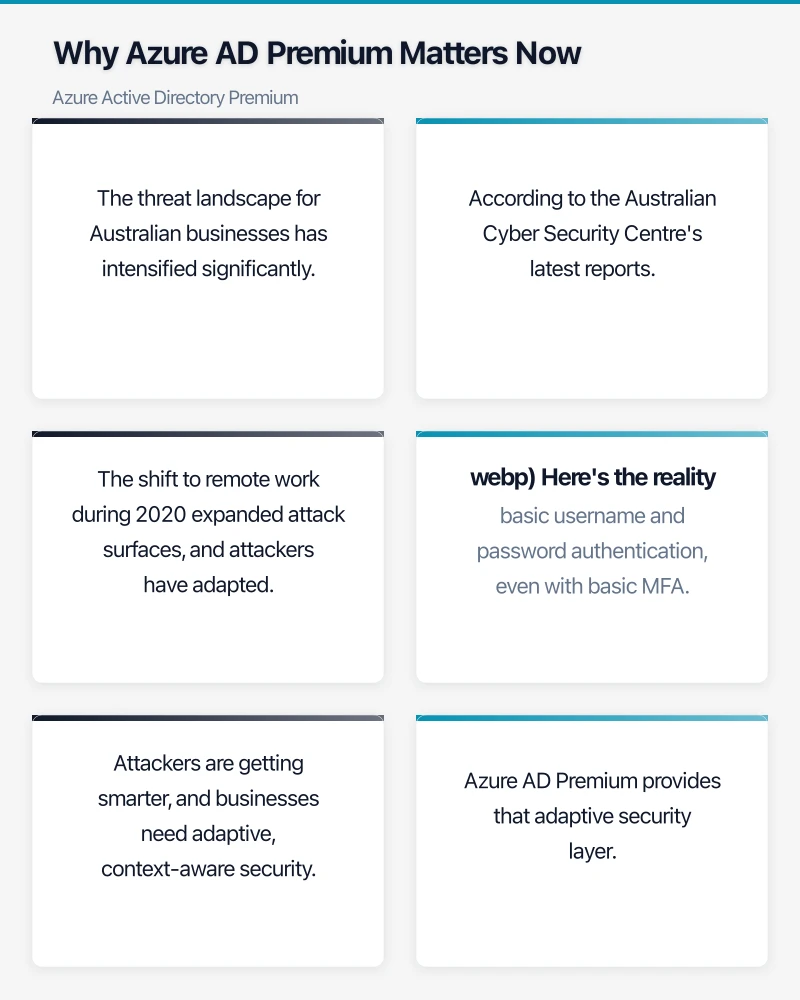
Why Azure AD Premium Matters Now
The threat landscape for Australian businesses has intensified significantly. According to the Australian Cyber Security Centre’s latest reports, business email compromise and credential theft remain top threats. The shift to remote work during 2020 expanded attack surfaces, and attackers have adapted.
Here’s the reality: basic username and password authentication, even with basic MFA, is no longer sufficient. Attackers are getting smarter, and businesses need adaptive, context-aware security.
Azure AD Premium provides that adaptive security layer. Let’s look at the key features.
Conditional Access: The Game Changer
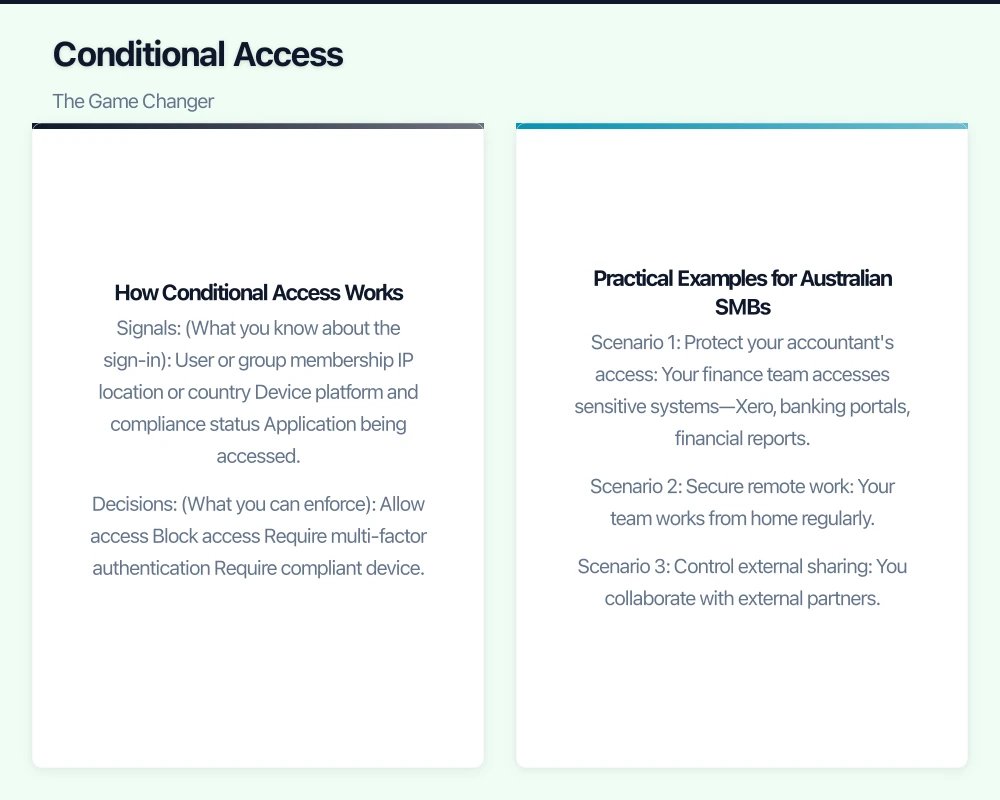
If there’s one feature that justifies Azure AD Premium P1, it’s conditional access. This is the capability to apply different authentication requirements based on context—who’s logging in, from where, to what, and using which device.
How Conditional Access Works
Conditional access policies evaluate signals about a sign-in attempt and make enforcement decisions:
Signals (What you know about the sign-in):
- User or group membership
- IP location or country
- Device platform and compliance status
- Application being accessed
- Risk level (with P2)
Decisions (What you can enforce):
- Allow access
- Block access
- Require multi-factor authentication
- Require compliant device
- Require hybrid Azure AD joined device
Practical Examples for Australian SMBs
Let’s make this concrete with scenarios relevant to Australian businesses:
Scenario 1: Protect your accountant’s access
Your finance team accesses sensitive systems—Xero, banking portals, financial reports. With conditional access, you can require:
- MFA for every sign-in to finance applications
- Access only from compliant, company-managed devices
- Block access from countries where your business doesn’t operate
Scenario 2: Secure remote work
Your team works from home regularly. Conditional access lets you:
- Require MFA when logging in from outside the office IP range
- Allow passwordless login from recognised devices on your corporate network
- Block legacy authentication protocols that attackers exploit
Scenario 3: Control external sharing
You collaborate with external partners. With conditional access:
- Require guest users to accept terms of use
- Require MFA for all guest access
- Limit which applications guests can access
This level of granular control simply isn’t possible with basic Azure AD. For many Australian SMBs, conditional access alone justifies the upgrade.
Self-Service Password Reset (SSPR)
Every IT manager knows the pain of password reset requests. Users forget passwords at the worst possible times—Monday mornings, during client presentations, while travelling.
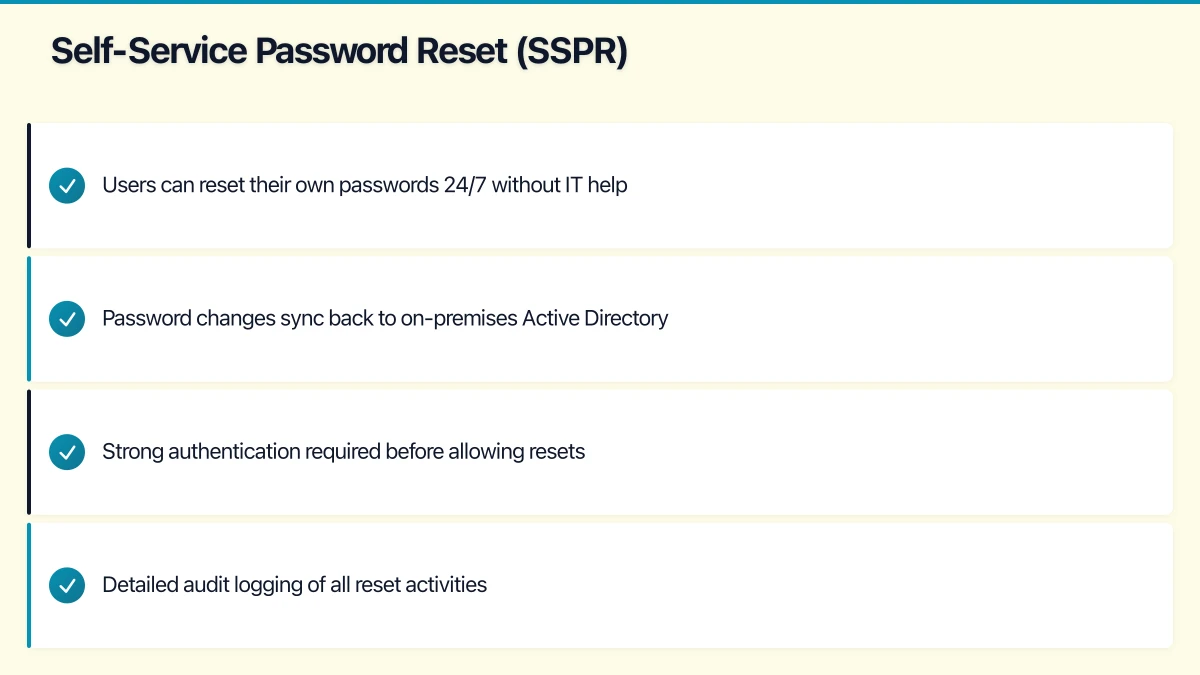
Azure AD Premium P1 extends self-service password reset to on-premises users (via password writeback). This means:
- Users can reset their own passwords 24/7 without IT help
- Password changes sync back to on-premises Active Directory
- Strong authentication required before allowing resets
- Detailed audit logging of all reset activities
For Australian businesses with hybrid environments—and that’s a significant number—this is transformative. IT teams can focus on valuable work instead of resetting passwords.
Multi-Factor Authentication Enhancements
While basic Azure AD includes Azure MFA, Premium unlocks significant enhancements:
Conditional MFA
Rather than requiring MFA for every login (which users will resist), Premium lets you require MFA based on context:
- Require MFA only when outside the office
- Require MFA only for sensitive applications
- Require MFA only for administrator accounts
Authentication Methods
Premium supports advanced authentication methods:
- Microsoft Authenticator app (push notifications and OTP)
- FIDO2 security keys (hardware tokens)
- Windows Hello for Business
- Phone calls and SMS (as backup methods)
Fraud Alerts and Blocking
If a user receives an unexpected MFA prompt, they can report it as fraud. Premium lets you automatically block accounts when fraud is reported, providing immediate protection against active attacks.
Group-Based Access Management
Managing access application by application becomes unworkable as your business grows. Azure AD Premium enables group-based access management:
Dynamic Groups
Create groups that automatically update based on user attributes:
- All users in the Sydney office
- All users in the Sales department
- All users with “Manager” in their title
As users join, leave, or move within your organisation, group membership updates automatically.
Group-Based Licensing
Assign Microsoft 365 licenses to groups rather than individuals. When a user joins the “Standard Users” group, they automatically receive their Microsoft 365 license. When they leave, it’s automatically removed. This simplifies license management and ensures consistency.
Application Access via Groups
Rather than assigning application access user by user, assign access to groups. Need to give Sales access to the CRM? Add them to the “CRM Users” group. The combination of dynamic groups and group-based access means much of your access management can be automated.
Hybrid Identity Features
Many Australian SMBs run hybrid environments—some infrastructure on-premises, some in the cloud. Azure AD Premium includes features specifically for these scenarios:
Azure AD Connect Health
Monitor the health of your identity synchronisation infrastructure. Get alerts when sync fails, identify slow synchronisation, and gain visibility into sync performance.
Password Hash Sync with Password Protection
Sync password hashes to Azure AD while enforcing password protection—blocking common passwords and custom banned words. You can block “CompanyName2021!” and similar predictable passwords.
Seamless Single Sign-On
Users on domain-joined computers automatically sign into cloud applications without entering credentials. Combined with conditional access, this provides both security and convenience.
What About Azure AD Premium P2?
P2 adds features primarily valuable for larger organisations or those with strict compliance requirements:
Azure AD Identity Protection
Identity Protection uses machine learning to detect risky sign-ins and risky users. It can:
- Detect sign-ins from infected devices
- Identify impossible travel (logging in from Sydney, then London minutes later)
- Flag sign-ins from anonymous IP addresses
- Automatically remediate by blocking access or requiring password change
Privileged Identity Management (PIM)
PIM provides just-in-time administrator access. Rather than users having permanent admin rights, they activate admin access when needed, with approval workflows and time limits. This dramatically reduces risk from compromised admin accounts.
Access Reviews
Periodically review who has access to applications and groups. Managers receive requests to confirm their team members should retain access. This helps prevent access accumulation over time.
For most Australian SMBs under 100 users, P2 features are nice-to-have rather than essential. Start with P1 and evaluate P2 as your security requirements mature.
Cost Analysis for Australian SMBs
Let’s talk about what this actually costs:
Azure AD Premium P1 Pricing
- Standalone: approximately $9 AUD per user per month
- Included with Microsoft 365 Business Premium: $30 AUD per user per month (which includes Office apps, device management, and more)
Azure AD Premium P2 Pricing
- Standalone: approximately $13 AUD per user per month
- Included with Microsoft 365 E5
The Business Case
For a 25-person Australian SMB currently on Microsoft 365 Business Basic:
Current cost: ~$9 per user = $225/month Upgraded to Business Premium: ~$30 per user = $750/month
That’s $525/month additional—$6,300 per year. What do you get?
- Azure AD Premium P1 features
- Office desktop applications
- Microsoft Intune for device management
- Advanced threat protection
- Information protection and governance
When you factor in all the included features, Business Premium represents solid value. The Azure AD Premium P1 features alone would cost $225/month ($2,700/year) standalone.
Compare this to the cost of a security breach. The average cost of a data breach for Australian SMBs exceeds $150,000 when you factor in investigation, remediation, notification, reputation damage, and lost business. Conditional access and MFA dramatically reduce breach risk.
Implementation Roadmap
Ready to upgrade? Here’s a practical implementation plan:
Week 1: Preparation
- Audit current Azure AD usage and configuration
- Inventory applications integrated with Azure AD
- Document current MFA usage (if any)
- Plan conditional access policies based on your risk profile
Week 2: Basic Configuration
- Enable Azure AD Premium features
- Configure self-service password reset
- Set up Azure MFA with preferred authentication methods
- Enable security defaults as a baseline
Week 3: Conditional Access Deployment
- Create conditional access policies for administrators (require MFA always)
- Create policies for sensitive applications
- Create policies for location-based access
- Test policies in report-only mode before enforcing
Week 4: User Rollout and Training
- Communicate changes to users
- Assist with MFA enrollment
- Train users on self-service password reset
- Monitor for issues and adjust policies
Ongoing
- Review sign-in logs and audit logs regularly
- Adjust conditional access policies based on experience
- Stay current with Azure AD feature updates
- Consider P2 upgrade path if needed
Common Pitfalls to Avoid
From experience with Australian SMBs, watch out for these issues:
Locking yourself out: Always have break-glass accounts excluded from conditional access policies. Keep separate, highly secure admin accounts for emergencies.
Too aggressive too fast: Don’t enable all policies at once. Roll out gradually, starting with report-only mode to understand impact.
Forgetting service accounts: Service accounts and application integrations may break if conditional access policies aren’t configured to handle them.
Not training users: MFA changes will frustrate users if not communicated properly. Invest time in user training and support.
The Bottom Line
Azure Active Directory Premium P1 is no longer an enterprise luxury—it’s becoming essential for any Australian business serious about security. Conditional access, enhanced MFA, and self-service capabilities provide meaningful security improvements while reducing IT overhead.
If you’re currently on Microsoft 365 Business Basic or Standard, upgrading to Business Premium to get Azure AD Premium P1 (along with many other features) is a straightforward decision for most businesses. The security benefits outweigh the cost, especially in today’s threat environment.
For businesses not yet ready for a full upgrade, consider Azure AD Premium P1 standalone for your most privileged users—administrators and users handling sensitive data. Even partial deployment provides significant security improvement.
Looking to implement Azure AD Premium in your Australian business? We help SMBs across Australia strengthen their identity security. Reach out to discuss your specific requirements.
For a strategic perspective on how cloud technology fits into your broader digital transformation, read Ash Ganda’s insights on technology leadership.
Ashish Ganda is the founder of Ganda Tech Services, a Sydney-based technology consultancy helping Australian businesses grow through cloud, web, and mobile solutions.