
Australian Small Business Guide to Cloud Phone Systems
Australian Small Business Guide to Cloud Phone Systems
The traditional business phone system, the on-premises PBX with desk phones on every desk, is rapidly becoming a relic for Australian small businesses. Cloud phone systems, also known as hosted VoIP or UCaaS (Unified Communications as a Service), offer more flexibility, lower costs, and better features than legacy phone infrastructure.
If your business is still using an ageing PBX system, paying for ISDN lines, or simply relying on personal mobile phones for business calls, 2023 is the year to make the switch. With NBN rolled out across most of Australia and 5G expanding in metro areas, the connectivity foundation for cloud voice is stronger than ever.
Why Move to a Cloud Phone System?
Cost Savings
Traditional PBX systems involve significant capital expenditure for hardware, ongoing maintenance contracts, and per-line charges for ISDN or SIP trunks. Cloud phone systems replace this with a predictable monthly per-user fee that includes calls, features, and maintenance.
For Australian SMBs, the savings can be substantial. A business paying for 10 ISDN lines, a maintenance contract, and a PBX lease might spend $1,500 to $2,500 per month. A cloud phone system for the same number of users typically costs $300 to $600 per month.
Flexibility and Mobility
Cloud phone systems work on desk phones, computers, and mobile devices. Your business number follows your team wherever they work. This is essential for Australian businesses with hybrid workers, field staff, or multiple office locations.
Feature-Rich
Features that were expensive add-ons with traditional PBX systems come standard with cloud phone platforms:
- Auto attendants and IVR menus
- Call queues and ring groups
- Voicemail to email transcription
- Call recording
- Video conferencing
- Presence indicators
- Integration with CRM and business tools
- Detailed call analytics
Scalability
Adding or removing users is as simple as adjusting your subscription. No waiting for a technician to install new lines or handsets. This is ideal for seasonal Australian businesses or those experiencing growth.
Business Continuity
If your office is inaccessible due to weather, power outage, or any other disruption, calls automatically route to mobile devices or alternative locations. Your business never misses a call.
Comparing Cloud Phone Systems for Australian Businesses
Microsoft Teams Phone
Pricing: Microsoft Teams Phone Standard licence approximately AUD 12 per user per month (requires a Microsoft 365 base licence). A calling plan or operator connect is additional.
Key features:
- Integrated with Microsoft Teams (chat, video, collaboration)
- Auto attendant and call queues
- Voicemail with transcription
- Call recording (with appropriate licensing)
- Integration with Microsoft 365 apps
- Works on desktop, mobile, and Teams-certified desk phones
Calling options in Australia:
- Microsoft Calling Plans: Microsoft provides the PSTN connectivity. Domestic calling plans are available for Australia.
- Operator Connect: Use an Australian telco (like Telstra or TPG) to provide PSTN connectivity through Teams.
- Direct Routing: Connect your own SIP trunk or session border controller to Teams for PSTN connectivity.
Best for: Businesses already using Microsoft 365 that want a single platform for calling, meetings, and collaboration.
RingCentral
Pricing: From approximately AUD 30 per user per month (Core plan)
Key features:
- Voice, video, and messaging in one platform
- Extensive phone system features (IVR, call queues, ring groups)
- Open API and extensive integrations
- AI-powered noise cancellation and meeting insights
- Call analytics and reporting
- Australian phone numbers and local PSTN connectivity
Best for: Businesses wanting a standalone UCaaS platform with strong telephony features and integration capabilities.
8x8
Pricing: From approximately AUD 20 per user per month (Express plan for small teams)
Key features:
- Voice, video, and chat
- Auto attendant and call handling
- Voicemail, call recording, and analytics
- Australian local and national numbers
- Integrations with Microsoft 365 and popular CRM tools
- Contact centre capabilities available on higher plans
Best for: SMBs that may need contact centre features as they grow, or businesses wanting a cost-effective all-in-one platform.
Vonage Business
Pricing: From approximately AUD 25 per user per month
Key features:
- Customisable phone system with extensive features
- Video and messaging included
- App Centre with CRM integrations
- Australian PSTN connectivity
- Virtual receptionist and call management
- API platform for custom integrations
Best for: Businesses with specific telephony customisation needs or those wanting API-driven communication capabilities.
Telstra Calling for Microsoft Teams (Operator Connect)
Pricing: Variable based on plan; contact Telstra for Australian pricing
Key features:
- PSTN calling delivered through Telstra’s network directly into Microsoft Teams
- Leverages Telstra’s Australian network for call quality
- Managed by Telstra for the connectivity component
- Australian phone numbers and porting support
- Integration with existing Telstra business services
Best for: Australian businesses using Microsoft 365 that want a local telco managing the calling infrastructure with Telstra’s network reliability.
Key Considerations for Australian Businesses
Call Quality and Internet Dependency
Cloud phone systems rely on your internet connection. For Australian businesses, this means:
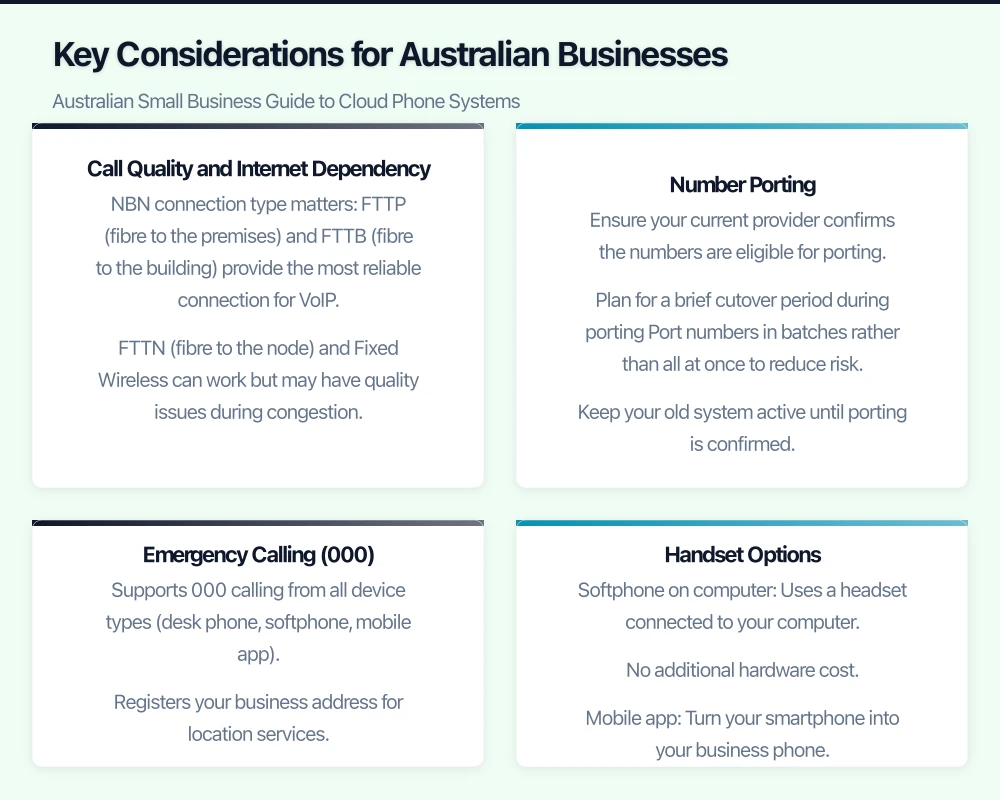
- NBN connection type matters: FTTP (fibre to the premises) and FTTB (fibre to the building) provide the most reliable connection for VoIP. FTTN (fibre to the node) and Fixed Wireless can work but may have quality issues during congestion.
- Bandwidth per call: Each concurrent VoIP call uses approximately 100 Kbps. A business with 10 concurrent calls needs at least 1 Mbps of dedicated upload bandwidth.
- Quality of Service (QoS): Configure your router to prioritise voice traffic over other internet traffic. Most business-grade routers support QoS settings.
- Redundant internet: Consider a secondary internet connection (4G/5G backup) to maintain phone service during your primary connection outage.
Number Porting
You can port your existing business phone numbers to a cloud phone system. Australian number porting is managed through the industry porting process and typically takes 5 to 10 business days for standard numbers.
Key considerations:
- Ensure your current provider confirms the numbers are eligible for porting
- Plan for a brief cutover period during porting
- Port numbers in batches rather than all at once to reduce risk
- Keep your old system active until porting is confirmed
Emergency Calling (000)
Cloud phone systems in Australia must support calls to emergency services (000). Ensure your chosen provider:
- Supports 000 calling from all device types (desk phone, softphone, mobile app)
- Registers your business address for location services
- Has redundancy for emergency call routing
This is a regulatory requirement under Australian telecommunications legislation.
Handset Options
You do not necessarily need traditional desk phones with a cloud system. Options include:
- Softphone on computer: Uses a headset connected to your computer. No additional hardware cost.
- Mobile app: Turn your smartphone into your business phone. Ideal for mobile workers.
- IP desk phones: Purpose-built phones from Yealink, Poly, or Cisco that connect to your cloud system. Prices range from AUD 150 to 600 per handset depending on features.
- Conference phones: Shared phones for meeting rooms. Typically AUD 400 to 1,500.
For most Australian SMBs, a mix of softphones for regular staff and IP desk phones for reception and heavy phone users provides the best balance of cost and functionality.
Migration Planning
Before You Start
- Audit current phone usage: How many calls does your business make and receive daily? What are peak hours? What features do you rely on (auto attendant, call groups, fax)?
- Document your current numbers: List all phone numbers, their assignments, and any associated services.
- Assess internet readiness: Test your internet speed and reliability. Upgrade if needed before migrating.
- Identify integration needs: Do you need your phone system to integrate with CRM, help desk, or other business tools?
Migration Timeline
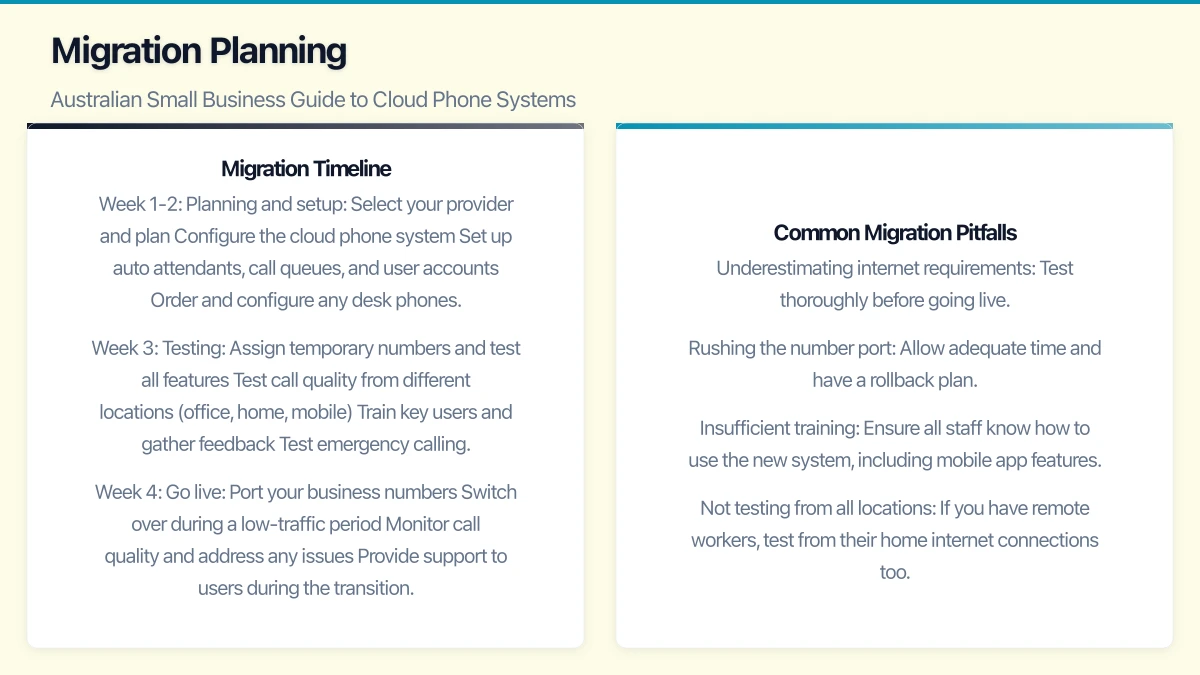
Week 1-2: Planning and setup
- Select your provider and plan
- Configure the cloud phone system
- Set up auto attendants, call queues, and user accounts
- Order and configure any desk phones
Week 3: Testing
- Assign temporary numbers and test all features
- Test call quality from different locations (office, home, mobile)
- Train key users and gather feedback
- Test emergency calling
Week 4: Go live
- Port your business numbers
- Switch over during a low-traffic period
- Monitor call quality and address any issues
- Provide support to users during the transition
Week 5-6: Optimise
- Fine-tune auto attendant scripts and call flows
- Set up advanced features (call recording, analytics)
- Address any remaining issues
- Decommission old phone system
Common Migration Pitfalls
- Underestimating internet requirements: Test thoroughly before going live.
- Rushing the number port: Allow adequate time and have a rollback plan.
- Insufficient training: Ensure all staff know how to use the new system, including mobile app features.
- Not testing from all locations: If you have remote workers, test from their home internet connections too.
Cost Comparison Example
For a 15-user Australian business:
Traditional PBX:
- PBX lease/maintenance: $500/month
- 10 ISDN lines: $600/month
- Call charges: $300/month
- Total: approximately $1,400/month
Cloud phone system (e.g., Microsoft Teams Phone + Calling Plan):
- Microsoft 365 Business Standard: $22/user = $330/month
- Teams Phone licence: $12/user = $180/month
- Domestic Calling Plan: $18/user = $270/month
- Total: approximately $780/month
This represents savings of roughly $620 per month or $7,440 per year, while gaining a modern, feature-rich communication platform. Actual pricing varies based on provider and plan selection.
Making the Decision
For Australian SMBs already using Microsoft 365, adding Teams Phone is often the most natural choice. It consolidates calling, meetings, and collaboration into a single platform your team already knows.
For businesses wanting a standalone phone system with no Microsoft dependency, RingCentral and 8x8 offer robust alternatives with Australian support and infrastructure.
Whichever platform you choose, moving from a legacy phone system to a cloud-based solution reduces costs, improves flexibility, and prepares your business for the modern way of working. With NBN and 5G providing the connectivity backbone, there has never been a better time for Australian SMBs to make the switch.
If your business also needs a web portal or customer-facing dashboard, Cosmos Web Tech builds custom web applications tailored to Australian SMBs.
Ganda Tech Services brings together cloud infrastructure, web development, and mobile app expertise to help Australian businesses thrive in the digital economy.