
Australian Small Business Guide to BYOD Policies
Australian Small Business Guide to BYOD Policies
Bring Your Own Device (BYOD) is no longer a trend — it is the reality for most Australian small businesses. Staff expect to use their personal smartphones to check email, access business apps from their personal laptops, and use their own tablets in meetings. The question is not whether your employees are using personal devices for work, but whether you have a policy to manage it.
This guide covers everything an Australian small business needs to create and implement a practical BYOD policy, including security measures, legal considerations, and a template you can adapt.
Why You Need a BYOD Policy
Even if your business is only five people, a BYOD policy matters because:
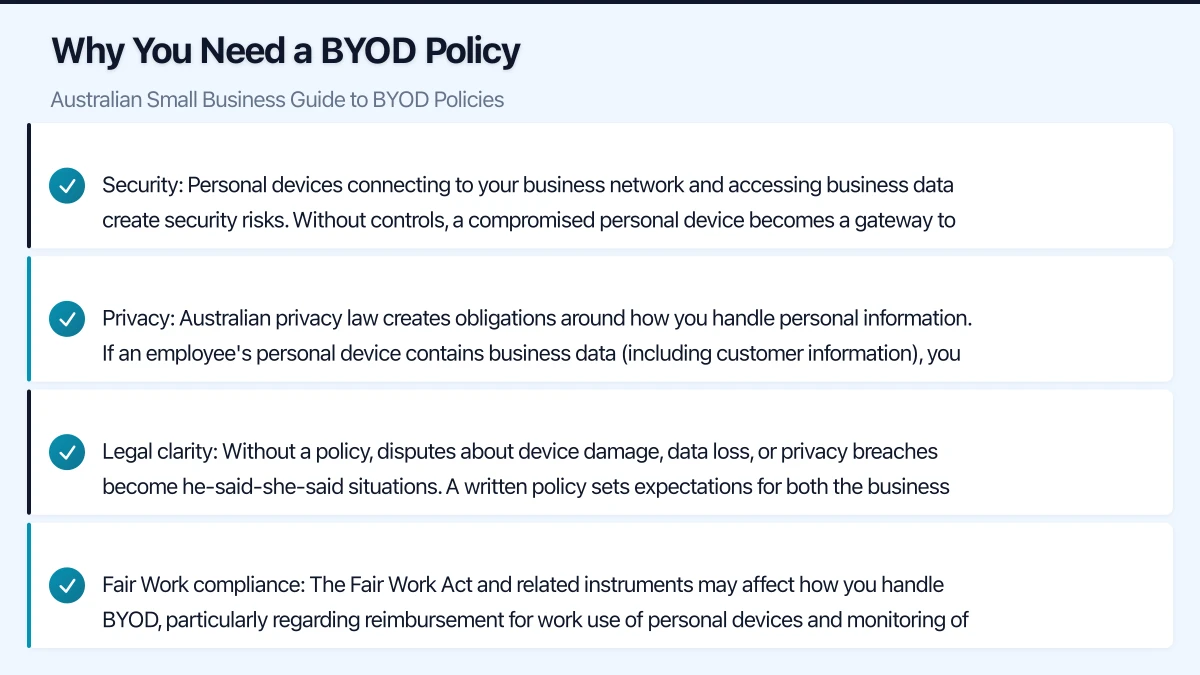
Security: Personal devices connecting to your business network and accessing business data create security risks. Without controls, a compromised personal device becomes a gateway to your business systems.
Privacy: Australian privacy law creates obligations around how you handle personal information. If an employee’s personal device contains business data (including customer information), you need clear rules about how that data is protected and what happens when the employee leaves.
Legal clarity: Without a policy, disputes about device damage, data loss, or privacy breaches become he-said-she-said situations. A written policy sets expectations for both the business and employees.
Fair Work compliance: The Fair Work Act and related instruments may affect how you handle BYOD, particularly regarding reimbursement for work use of personal devices and monitoring of employee devices.
Security Requirements for BYOD
Your BYOD policy should mandate these minimum security requirements for any personal device accessing business data.
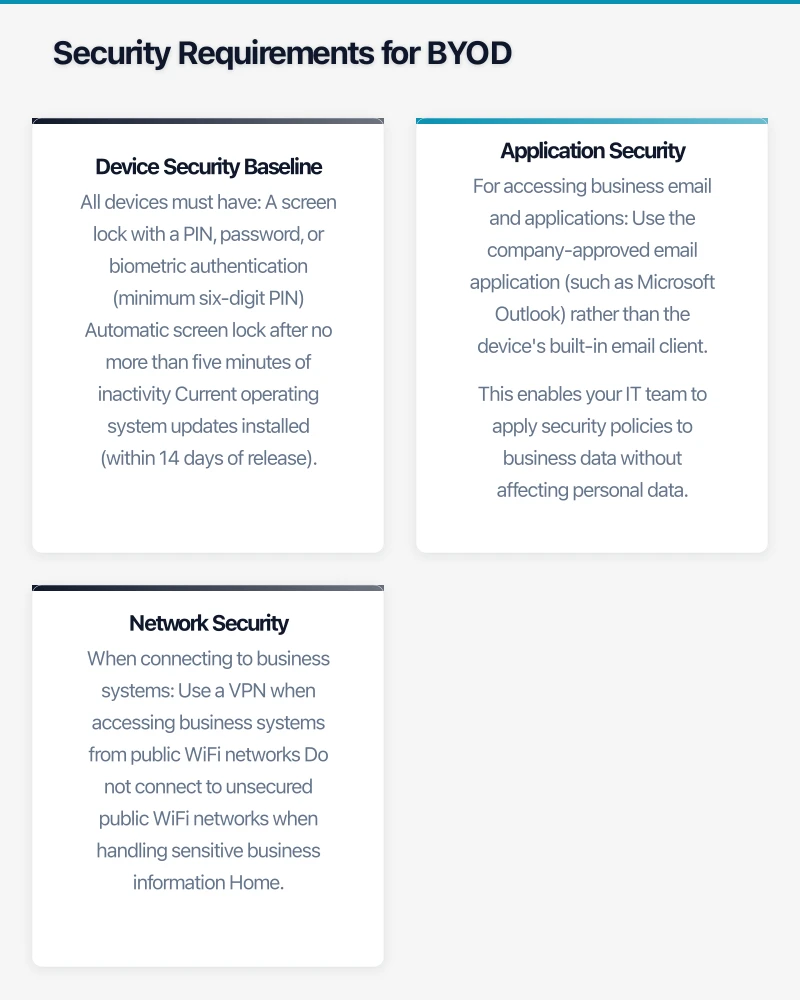
Device Security Baseline
All devices must have:
- A screen lock with a PIN, password, or biometric authentication (minimum six-digit PIN)
- Automatic screen lock after no more than five minutes of inactivity
- Current operating system updates installed (within 14 days of release)
- Encryption enabled (enabled by default on modern iOS and most Android devices)
- “Find My Device” or equivalent remote location and wipe capability enabled
- No jailbreaking or rooting (which bypasses built-in security controls)
Application Security
For accessing business email and applications:
- Use the company-approved email application (such as Microsoft Outlook) rather than the device’s built-in email client. This enables your IT team to apply security policies to business data without affecting personal data.
- Install only approved business applications from official app stores
- Do not store business files on the device’s local storage. Use cloud services (OneDrive, SharePoint) so data remains under your control.
Network Security
When connecting to business systems:
- Use a VPN when accessing business systems from public WiFi networks
- Do not connect to unsecured public WiFi networks when handling sensitive business information
- Home WiFi networks should use WPA2 or WPA3 encryption with a strong password
Mobile Device Management (MDM)
For businesses with more than ten BYOD users, consider implementing a Mobile Device Management solution.
What MDM Does
MDM software lets your IT team:
- Enforce security policies on enrolled devices (PIN requirements, encryption)
- Remotely wipe business data if a device is lost, stolen, or the employee leaves
- Distribute and manage business applications
- Separate business and personal data on the device
- Monitor compliance with security requirements
MDM Options for Australian SMBs
Microsoft Intune: Included with Microsoft 365 Business Premium (approximately $30 per user per month). Integrates seamlessly with Azure AD and the rest of the Microsoft ecosystem. Supports iOS, Android, Windows, and macOS.
VMware Workspace ONE (formerly AirWatch): More feature-rich but also more complex and expensive. Better suited for businesses with over 50 BYOD devices.
Jamf: If your business uses Apple devices, Jamf provides Apple-specific device management. Pricing starts at approximately $5 per device per month.
For most Australian SMBs using Microsoft 365, Intune is the natural choice. Its “Mobile Application Management” (MAM) mode is particularly useful for BYOD because it manages business applications and data without requiring full device enrolment. This addresses the common employee concern of “I do not want my employer controlling my personal phone.”
MAM Without Enrolment
With Intune MAM (available with Microsoft 365 Business Premium), you can:
- Require a PIN to access business apps (separate from the device PIN)
- Prevent copying data from business apps to personal apps
- Remotely wipe only business data, leaving personal data untouched
- Require encryption for business data stored on the device
- Block screen captures within business applications
This approach provides meaningful security for business data while respecting employee privacy on their personal devices.
Privacy and Legal Considerations
Australian privacy and employment law creates specific considerations for BYOD.
Employee Privacy
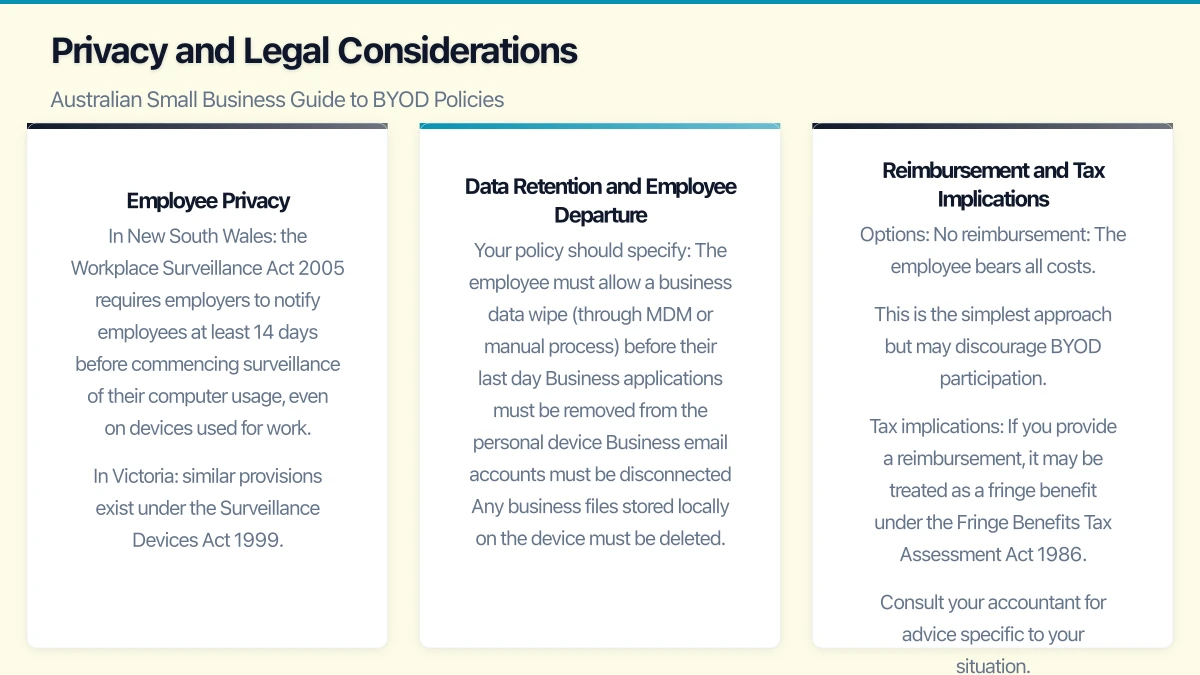
Under the Privacy Act 1988 and state surveillance legislation, employers must be transparent about any monitoring of employee devices.
In New South Wales, the Workplace Surveillance Act 2005 requires employers to notify employees at least 14 days before commencing surveillance of their computer usage, even on devices used for work.
In Victoria, similar provisions exist under the Surveillance Devices Act 1999.
Practical implications:
- Your BYOD policy must clearly state what data the business can access on personal devices
- If you use MDM, explain what the MDM software can and cannot see
- Employees must consent to the BYOD policy before enrolling their devices
- Make it clear that the business will only access or wipe business data, not personal data
Data Retention and Employee Departure
When an employee leaves your business, you need a clear process for handling business data on their personal device.
Your policy should specify:
- The employee must allow a business data wipe (through MDM or manual process) before their last day
- Business applications must be removed from the personal device
- Business email accounts must be disconnected
- Any business files stored locally on the device must be deleted
What you cannot do:
- Wipe the entire personal device (only business data)
- Retain access to the personal device after employment ends
- Access personal data on the employee’s device
Reimbursement and Tax Implications
If employees use their personal devices for work, the question of cost sharing arises.
Options:
- No reimbursement: The employee bears all costs. This is the simplest approach but may discourage BYOD participation.
- Partial stipend: A monthly contribution towards the employee’s phone or internet plan. Common amounts for Australian SMBs range from $30 to $80 per month.
- Full stipend: Less common for SMBs. More typical for roles where personal device use is mandatory.
Tax implications: If you provide a reimbursement, it may be treated as a fringe benefit under the Fringe Benefits Tax Assessment Act 1986. Consult your accountant for advice specific to your situation. Employees may also be able to claim work-related use of personal devices as a tax deduction.
Creating Your BYOD Policy
Here is a framework for your BYOD policy. Adapt it to your business needs and have it reviewed by your legal advisor.
Policy Sections
1. Purpose and Scope
State that the policy applies to all employees using personal devices to access business systems, data, or networks. Define what constitutes a “business system” (email, file storage, business applications, internal networks).
2. Eligible Devices
Specify which types of devices are permitted:
- Smartphones running iOS 15 or later, or Android 11 or later
- Laptops running Windows 10 or later, or macOS 11 (Big Sur) or later
- Tablets running iPadOS 15 or later, or Android 11 or later
Setting minimum OS requirements ensures devices receive current security updates.
3. Security Requirements
Detail the security requirements outlined earlier in this guide: screen lock, encryption, OS updates, no jailbreaking, and antivirus (for laptops).
4. Acceptable Use
Define what employees may and may not do with business data on personal devices:
- May: Access business email, calendars, and approved applications
- May: Store business files in approved cloud services
- May not: Store business data on local device storage
- May not: Forward business email to personal email accounts
- May not: Use personal cloud storage (personal Google Drive, Dropbox) for business files
5. Support and Maintenance
Clarify what IT support the business will and will not provide for personal devices:
- Will: Support configuration of business email and applications
- Will: Assist with MDM enrolment
- Will not: Provide general device support, repairs, or replacements
- Will not: Support personal applications or device issues unrelated to business use
6. Privacy
Be transparent about what the business can and cannot see or do:
- Can: See device type, OS version, and compliance status
- Can: Manage and wipe business applications and data
- Can: See whether the device meets security requirements
- Cannot: See personal emails, photos, text messages, or browsing history
- Cannot: Track device location (unless explicitly agreed for specific roles)
- Cannot: Wipe personal data
7. Loss, Theft, and Incident Reporting
Require employees to report lost or stolen devices within 24 hours so that business data can be remotely wiped. Provide a clear reporting channel (IT helpdesk email, phone number, or after-hours contact).
8. Employee Departure
Outline the offboarding process for BYOD devices, as described earlier.
9. Acknowledgement
Include a signature section where employees acknowledge they have read, understood, and agree to comply with the policy.
Implementation Checklist
Once your policy is written, follow this implementation plan:
-
Get legal review. Have your employment lawyer or HR advisor review the policy for compliance with privacy and employment legislation.
-
Choose your MDM approach. If using Intune or another MDM, configure it before rolling out the policy.
-
Communicate with staff. Hold a team meeting to explain the policy, why it exists, and what it means for them. Address concerns about privacy openly.
-
Collect signed acknowledgements. Every employee using a personal device for work must sign the policy.
-
Enrol devices. Guide employees through the MDM enrolment process or manual configuration of business applications.
-
Monitor compliance. Use your MDM dashboard or manual checks to verify devices meet security requirements.
-
Review annually. Update the policy each year to reflect changes in technology, regulations, and business needs.
When BYOD Is Not the Right Answer
BYOD is not suitable for every situation. Consider company-owned devices when:
- Staff handle highly sensitive data (legal, medical, financial)
- Your industry has specific device security requirements
- You need full control over the device for compliance reasons
- The cost of managing BYOD exceeds the cost of providing devices
For many Australian SMBs, a hybrid approach works best: company-owned laptops for primary work, with BYOD permitted for smartphones and tablets used for email and basic business applications.
The goal of your BYOD policy is not to control employees but to protect your business while respecting their personal property. Get the balance right, and BYOD becomes a genuine advantage for your business and your team.
For a strategic perspective on how cloud technology fits into your broader digital transformation, read Ash Ganda’s insights on technology leadership.
Cloud Geeks is the IT infrastructure division of Ganda Tech Services, providing managed cloud and cybersecurity solutions to Australian businesses.