
Australian Healthcare IT Compliance and Cloud Solutions
Australian Healthcare IT Compliance and Cloud Solutions
Healthcare is one of the most heavily regulated sectors for IT in Australia. Medical practices, allied health providers, dental clinics, and other healthcare organisations must navigate a complex web of federal and state legislation, professional standards, and industry guidelines that govern how patient information is collected, stored, shared, and protected.
At the same time, healthcare organisations are under increasing pressure to modernise their IT systems: adopting cloud-based practice management software, enabling telehealth, connecting to the My Health Record system, and implementing electronic prescribing. Balancing modernisation with compliance is the core challenge.
This guide covers the key IT compliance requirements for Australian healthcare organisations and practical guidance for adopting cloud solutions safely.
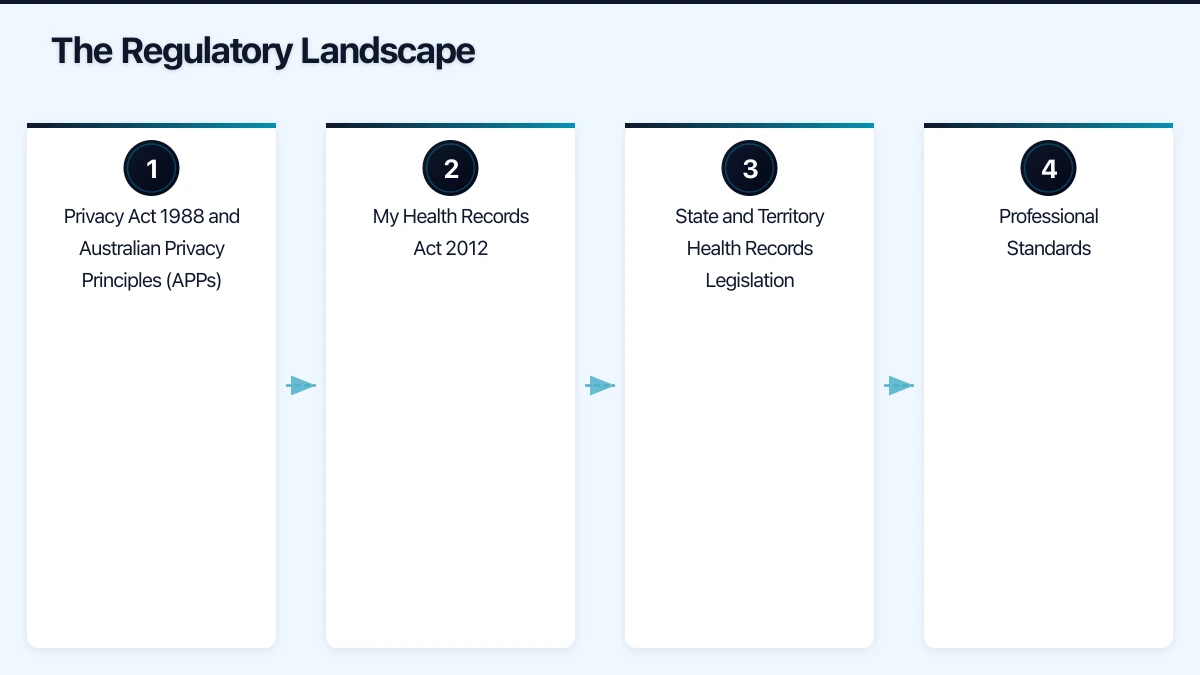
The Regulatory Landscape
Privacy Act 1988 and Australian Privacy Principles (APPs)
The Privacy Act applies to all private sector health service providers, regardless of turnover (most other businesses are only covered if their turnover exceeds three million dollars). This means even a solo practitioner operating from a small clinic is covered.
Key obligations for healthcare IT:
- Collection limitation: Only collect health information that is necessary for providing care
- Use and disclosure: Health information can only be used for the purpose for which it was collected, with specific exceptions (patient consent, legal requirements, serious threat to life)
- Data quality: Take reasonable steps to ensure health information is accurate, up-to-date, and complete
- Data security: Take reasonable steps to protect health information from misuse, interference, loss, and unauthorised access
- Access and correction: Patients have the right to access and correct their health information
- Notifiable Data Breaches: Mandatory notification to the OAIC and affected individuals if a breach is likely to result in serious harm
My Health Records Act 2012
The My Health Record system is Australia’s national digital health record. Healthcare organisations registered with the system must comply with specific requirements:
- Authorised access: Only authorised healthcare providers can access My Health Record information, and only for purposes related to providing healthcare
- Access controls: Implement technical controls to ensure only authorised staff can access the system
- Audit trail: Maintain records of who accessed My Health Record information and when
- Penalties: Serious penalties apply for unauthorised access, including up to five years imprisonment for individuals and significant fines for organisations
State and Territory Health Records Legislation
In addition to federal law, each state and territory has its own health records legislation:
- Victoria: Health Records Act 2001
- New South Wales: Health Records and Information Privacy Act 2002
- ACT: Health Records (Privacy and Access) Act 1997
- Other states rely primarily on the federal Privacy Act for private sector health providers
These state laws may impose additional requirements beyond the federal framework. Check which state legislation applies to your practice.
Professional Standards
Healthcare professional bodies set additional standards:
- RACGP Standards for General Practices (5th Edition): Includes requirements for information security, access controls, and business continuity
- Australian Digital Health Agency (ADHA) guidelines: Standards for connecting to national digital health infrastructure
- AHPRA registered practitioner obligations: Professional obligations regarding patient records and confidentiality
IT Security Requirements for Healthcare
The Essential Eight for Healthcare
The ACSC Essential Eight mitigation strategies are particularly relevant for healthcare organisations. While not mandatory for private sector healthcare, they represent best practice and are increasingly expected by regulators and insurers:
- Application control: Only approved applications can run on practice computers
- Patch applications: Apply security patches to applications within 48 hours for critical vulnerabilities
- Configure Microsoft Office macro settings: Restrict macros to prevent malware delivery
- User application hardening: Configure browsers and other applications to block risky content
- Restrict administrative privileges: Limit admin access to those who genuinely need it
- Patch operating systems: Keep Windows and other operating systems current
- Multi-factor authentication: Require MFA for all remote access and privileged accounts
- Regular backups: Daily backups tested regularly for restoration
Minimum Security Controls
For healthcare organisations, regardless of size, these security controls are essential:
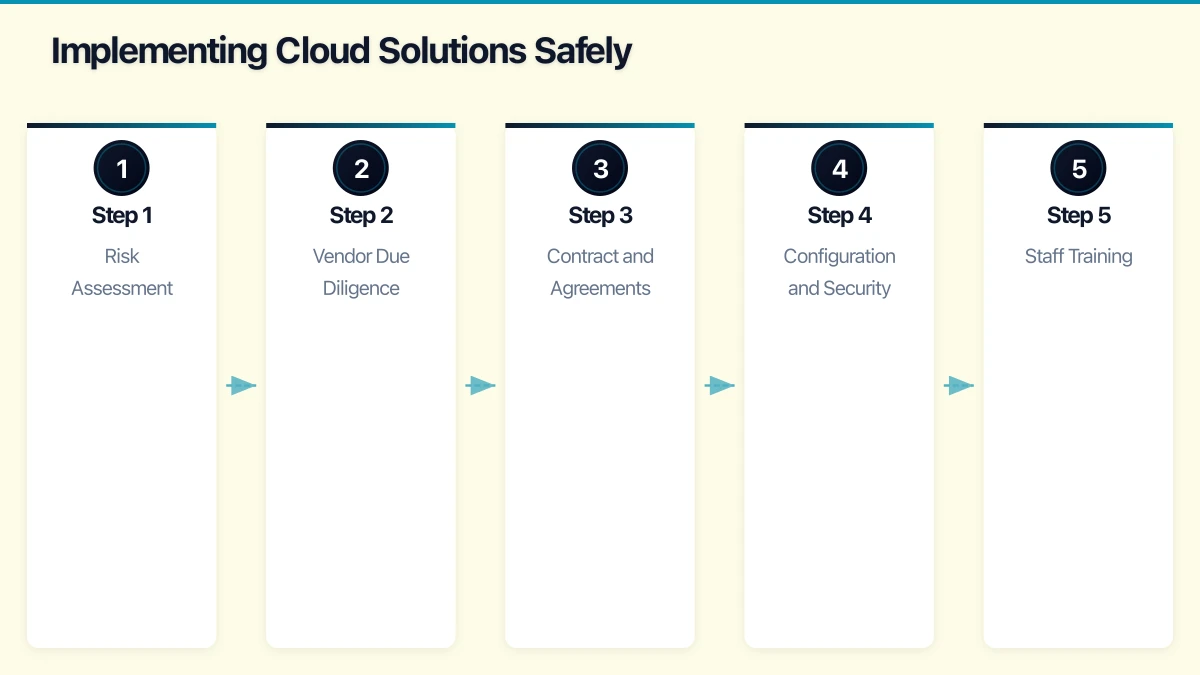
Access controls:
- Unique login credentials for every staff member (no shared accounts)
- Role-based access (reception staff should not have access to clinical notes by default)
- Strong passwords with multi-factor authentication
- Automatic screen lock after a short period of inactivity
- Immediate access revocation when staff leave
Encryption:
- Encrypt all devices that contain patient data (laptops, tablets, portable drives)
- Encrypt data in transit (HTTPS, encrypted email for patient information)
- Encrypt backups
Physical security:
- Secure server rooms or IT cabinets
- Screen positioning to prevent patient data being visible to others
- Secure disposal of paper records and electronic media
Monitoring:
- Audit logging of access to patient records
- Regular review of access logs for anomalies
- Incident detection and response procedures
Cloud Solutions for Healthcare
Cloud-Based Practice Management Software
Most modern practice management software is cloud-based. Leading platforms for Australian healthcare include:
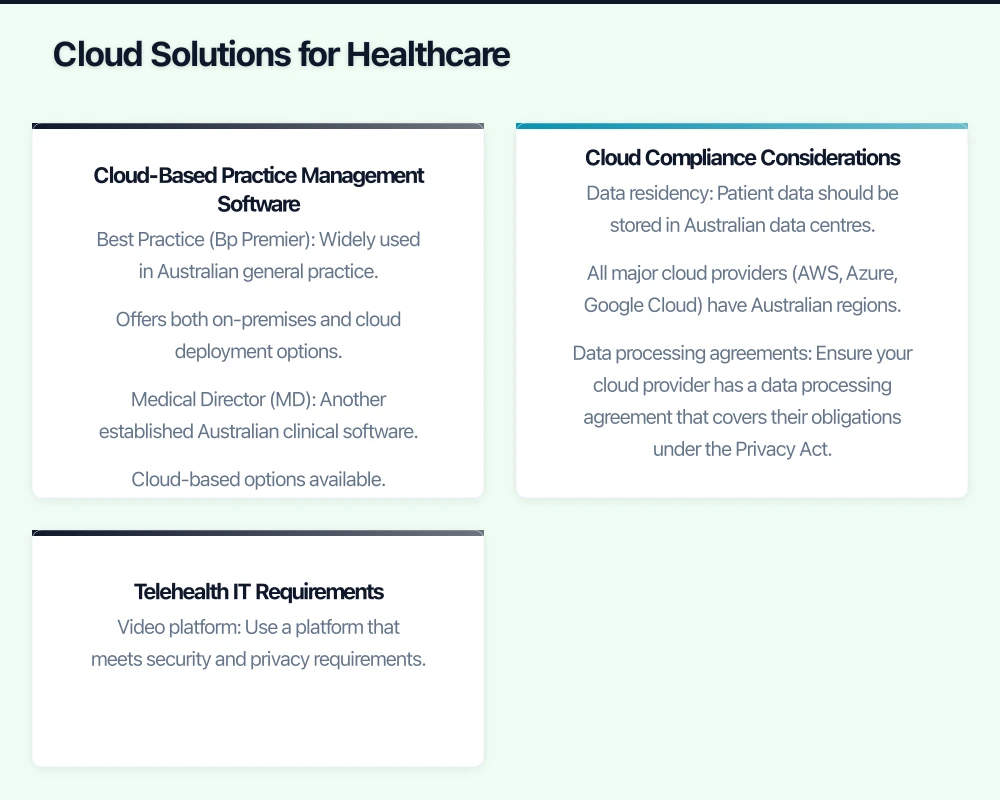
Best Practice (Bp Premier): Widely used in Australian general practice. Offers both on-premises and cloud deployment options. Integrates with Medicare, PBS, My Health Record, and pathology/radiology providers.
Medical Director (MD): Another established Australian clinical software. Cloud-based options available. Strong integration with Australian health infrastructure.
Cliniko: Cloud-based practice management for allied health, physiotherapy, and other specialties. Clean interface, online bookings, and Telehealth capabilities.
Halaxy: Australian cloud-based practice management with free tier for solo practitioners. Covers scheduling, billing, clinical notes, and Medicare claiming.
Nookal: Cloud-based practice management popular with physiotherapy, occupational therapy, and speech pathology practices.
Cloud Compliance Considerations
When moving healthcare IT to the cloud:
Data residency: Patient data should be stored in Australian data centres. All major cloud providers (AWS, Azure, Google Cloud) have Australian regions. Verify that your cloud software provider stores data within Australia.
Data processing agreements: Ensure your cloud provider has a data processing agreement that covers their obligations under the Privacy Act. This should detail how they protect data, where it is stored, who can access it, and what happens if a breach occurs.
Shared responsibility model: Understand what the cloud provider secures (infrastructure, platform) vs what you secure (data, access controls, user management). You cannot outsource your compliance obligations even when you outsource your infrastructure.
Business continuity: Ensure the cloud provider has redundancy and disaster recovery capabilities. Understand their guaranteed uptime (SLA) and what happens if the service is unavailable.
Exit strategy: What happens if you need to change providers? Ensure your patient data is exportable in a standard format and that the provider will assist with data migration.
Telehealth IT Requirements
Telehealth has become a permanent part of Australian healthcare delivery. IT requirements include:
Video platform: Use a platform that meets security and privacy requirements. Options include:
- Healthdirect Video Call (Australian Government-supported, free for healthcare providers)
- Coviu (Australian telehealth platform designed for healthcare)
- Microsoft Teams or Zoom (with appropriate security configuration)
Security requirements for telehealth:
- End-to-end encryption for video consultations
- Waiting room functionality to prevent unauthorised access
- Secure recording and storage if consultations are recorded
- Patient identity verification before consultations
- Compliance with Medicare telehealth requirements for billing
Infrastructure:
- Reliable internet connection (minimum 10 Mbps upload/download recommended)
- Quality webcam, microphone, and lighting
- Private consulting space where conversations cannot be overheard
- Backup plan if the internet or platform fails during a consultation
Implementing Cloud Solutions Safely
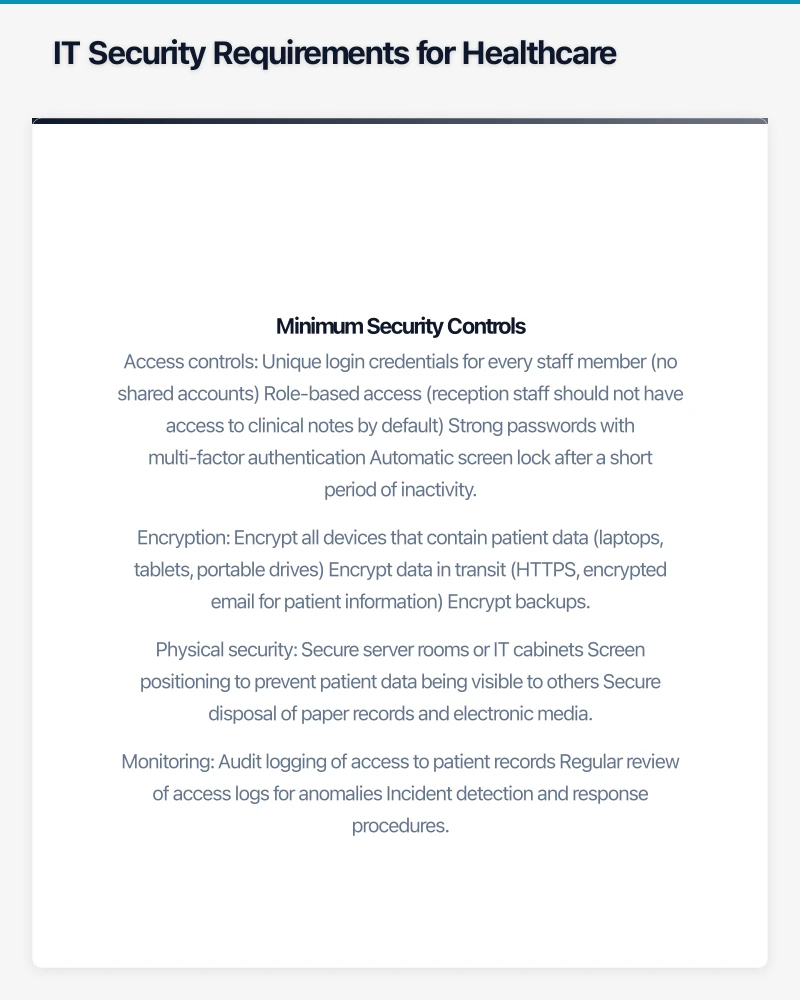
Step 1: Risk Assessment
Before adopting any cloud solution, conduct a privacy impact assessment:
- What patient data will the system process?
- Where will it be stored?
- Who will have access?
- What security controls does the provider implement?
- What are the risks and how are they mitigated?
Step 2: Vendor Due Diligence
Evaluate cloud vendors against healthcare-specific criteria:
- Certifications: ISO 27001, SOC 2 Type 2
- Australian data residency: Confirmed in writing
- Healthcare experience: Do they understand Australian healthcare compliance?
- Backup and recovery: What are their backup procedures and recovery time objectives?
- Security testing: Do they conduct regular penetration testing?
- Incident response: How quickly will they notify you of a breach?
- Insurance: Do they carry cyber insurance?
Step 3: Contract and Agreements
Ensure your contract with the cloud provider includes:
- Data processing agreement aligned with the Privacy Act
- Confirmation of Australian data residency
- Security obligations and standards
- Breach notification timeframes (within 24 hours is recommended)
- Data portability and exit provisions
- Service level agreements (uptime, support response times)
- Right to audit or request audit reports
Step 4: Configuration and Security
Once you have selected a cloud solution:
- Configure access controls aligned with staff roles
- Enable multi-factor authentication for all users
- Enable audit logging
- Configure backup policies
- Test data restoration
- Set up security alerts for suspicious activity
- Document security procedures for staff
Step 5: Staff Training
Healthcare staff need training on:
- Privacy obligations and what they mean in practice
- How to use the new system securely
- Password and authentication requirements
- What to do if they suspect a privacy breach
- Telehealth platform usage and security
- Recognising phishing attempts (healthcare is heavily targeted)
Handling a Data Breach
If a data breach occurs involving patient information:
- Contain: Immediately stop the breach if possible (isolate affected systems, revoke compromised credentials)
- Assess: Determine what data was affected, how many patients are impacted, and the likely harm
- Notify the OAIC: If the breach is likely to result in serious harm, notify the OAIC as soon as practicable
- Notify affected patients: Provide information about the breach, what data was affected, and what they can do
- Report to ADHA: If My Health Record data was involved, notify the Australian Digital Health Agency
- Review and remediate: Investigate the root cause and implement measures to prevent recurrence
- Document: Maintain a complete record of the breach and your response
Healthcare data breaches carry heightened regulatory and reputational risk. The Medibank breach in 2022 demonstrated the devastating impact of healthcare data exposure and the intense public and regulatory scrutiny that follows.
Budget Considerations
For a small to medium Australian healthcare practice (5 to 20 practitioners):
Cloud practice management software: AUD 50 to 200 per practitioner per month
Microsoft 365 Business Premium: AUD 33 per user per month (recommended for healthcare due to advanced security features)
Cloud backup: AUD 5 to 15 per user per month
Managed IT services: AUD 100 to 200 per user per month (recommended for healthcare organisations that lack dedicated IT staff)
Telehealth platform: Free (Healthdirect) to AUD 30 per practitioner per month (commercial platforms)
Annual security assessment: AUD 3,000 to 10,000
Total IT budget for a 10-practitioner practice: Approximately AUD 3,000 to 6,000 per month
Getting Started
- Review your current IT environment against the compliance requirements outlined in this guide
- Identify gaps in security controls, particularly around access management and encryption
- Evaluate cloud-based practice management software if you are still on an ageing on-premises system
- Enable multi-factor authentication on all systems that access patient data
- Develop a data breach response plan if you do not have one
- Engage a managed IT services provider with healthcare experience if you lack internal IT expertise
Healthcare IT compliance is not optional. The consequences of non-compliance include regulatory penalties, professional disciplinary action, and the breach of trust that patients place in their healthcare providers. Investing in compliant, secure IT infrastructure protects your patients and your practice.
Your cloud setup handles the heavy lifting — now make sure your website delivers. Cosmos Web Tech provides web design and SEO services for businesses across Sydney and Western Sydney.
Part of the Ganda Tech Services family, Cloud Geeks delivers specialist IT and cloud solutions for Australian small and medium businesses.