
Australian Business Guide to Video Conferencing Solutions
Australian Business Guide to Video Conferencing Solutions
Video conferencing has moved from an occasional tool to a daily essential for Australian businesses. What began as a pandemic necessity has become embedded in how we collaborate, sell, service customers, and manage distributed teams.
Yet many Australian businesses are still using the video platform they hastily adopted in 2020 without evaluating whether it is the right long-term solution. Others are struggling with poor audio quality, awkward meeting room setups, and the fatigue of back-to-back video calls.
This guide evaluates the leading video conferencing platforms for Australian business use and provides practical guidance on hardware, room design, and meeting best practices.
Comparing Video Conferencing Platforms
Microsoft Teams
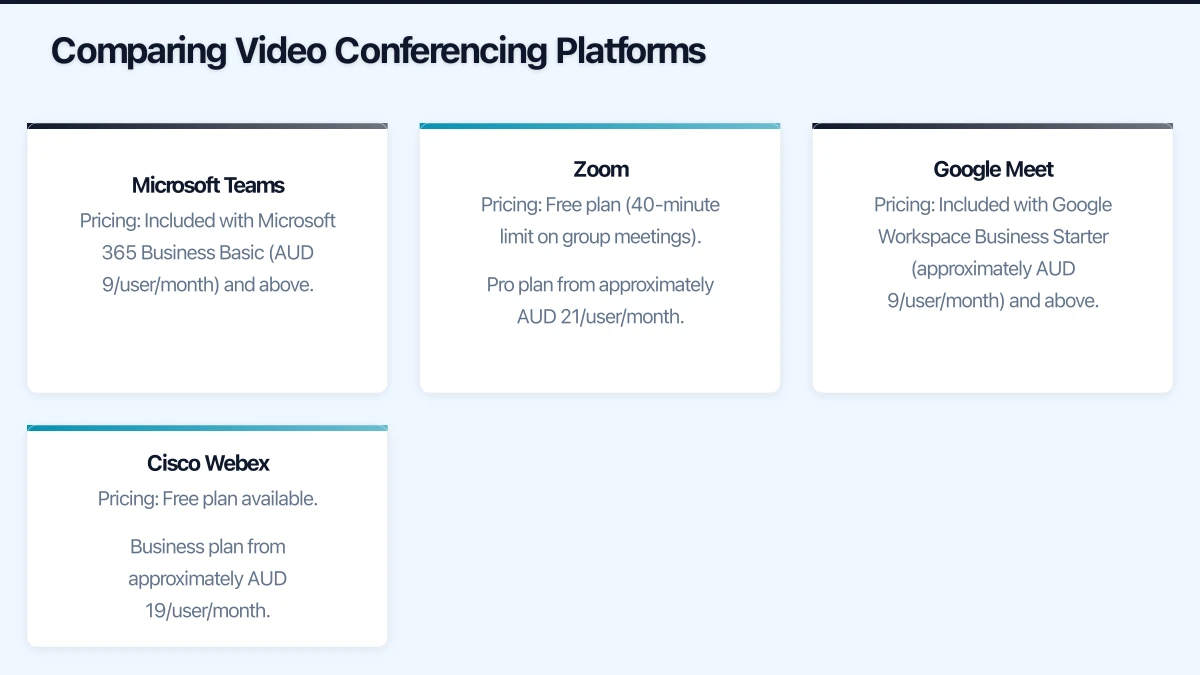
Pricing: Included with Microsoft 365 Business Basic (AUD 9/user/month) and above. Free version available with limited features.
Meeting features:
- Up to 300 participants (Business plans)
- Meeting recording and transcription
- Screen sharing and whiteboard
- Breakout rooms
- Together Mode and virtual backgrounds
- Live captions and subtitles
- Meeting chat with file sharing
- Polls and Q&A
Strengths:
- Seamlessly integrated with Microsoft 365 (Outlook calendar, OneDrive, SharePoint)
- Persistent chat and collaboration beyond meetings
- Teams Rooms for conference room solutions
- Strong security and compliance features
- No additional cost if you already have Microsoft 365
Weaknesses:
- Can feel heavy for organisations not using the full Microsoft ecosystem
- Meeting join experience for external guests can be clunky
- Feature-rich interface has a learning curve
Best for: Businesses using Microsoft 365 as their primary productivity platform. The integration with Outlook, SharePoint, and other M365 services makes Teams the natural choice.
Zoom
Pricing: Free plan (40-minute limit on group meetings). Pro plan from approximately AUD 21/user/month. Business plan from approximately AUD 28/user/month.
Meeting features:
- Up to 300 participants (Business plan)
- Recording (cloud and local)
- Screen sharing, whiteboard, and annotation
- Breakout rooms
- Virtual backgrounds and filters
- Waiting rooms and meeting controls
- Zoom Rooms for conference rooms
- Webinar capabilities (add-on)
Strengths:
- Excellent video and audio quality
- Very simple meeting join experience (even for external participants)
- Reliable performance even on lower-bandwidth connections
- Strong webinar and large event capabilities
- Broad hardware compatibility
Weaknesses:
- Another subscription to manage if you already have Microsoft 365
- Security concerns from 2020 have been addressed but left a perception issue
- Collaboration features outside meetings are less mature than Teams
- Does not integrate as deeply with Microsoft 365
Best for: Businesses that frequently host external meetings, webinars, or events. The frictionless join experience makes Zoom ideal when your audience is outside your organisation.
Google Meet
Pricing: Included with Google Workspace Business Starter (approximately AUD 9/user/month) and above. Free version available.
Meeting features:
- Up to 150 participants (Business Standard) or 500 (Business Plus)
- Meeting recording (Business Standard and above)
- Screen sharing and whiteboard
- Breakout rooms
- Real-time captions
- Noise cancellation
- Background blur and virtual backgrounds
- Polls and Q&A
Strengths:
- Integrated with Google Workspace (Calendar, Drive, Docs)
- Simple, clean interface
- Browser-based (no app installation required for basic use)
- Good performance on Chromebooks and lower-powered devices
- Competitive pricing
Weaknesses:
- Limited advanced meeting features compared to Teams and Zoom
- Smaller ecosystem of compatible meeting room hardware
- Less commonly used in the Australian enterprise market
- Recording requires Business Standard or above
Best for: Businesses using Google Workspace as their primary productivity platform. Also a good choice for businesses that value simplicity.
Cisco Webex
Pricing: Free plan available. Business plan from approximately AUD 19/user/month.
Meeting features:
- Up to 200 participants (Business plan)
- Recording and transcription
- Screen sharing and whiteboard
- Breakout rooms
- Real-time translation (limited languages)
- Noise removal
- Gesture recognition
- Webex Rooms for conference room solutions
Strengths:
- Enterprise-grade security and compliance
- Strong meeting room hardware ecosystem
- Good audio and video quality
- Noise removal technology is excellent
- Background noise detection and suppression
Weaknesses:
- Less intuitive interface than competitors
- Smaller market share in Australian SMB space
- Higher complexity for administration
- External participant experience can be confusing
Best for: Businesses in regulated industries that need enterprise-grade security and compliance features, or those already using Cisco networking infrastructure.
Choosing the Right Platform
For most Australian SMBs, the decision comes down to Teams or Zoom:
| Factor | Teams | Zoom |
|---|---|---|
| Already using Microsoft 365? | Choose Teams | Consider Teams first |
| Mostly internal meetings? | Teams | Either |
| Mostly external meetings? | Either | Zoom | | Need webinar capabilities? | Teams (limited) | Zoom (strong) | | Budget-conscious? | Teams (included in M365) | Additional cost | | Need deep collaboration? | Teams | Add collaboration tools | | Meeting room hardware? | Teams Rooms | Zoom Rooms |
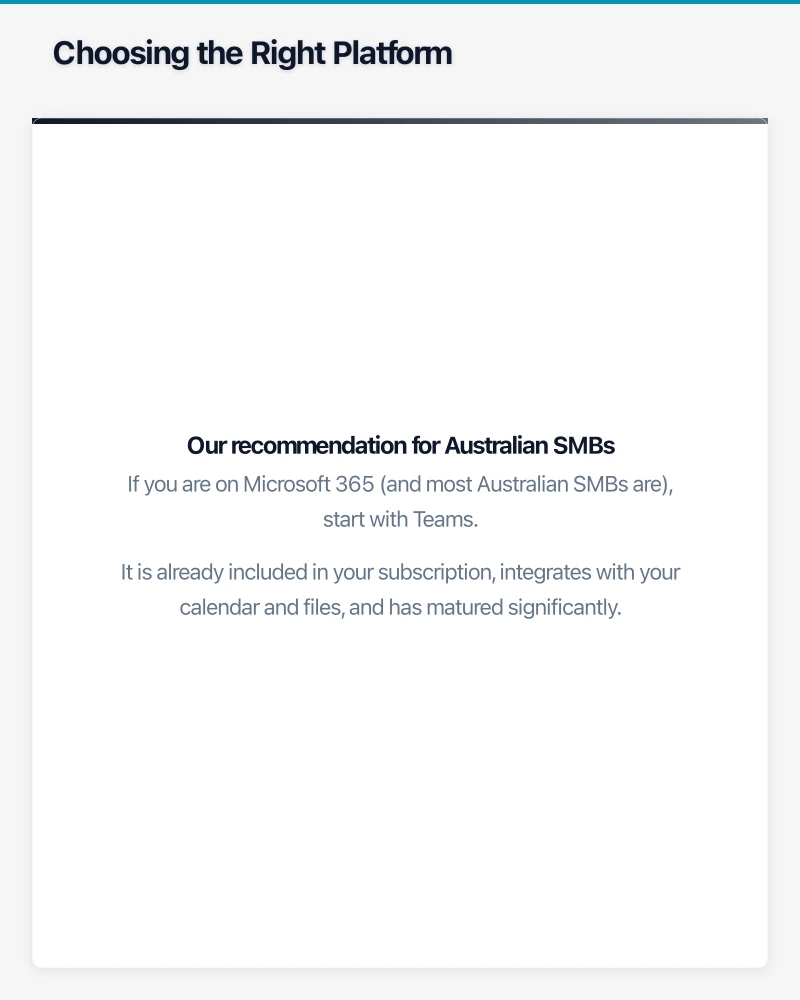
Our recommendation for Australian SMBs: If you are on Microsoft 365 (and most Australian SMBs are), start with Teams. It is already included in your subscription, integrates with your calendar and files, and has matured significantly. Use Zoom selectively for external events or webinars where its join experience and event features provide clear advantages.
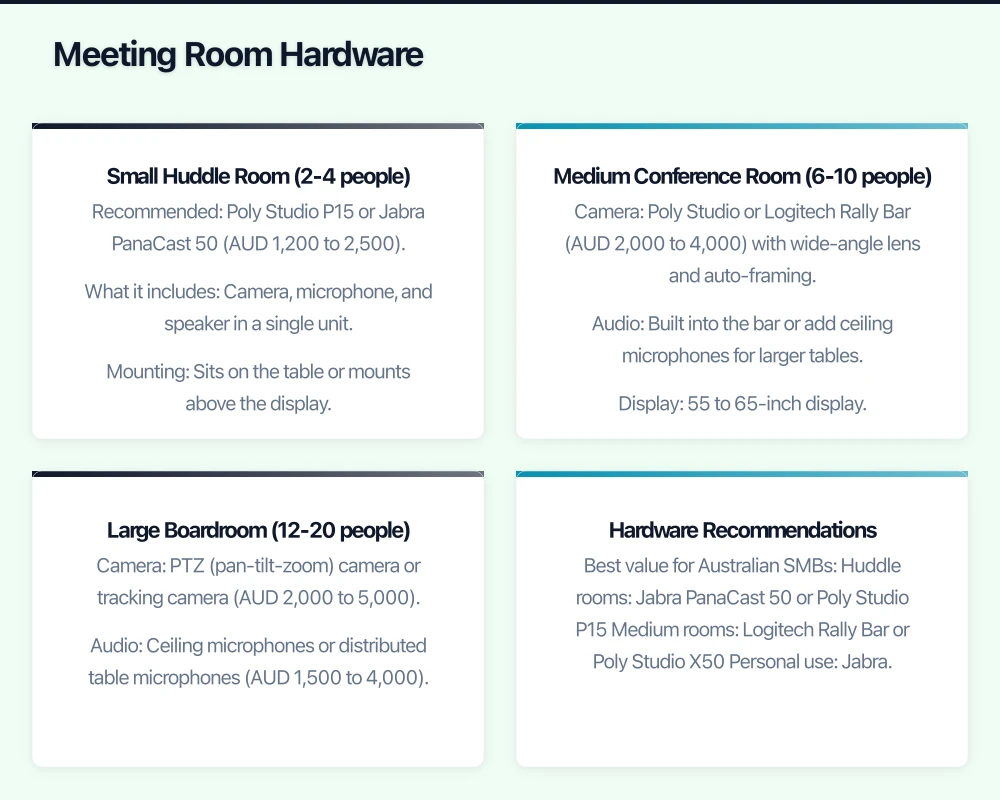
Meeting Room Hardware
Small Huddle Room (2-4 people)
A small room needs a simple, all-in-one solution:
- Recommended: Poly Studio P15 or Jabra PanaCast 50 (AUD 1,200 to 2,500)
- What it includes: Camera, microphone, and speaker in a single unit
- Mounting: Sits on the table or mounts above the display
- Display: Existing TV or monitor with HDMI input
- Compute: Connected to a laptop or a dedicated Teams/Zoom Rooms compute device
Medium Conference Room (6-10 people)
A medium room needs better audio pickup and a wider camera angle:
- Camera: Poly Studio or Logitech Rally Bar (AUD 2,000 to 4,000) with wide-angle lens and auto-framing
- Audio: Built into the bar or add ceiling microphones for larger tables
- Display: 55 to 65-inch display
- Compute: Dedicated Teams Rooms or Zoom Rooms compute device (AUD 1,500 to 3,000) or connected laptop
- Total budget: AUD 5,000 to 10,000
Large Boardroom (12-20 people)
Large rooms require more sophisticated solutions:
- Camera: PTZ (pan-tilt-zoom) camera or tracking camera (AUD 2,000 to 5,000)
- Audio: Ceiling microphones or distributed table microphones (AUD 1,500 to 4,000)
- Display: Dual 75-inch displays or a video wall
- Compute: Dedicated room compute device
- Control: Touch panel for easy meeting start and control (AUD 1,000 to 2,000)
- Total budget: AUD 15,000 to 40,000
Hardware Recommendations
Best value for Australian SMBs:
- Huddle rooms: Jabra PanaCast 50 or Poly Studio P15
- Medium rooms: Logitech Rally Bar or Poly Studio X50
- Personal use: Jabra Evolve2 75 headset or Poly Voyager Focus 2 headset
Webcams for individual use:
- Budget: Logitech C920s (AUD 100 to 130)
- Mid-range: Logitech Brio (AUD 250 to 300)
- Premium: Poly Studio P5 (AUD 200 to 250)
Meeting Best Practices
Reduce Video Fatigue
Video fatigue is real and affects productivity. Practical strategies:
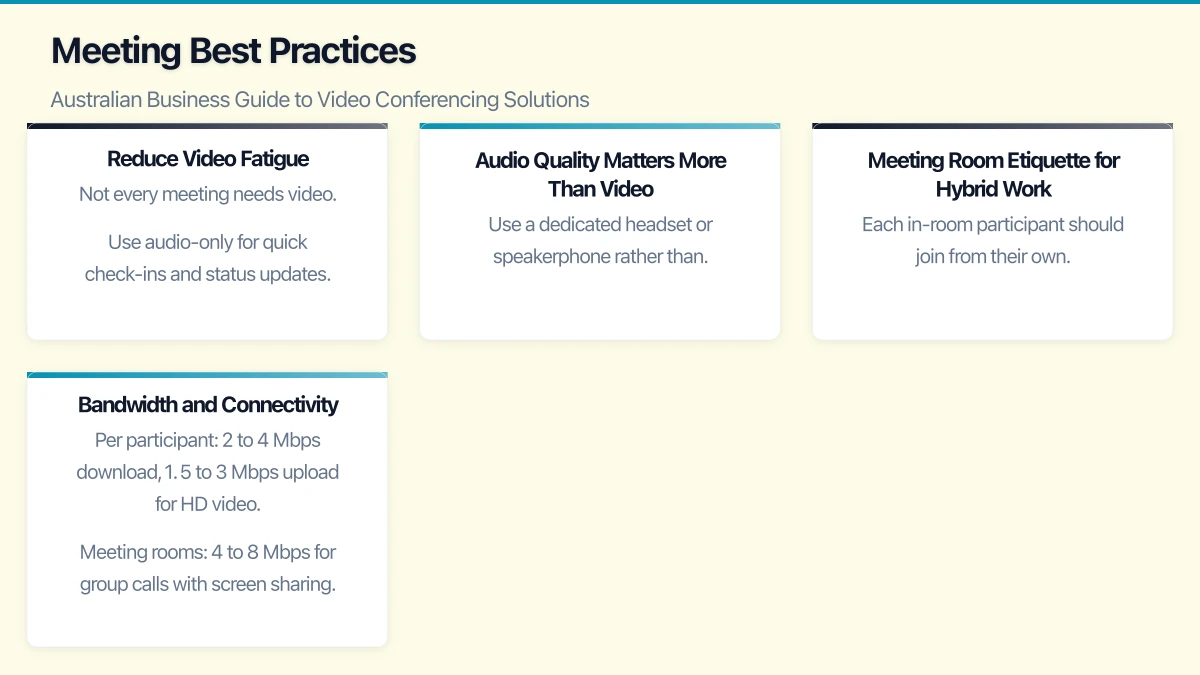
- Not every meeting needs video. Use audio-only for quick check-ins and status updates.
- Schedule meeting-free blocks. Designate certain hours or days as focus time with no meetings.
- Default to 25 or 50-minute meetings instead of 30 or 60 minutes, giving people breaks between calls.
- Use asynchronous alternatives. A Teams message or recorded video update can replace many status meetings.
Audio Quality Matters More Than Video
Poor audio is the number one complaint in video meetings. Invest in quality:
- Use a dedicated headset or speakerphone rather than laptop speakers and microphone
- Encourage team members to mute when not speaking
- Use noise cancellation features (available in Teams and Zoom)
- Test audio before important meetings
- In meeting rooms, invest in proper microphone solutions
Meeting Room Etiquette for Hybrid Work
When some participants are in a conference room and others are remote:
- Each in-room participant should join from their own device for chat and reactions
- Position the camera at eye level for a natural perspective
- Ensure the room microphone picks up all in-room voices clearly
- Display remote participants on the room screen at a size where they feel included
- The meeting facilitator should actively include remote participants in discussions
Bandwidth and Connectivity
For quality video conferencing, Australian businesses need:
- Per participant: 2 to 4 Mbps download, 1.5 to 3 Mbps upload for HD video
- Meeting rooms: 4 to 8 Mbps for group calls with screen sharing
- QoS configuration: Prioritise video and audio traffic on your network
- Wired connections preferred for meeting rooms and frequent video users
If your NBN connection is limited, use the following strategies:
- Disable HD video when bandwidth is constrained
- Use audio-only when video is not essential
- Schedule bandwidth-intensive activities (backups, updates) outside meeting-heavy periods
- Consider a dedicated internet connection for critical meeting rooms
Security Considerations
Meeting Security
- Enable waiting rooms to control who enters meetings
- Use meeting passwords for sensitive discussions
- Lock meetings once all participants have joined
- Control screen sharing permissions (host only or all participants)
- Be aware of what is visible behind you and on screen shares
- Record meetings only when necessary and store recordings securely
Compliance
For Australian businesses in regulated industries:
- Meeting recordings may be subject to data retention requirements
- Transcriptions and recordings should be stored in Australian data centres where possible
- Inform participants when meetings are being recorded
- Consider data sovereignty when choosing between platforms
- Review your platform’s privacy policy and data processing agreements
Moving Forward
Video conferencing is now permanent infrastructure for Australian businesses. Treating it as such means investing in proper platforms, quality hardware, and team training. The businesses that get video conferencing right will have a significant advantage in attracting talent (remote work flexibility), serving customers (face-to-face without travel), and collaborating effectively across the distances that define Australian geography.
Start by auditing your current video conferencing experience. Ask your team what works and what does not. Then invest in the areas that will have the most impact: usually audio quality, meeting room setups, and clear meeting practices.
If your team needs on-the-go access to cloud-managed systems, Awesome Apps builds practical mobile solutions for Australian businesses.
This article is brought to you by Ganda Tech Services — Sydney’s complete digital solutions provider covering cloud, web, and mobile.