
Australian Business Guide to Password Management Solutions
Australian Business Guide to Password Management Solutions
Passwords remain the first line of defence for most business systems. Despite the push toward passwordless authentication, the reality for Australian SMBs in 2023 is that passwords are still everywhere: email accounts, cloud applications, banking portals, supplier systems, and more.
The problem is not passwords themselves but how people manage them. The Australian Cyber Security Centre (ACSC) consistently identifies weak and reused passwords as a leading cause of security incidents. When employees use the same password across multiple services, a breach at one provider can cascade across your entire business.
Password management solutions solve this problem by generating, storing, and auto-filling unique, strong passwords for every service. This guide compares the leading options and helps you choose the right one for your Australian business.
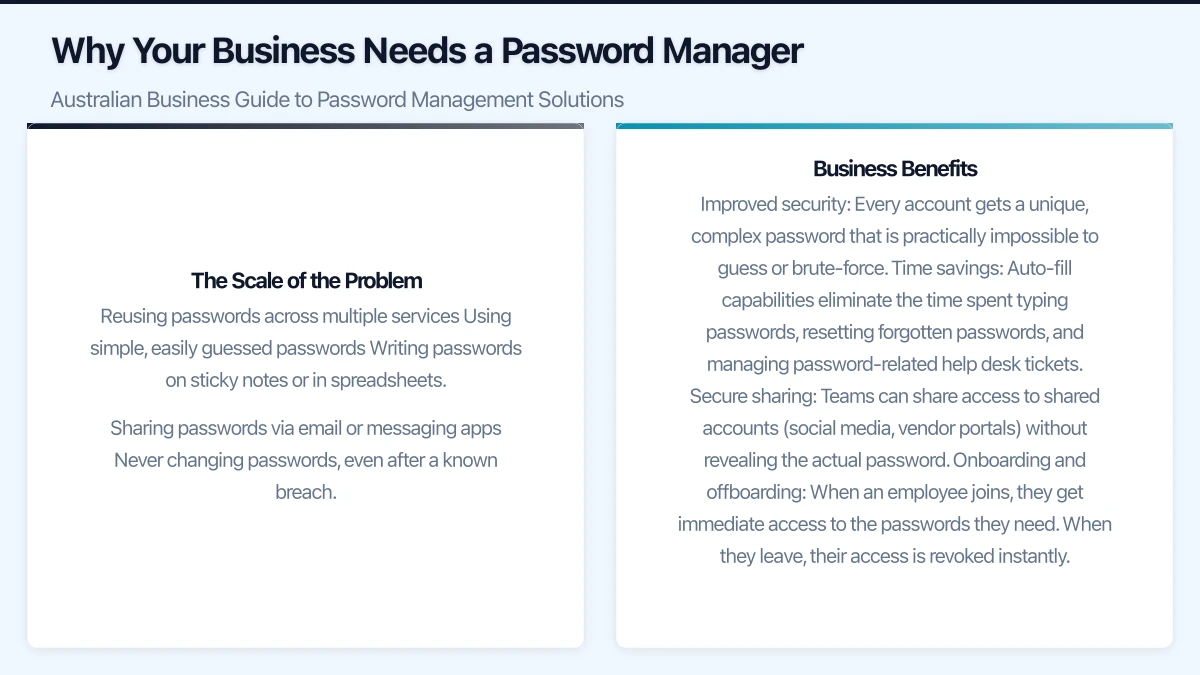
Why Your Business Needs a Password Manager
The Scale of the Problem
The average business user manages dozens of passwords. Without a password manager, people naturally fall into bad habits:
- Reusing passwords across multiple services
- Using simple, easily guessed passwords
- Writing passwords on sticky notes or in spreadsheets
- Sharing passwords via email or messaging apps
- Never changing passwords, even after a known breach
A single compromised password can give an attacker access to email, cloud storage, financial systems, and customer data. For Australian businesses subject to the Notifiable Data Breaches scheme, this can trigger mandatory reporting obligations and significant reputational damage.
Business Benefits
Improved security: Every account gets a unique, complex password that is practically impossible to guess or brute-force.
Time savings: Auto-fill capabilities eliminate the time spent typing passwords, resetting forgotten passwords, and managing password-related help desk tickets.
Secure sharing: Teams can share access to shared accounts (social media, vendor portals) without revealing the actual password.
Onboarding and offboarding: When an employee joins, they get immediate access to the passwords they need. When they leave, their access is revoked instantly.
Compliance support: Audit logs show who accessed which credentials and when, supporting compliance with Australian privacy and security regulations.
Comparing Password Management Solutions
Here are the leading password management solutions suitable for Australian business use in 2023:
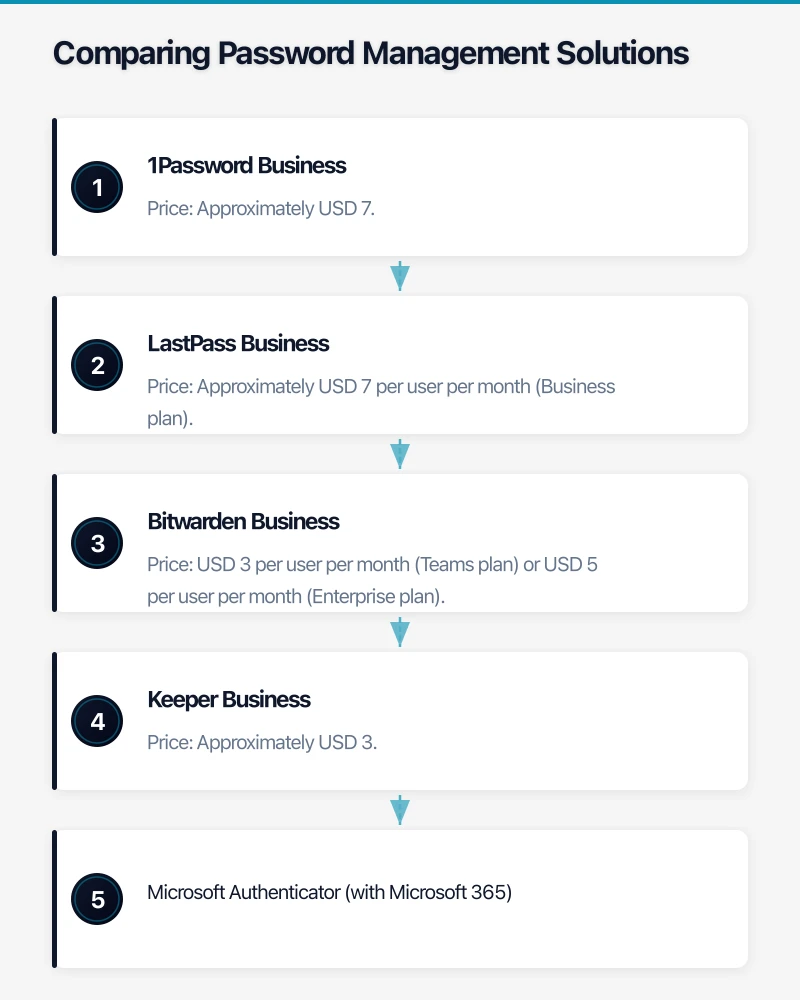
1Password Business
Price: Approximately USD 7.99 per user per month (Business plan)
Key features:
- Vaults for organising passwords by team or project
- Watchtower feature that alerts on compromised or weak passwords
- Travel Mode that removes sensitive data from devices when crossing borders
- Integration with Azure AD and Okta for provisioning
- Advanced reporting and admin controls
- SOC 2 Type 2 certified
Best for: Businesses that want a polished user experience and strong team management features. Popular with Australian tech companies and professional services firms.
Considerations: Data is stored on 1Password’s cloud infrastructure. The company uses AWS with data centres in various regions. Check their data residency options if sovereignty is a concern.
LastPass Business
Price: Approximately USD 7 per user per month (Business plan)
Key features:
- Centralised admin dashboard
- Directory integration (Azure AD, Active Directory, Okta)
- Dark web monitoring for compromised credentials
- Shared folders for team password management
- Single sign-on (SSO) add-on available
- Passwordless login options
Best for: Businesses looking for a well-known solution with extensive enterprise features.
Considerations: LastPass experienced security incidents in 2022, including a breach of their development environment and a subsequent breach involving customer vault data. While the company has stated that encrypted vault data remains secure due to their zero-knowledge architecture, some businesses have chosen to migrate to alternative solutions following these events. Evaluate your risk tolerance carefully.
Bitwarden Business
Price: USD 3 per user per month (Teams plan) or USD 5 per user per month (Enterprise plan)
Key features:
- Open-source codebase (independently audited)
- Self-hosting option available
- Directory integration and SSO
- Event logs and reporting
- Policy enforcement (password complexity, two-step login)
- Cross-platform support
Best for: Cost-conscious businesses and those who value open-source transparency. The self-hosting option appeals to organisations with strict data sovereignty requirements.
Considerations: The user interface is functional but not as polished as 1Password. Self-hosting requires technical expertise to manage.
Keeper Business
Price: Approximately USD 3.75 per user per month (Business Starter) or USD 5 per user per month (Business plan)
Key features:
- Zero-knowledge security architecture
- Dark web monitoring (BreachWatch add-on)
- Secure file storage
- Role-based access controls
- Active Directory and Azure AD integration
- Detailed compliance reporting
Best for: Businesses in regulated industries that need detailed compliance reporting and strict access controls.
Considerations: Some advanced features require add-on purchases, which can increase the effective per-user cost.
Microsoft Authenticator (with Microsoft 365)
Price: Included with Microsoft 365 subscriptions
Key features:
- Password storage and auto-fill on mobile devices
- Integration with Microsoft accounts and Edge browser
- Multi-factor authentication built in
- Free for Microsoft 365 users
Best for: Businesses heavily invested in the Microsoft ecosystem that want a basic password management solution without additional cost.
Considerations: Limited compared to dedicated password managers. Lacks team sharing features, advanced admin controls, and cross-browser support outside Edge. Better suited as a supplement to a dedicated solution rather than a replacement.
Key Selection Criteria for Australian Businesses
Data Residency
Where does the password manager store your encrypted vault data? While zero-knowledge encryption means the provider cannot access your passwords regardless of location, some Australian businesses have compliance or policy requirements around data residency.
- 1Password: Cloud-hosted on AWS; check current data residency options
- LastPass: Cloud-hosted; data stored in AWS regions
- Bitwarden: Cloud-hosted or self-hosted (giving you full control over data location)
- Keeper: Cloud-hosted on AWS; offers data centre selection
If data sovereignty is a strict requirement, Bitwarden’s self-hosting option or Keeper’s data centre selection may be the best fit.
Integration with Existing Systems
Consider how the password manager integrates with your current IT environment:
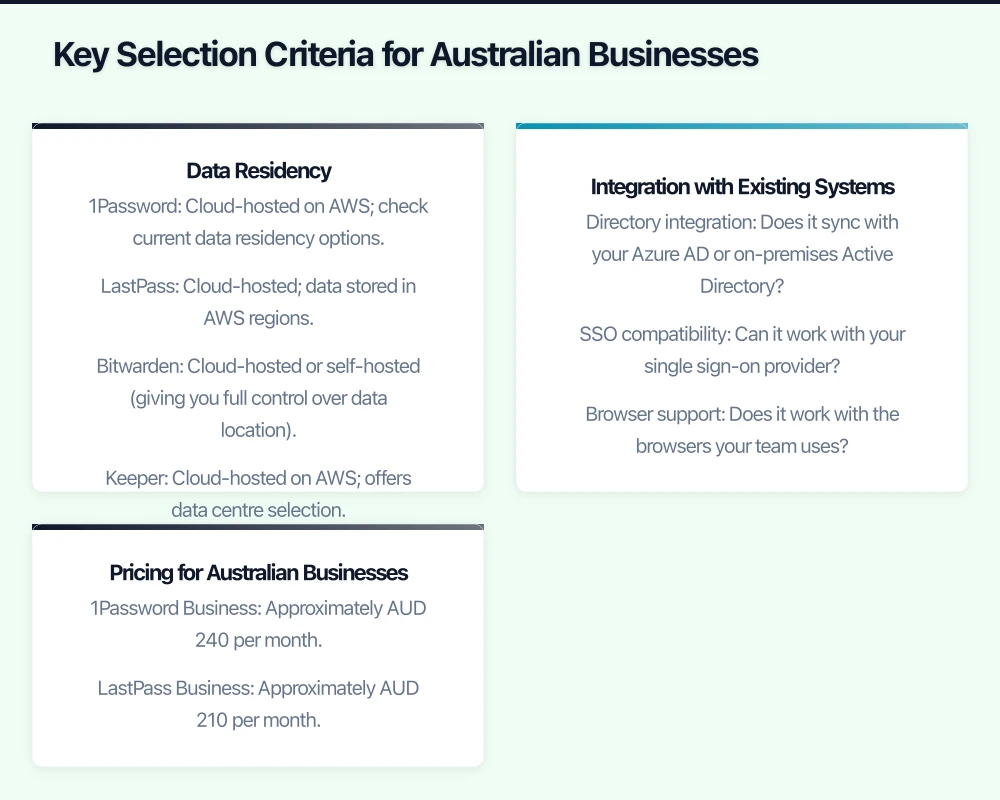
- Directory integration: Does it sync with your Azure AD or on-premises Active Directory?
- SSO compatibility: Can it work with your single sign-on provider?
- Browser support: Does it work with the browsers your team uses?
- Mobile support: Does it have apps for the mobile platforms your team uses?
- Admin tools: Can you manage users, enforce policies, and generate reports from a central console?
User Experience
The best password manager is the one your team actually uses. If the solution is clunky or difficult to use, employees will find workarounds, defeating the purpose. Consider running a pilot with a small group before committing to an organisation-wide rollout.
Pricing for Australian Businesses
All the solutions listed price in US dollars. Factor in the exchange rate when budgeting. For a team of 20 users:
- 1Password Business: Approximately AUD 240 per month
- LastPass Business: Approximately AUD 210 per month
- Bitwarden Teams: Approximately AUD 90 per month
- Keeper Business: Approximately AUD 150 per month
These are estimates based on current exchange rates and may vary.
Deployment Best Practices
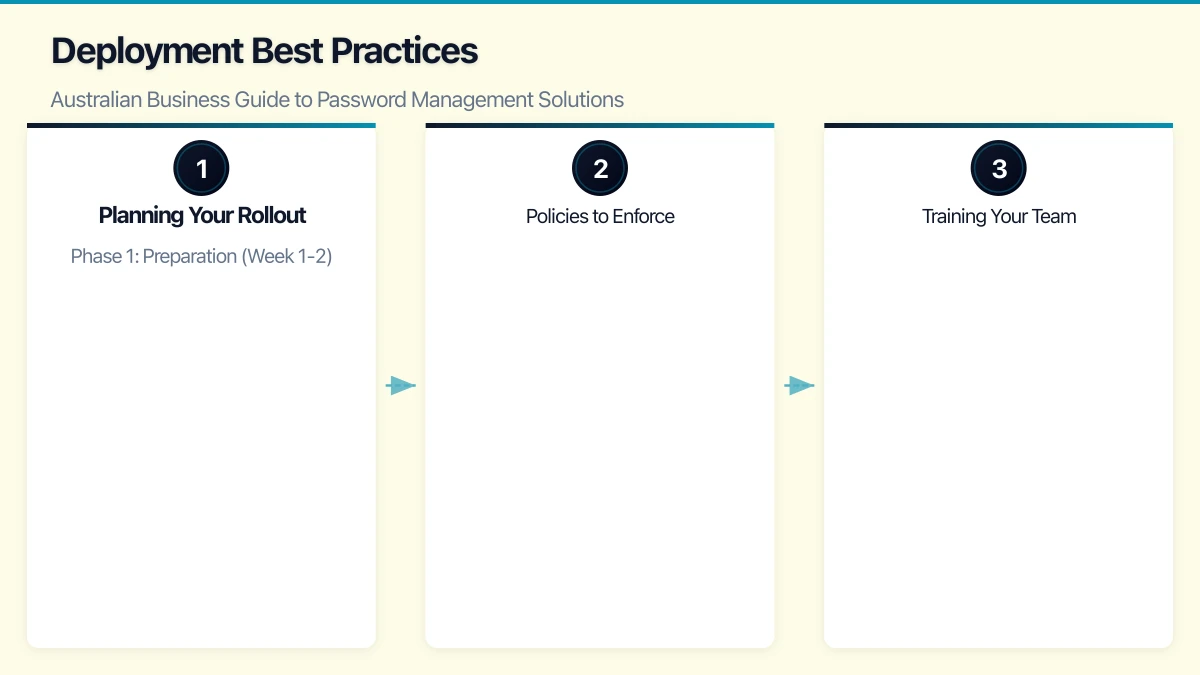
Planning Your Rollout
Phase 1: Preparation (Week 1-2)
- Select your password manager
- Configure the admin console and set policies
- Set up directory integration if applicable
- Create shared vaults for team passwords
- Prepare user training materials
Phase 2: Pilot (Week 3-4)
- Roll out to a small pilot group (IT team and tech-savvy users)
- Gather feedback on usability and any issues
- Refine policies and configurations based on feedback
Phase 3: Organisation-wide rollout (Week 5-8)
- Deploy to all users in batches
- Provide training sessions (in-person or video)
- Migrate passwords from browsers, spreadsheets, and other locations
- Disable browser password saving on managed devices
Phase 4: Ongoing management
- Monitor adoption rates and address holdouts
- Review security reports and address weak or reused passwords
- Update shared credentials as needed
- Manage onboarding and offboarding processes
Policies to Enforce
Configure your password manager to enforce:
- Master password strength: Require a minimum length of 14 characters
- Two-factor authentication: Require MFA for accessing the password vault
- Password generator defaults: Set generated passwords to a minimum of 16 characters with mixed character types
- Sharing restrictions: Control who can share passwords and with whom
- Export restrictions: Prevent users from bulk-exporting passwords
Training Your Team
User training is critical to adoption. Cover these topics:
- Why password management matters (use Australian breach examples)
- How to set up and use the password manager
- How to generate and store new passwords
- How to share passwords securely with colleagues
- What to do if they suspect a password has been compromised
- How the password manager works with multi-factor authentication
Transitioning from Poor Password Practices
If your team currently uses a spreadsheet, shared document, or browser-saved passwords, plan a structured transition:
- Import existing passwords into the new password manager
- Identify and address reused passwords (most solutions flag these automatically)
- Systematically change compromised or weak passwords, starting with the most critical accounts
- Disable browser password saving and clear saved passwords from browsers
- Delete old password spreadsheets or documents securely
Looking Ahead
Password managers are a foundation of good security hygiene, but they are part of a broader strategy. Combine password management with multi-factor authentication, security awareness training, and regular security reviews for a comprehensive approach to protecting your Australian business.
The investment in a password manager, typically a few dollars per user per month, is one of the highest-value security investments an Australian SMB can make. The reduction in password-related help desk tickets alone often covers the cost.
Choose a solution that fits your team’s needs, invest in proper deployment and training, and make strong password hygiene a core part of your business culture.
Looking beyond the technical to the strategic? Ash Ganda writes about how CTOs and business leaders can drive digital transformation.
This article is brought to you by Ganda Tech Services — Sydney’s complete digital solutions provider covering cloud, web, and mobile.