
Australian Business Guide to Managed WiFi Solutions
Australian Business Guide to Managed WiFi Solutions
Reliable WiFi is no longer a nice-to-have for Australian businesses. It is infrastructure as critical as electricity and plumbing. With cloud applications, VoIP phone systems, video conferencing, and wireless devices now central to daily operations, a poorly performing wireless network directly impacts productivity and revenue.
Yet many Australian SMBs still run consumer-grade routers, have dead spots in their offices, and troubleshoot WiFi issues reactively rather than proactively. Managed WiFi solutions address these problems by combining enterprise-grade hardware with cloud-based management and monitoring.
What Is Managed WiFi?
Managed WiFi is a service model where your business wireless network is deployed, monitored, and maintained through a centralised cloud platform. Instead of configuring each access point individually, the entire network is managed from a single dashboard.
Key components:
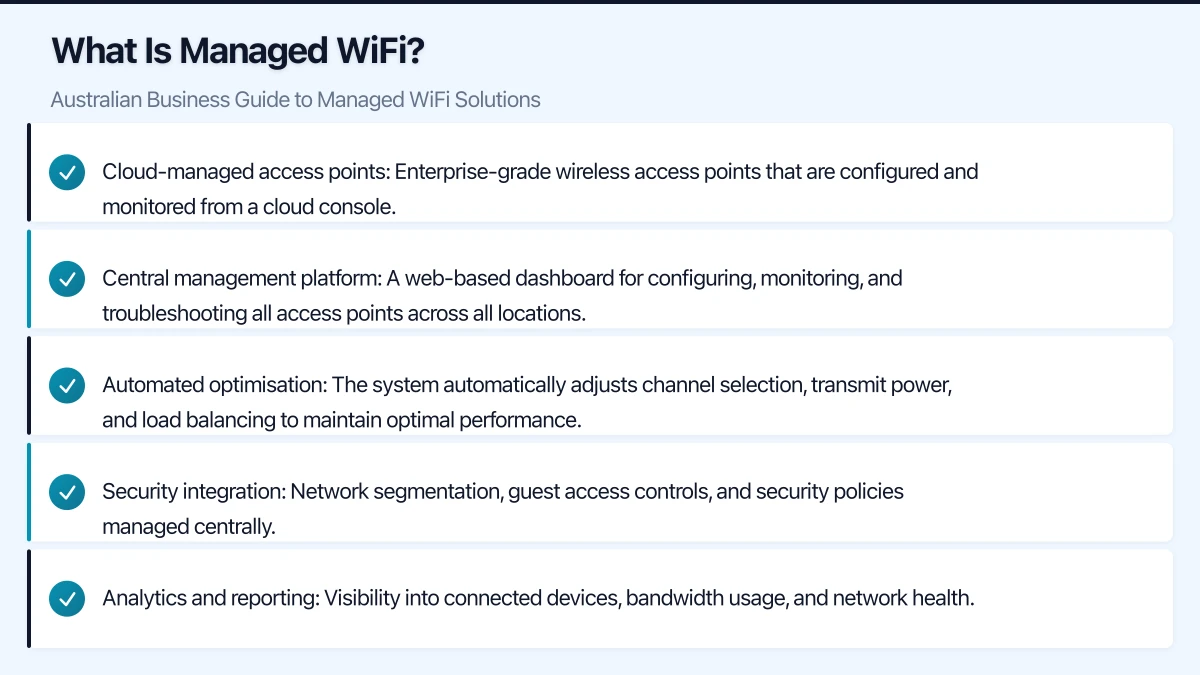
- Cloud-managed access points: Enterprise-grade wireless access points that are configured and monitored from a cloud console.
- Central management platform: A web-based dashboard for configuring, monitoring, and troubleshooting all access points across all locations.
- Automated optimisation: The system automatically adjusts channel selection, transmit power, and load balancing to maintain optimal performance.
- Security integration: Network segmentation, guest access controls, and security policies managed centrally.
- Analytics and reporting: Visibility into connected devices, bandwidth usage, and network health.
Why Consumer-Grade WiFi Fails Businesses
Many Australian SMBs outgrow their wireless setup without realising it. Common signs include:
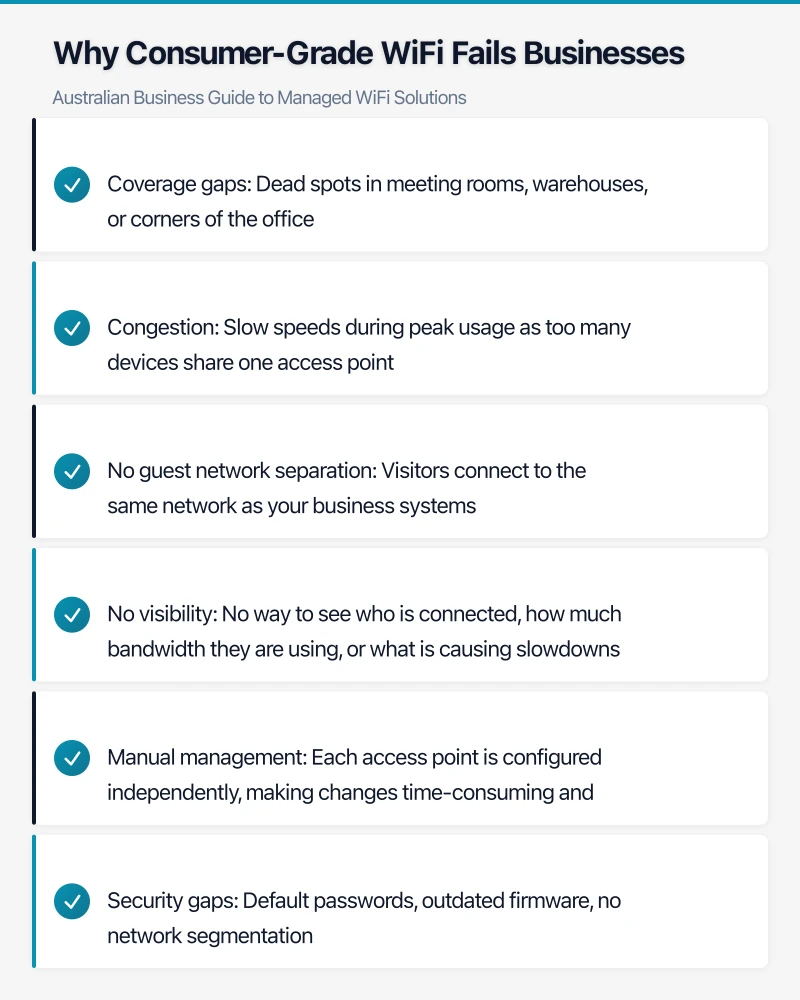
- Coverage gaps: Dead spots in meeting rooms, warehouses, or corners of the office
- Congestion: Slow speeds during peak usage as too many devices share one access point
- No guest network separation: Visitors connect to the same network as your business systems
- No visibility: No way to see who is connected, how much bandwidth they are using, or what is causing slowdowns
- Manual management: Each access point is configured independently, making changes time-consuming and error-prone
- Security gaps: Default passwords, outdated firmware, no network segmentation
Consumer routers are designed for a household with a handful of devices. A modern office with 30 employees might have 60 to 90 wireless devices (laptops, phones, tablets, printers, conferencing systems) all competing for bandwidth.
Managed WiFi Platform Comparison
Cisco Meraki
Overview: The market leader in cloud-managed networking. Meraki provides access points, switches, and security appliances all managed from a single dashboard.
Key features:
- Intuitive cloud dashboard
- Automatic RF optimisation
- Built-in location analytics
- Integrated security and content filtering
- API for custom integrations
- Bluetooth Low Energy (BLE) for location services
Pricing: Hardware costs AUD 500 to 2,000 per access point depending on model. Requires an annual licence at approximately AUD 200 to 400 per access point per year. Without the licence, the hardware stops functioning.
Best for: Businesses that want a premium, fully integrated networking solution and are comfortable with the ongoing licence model.
Considerations: The licence requirement means ongoing costs are higher than some alternatives. Hardware becomes unusable if the licence lapses.
Ubiquiti UniFi
Overview: Popular with Australian SMBs and MSPs for its strong feature set at a lower price point. The UniFi controller can be self-hosted or run on a cloud key.
Key features:
- No recurring licence fees
- Full-featured management console
- Wide range of access point models
- Network segmentation and guest portals
- Good performance for the price
- Active community and regular updates
Pricing: Hardware costs AUD 200 to 600 per access point. No recurring licence fees. Self-hosted controller or Ubiquiti cloud hosting.
Best for: Cost-conscious Australian businesses and managed service providers managing multiple sites.
Considerations: Self-hosted management means you need to maintain the controller infrastructure. Enterprise support options are more limited than Meraki or Aruba.
Aruba Instant On
Overview: HPE Aruba’s SMB-focused line of cloud-managed networking products. Simpler than Aruba’s enterprise offerings but with solid performance.
Key features:
- Cloud management via mobile app or web portal
- Automatic firmware updates
- Built-in network security
- VLAN and guest network support
- Designed for easy deployment
- No mandatory licence fees for basic management
Pricing: Hardware costs AUD 300 to 800 per access point. Basic cloud management included. Advanced features may require additional subscriptions.
Best for: SMBs wanting enterprise-quality hardware without enterprise complexity or ongoing licence fees.
Fortinet FortiAP
Overview: Fortinet’s wireless access points integrate with their FortiGate security appliances, providing unified security across wired and wireless networks.
Key features:
- Deep integration with FortiGate firewalls
- Security Fabric integration for threat detection
- Cloud or on-premises management
- WiFi 6 models available
- Built-in wireless intrusion prevention
Pricing: Hardware costs AUD 400 to 1,200 per access point. Management through FortiCloud or FortiGate (which may already be in your environment).
Best for: Businesses already using Fortinet firewalls that want integrated wireless security.
Planning Your Managed WiFi Deployment
Step 1: Site Survey
A wireless site survey determines the optimal placement and quantity of access points for your space. This is the most important step and the one most businesses skip.
What a site survey covers:
- Physical layout and construction materials (concrete, glass, and metal affect signal propagation)
- Interference sources (microwaves, neighbouring networks, Bluetooth devices)
- Required coverage areas (offices, meeting rooms, warehouses, outdoor areas)
- User density in different areas
- Application requirements (VoIP and video need stronger, more consistent signals than basic browsing)
DIY vs professional: For small offices (under 300 square metres), a basic survey using a WiFi analysis app on a laptop can suffice. For larger or complex spaces, engage a professional wireless engineer. Professional surveys typically cost AUD 500 to 2,000 depending on site size.
Step 2: Network Design
Based on the survey, design your wireless network:
Access point placement:
- General rule: one access point per 100 to 150 square metres of open office space
- Higher density for meeting rooms and collaborative spaces
- Consider mounting height and orientation
- Ensure overlapping coverage for seamless roaming
Network segmentation:
- Corporate network: For company-owned devices accessing business applications and data
- BYOD network: For personal devices that need internet access but should not reach corporate systems
- Guest network: For visitors, isolated from all internal resources
- IoT network: For printers, conferencing systems, and other devices that do not need full network access
Each segment should be on its own VLAN with appropriate firewall rules between them.
Step 3: Security Configuration
Essential security settings:
- WPA3 or WPA2-Enterprise with RADIUS authentication for the corporate network
- WPA2-Personal with a strong password for simpler networks
- Guest network with captive portal and terms of use
- Rogue access point detection
- Client isolation on guest and BYOD networks
- Regular firmware updates (automated where possible)
- Disable older protocols (WEP, WPA1) entirely
Step 4: Quality of Service (QoS)
Prioritise traffic types to ensure critical applications perform well:
- Highest priority: Voice (VoIP) and video conferencing
- High priority: Business applications and cloud services
- Standard priority: General web browsing and email
- Low priority: Social media, streaming, and non-business traffic
Most managed WiFi platforms allow QoS configuration through the management dashboard.
Deployment Best Practices
Cabling Requirements
Enterprise access points require Power over Ethernet (PoE). This simplifies installation as each access point needs only a single ethernet cable for both data and power.
Requirements:
- Cat6 or Cat6a ethernet cabling to each access point location
- PoE-capable switch (typically PoE+ or 802.3af/at)
- Sufficient switch port capacity for all access points
If your building does not have structured cabling to ceiling locations, budget for a cabling contractor. Professional cabling installation typically costs AUD 150 to 300 per cable run.
Testing and Optimisation
After deployment:
- Walk-test every area to verify coverage
- Test bandwidth in high-density areas during peak usage
- Verify roaming between access points (seamless handoff)
- Test guest network isolation (guests should not be able to see or access corporate resources)
- Run a speed test from multiple locations and compare to expectations
Ongoing Management
Managed WiFi is not set-and-forget. Regular tasks include:
- Firmware updates: Apply updates promptly (cloud-managed platforms often automate this)
- Performance monitoring: Review dashboards weekly for anomalies
- Capacity planning: Monitor connected device counts and bandwidth utilisation to anticipate when additional access points are needed
- Security review: Check for rogue access points and unauthorised devices monthly
- User support: Address connectivity complaints promptly to maintain user confidence
Cost Considerations for Australian Businesses
Small Office (10-20 users, single location)
- 2-3 access points: AUD 600 to 3,000 (hardware)
- Cabling (if needed): AUD 500 to 1,500
- Site survey (if professional): AUD 500 to 1,000
- Annual licensing (Meraki only): AUD 400 to 1,200
- Total first year: AUD 2,000 to 6,700
Medium Office (30-60 users, single location)
- 4-8 access points: AUD 1,200 to 8,000 (hardware)
- PoE switch: AUD 500 to 2,000
- Cabling: AUD 1,000 to 3,000
- Site survey: AUD 1,000 to 2,000
- Annual licensing (Meraki only): AUD 800 to 3,200
- Total first year: AUD 4,500 to 18,200
Multi-Location (2-5 sites)
Multiply per-site costs. Cloud management becomes particularly valuable for multi-site deployments, as all locations are managed from a single dashboard.
When to Engage a Professional
Consider engaging a managed service provider or wireless specialist if:
- Your office has complex architecture (multiple floors, unusual layouts, dense construction)
- You have high-density requirements (shared workspaces, event spaces)
- You operate in a regulated industry with specific wireless security requirements
- You have multiple locations that need consistent WiFi management
- Your team lacks networking expertise
Many Australian MSPs offer WiFi-as-a-Service packages that bundle hardware, installation, management, and support into a monthly fee, eliminating the upfront capital expenditure.
Next Steps
- Assess your current WiFi performance (ask your team about pain points)
- Determine the number of users, devices, and coverage areas you need to support
- Select a managed WiFi platform that fits your budget and technical requirements
- Conduct a site survey (DIY or professional)
- Deploy, test, and optimise
Reliable, well-managed WiFi is a force multiplier for Australian businesses. It enables productive hybrid work, supports cloud-first strategies, and ensures your team can focus on their work rather than wrestling with connectivity issues. The investment in a proper managed WiFi solution pays for itself in productivity gains and reduced IT firefighting.
Cloud is one piece of the digital puzzle. Ash Ganda writes about enterprise technology strategy and how to align IT investments with business growth.
Cloud Geeks operates under the Ganda Tech Services umbrella, delivering end-to-end technology solutions for Australian businesses.