
AI Meeting Assistants: Getting Real Value from Microsoft Teams Copilot
Introduction
If you’ve sat through another hour-long meeting only to spend 30 minutes afterwards writing up notes and action items, you understand the problem AI meeting assistants are trying to solve. The promise is compelling: let AI handle the administrative burden of meetings so humans can focus on the actual discussion.
Microsoft Teams Copilot, now a year into general availability, has moved past the early hype phase. Australian businesses are discovering what actually works, what doesn’t, and how to get genuine productivity gains from AI meeting assistance.
This isn’t a product review. It’s a practical guide to implementing AI meeting assistants effectively—maximising the real benefits while understanding the genuine limitations.
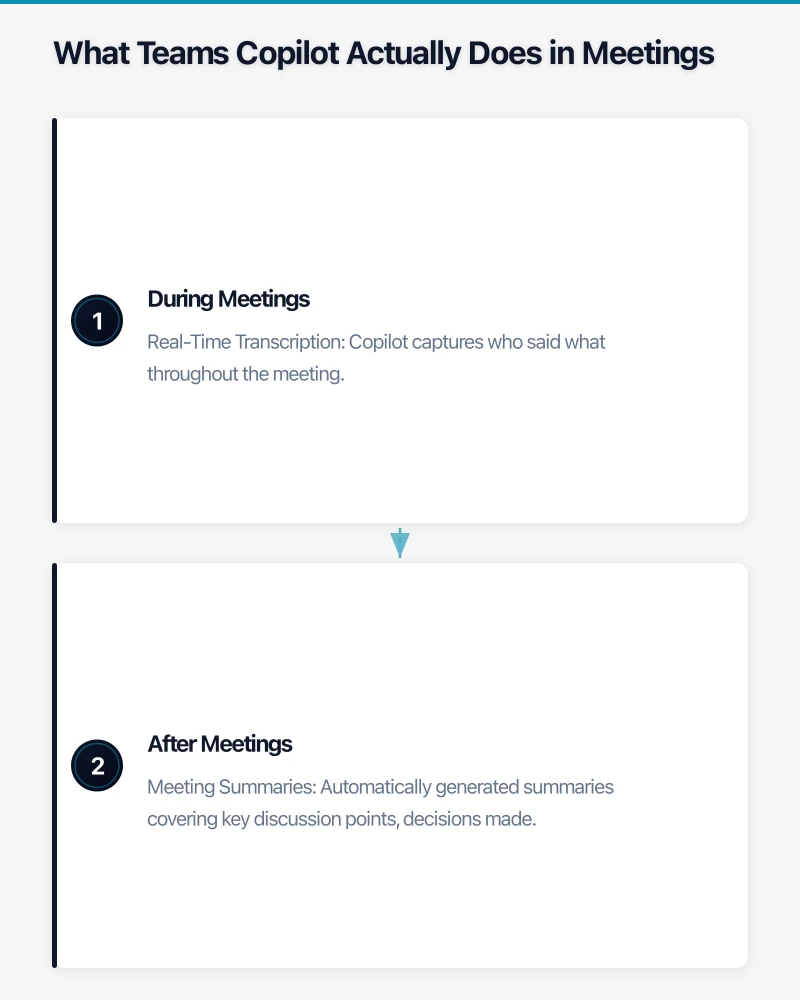
What Teams Copilot Actually Does in Meetings
Let’s be specific about the current capabilities as of September 2026.
During Meetings
Real-Time Transcription Copilot captures who said what throughout the meeting. Transcription accuracy has improved significantly—now achieving 90-95% accuracy for clear audio in standard Australian English. Accuracy drops with heavy accents, multiple speakers talking simultaneously, or poor audio quality.
Live Summaries Join a meeting late? Ask Copilot “What have I missed?” and get a reasonable summary of key points discussed. This works better for structured discussions than freewheeling conversations.
Question Answering During the meeting, you can ask Copilot questions like “What did Sarah say about the budget?” or “Has anyone mentioned the deadline?” It searches the transcript and provides relevant excerpts.

After Meetings
Meeting Summaries Automatically generated summaries covering key discussion points, decisions made, and action items mentioned. Quality varies significantly based on meeting structure—agenda-driven meetings produce better summaries than unstructured discussions.
Action Item Extraction Copilot identifies action items mentioned during the meeting and can attribute them to specific people. Accuracy is around 70-80%—it catches most explicit action items but misses implicit commitments.
Follow-Up Task Creation Integration with Microsoft Planner and To Do allows automatic creation of tasks from identified action items. Requires review before trusting.
Intelligent Recap For meetings you couldn’t attend, Copilot provides structured recaps including topics discussed, key points, decisions, and next steps.
The Realistic Productivity Gains
After working with dozens of Australian businesses implementing Teams Copilot, here’s what we consistently see.
Where Value Is Clear
Recurring Team Meetings Weekly team meetings, project standups, and regular check-ins benefit most. The consistent format helps Copilot produce reliable summaries, and the cumulative time savings across repeated meetings add up.
Example: A 25-person accounting firm saved approximately 5 hours per week across the team by eliminating manual meeting notes for weekly team meetings and client check-ins.
Catch-Up for Missed Meetings When someone misses a meeting, they previously either skipped the information or spent 20-30 minutes getting a verbal recap from colleagues. Copilot’s intelligent recap provides most of that value in 2-3 minutes.
Example: A consulting team with members frequently in client meetings reported that missed meeting catch-up time dropped from an average of 25 minutes to 5 minutes.
Documentation and Audit Trails For businesses needing meeting records—legal discussions, project decisions, compliance requirements—Copilot provides automatic documentation that’s more reliable than human notes.
Example: A construction company uses Copilot transcripts as part of their project documentation, creating searchable records of all project meetings without additional administrative effort.
Long Meeting Review For lengthy meetings (board meetings, planning sessions, workshops), Copilot summaries help participants quickly recall key points without re-reading hours of notes.
Where Value Is Limited
Creative or Strategic Discussions Unstructured brainstorming, strategic planning, and creative sessions produce worse summaries. The non-linear nature of these conversations confuses the AI, resulting in summaries that miss the point.
Sensitive Conversations HR discussions, performance reviews, and confidential matters shouldn’t rely on AI transcription. Privacy considerations aside, the nuance in these conversations is often lost in AI summarisation.
Small or Informal Meetings Two people having a quick sync don’t need AI assistance—the overhead of reviewing Copilot output exceeds the time saved.
External Meetings Without Consent Recording and transcribing meetings with external parties requires explicit consent. Many organisations don’t permit recording, limiting Copilot’s utility.
Implementation Best Practices
Getting value from Teams Copilot requires more than just enabling the feature.
Meeting Hygiene Matters
Copilot’s quality depends heavily on meeting quality:
Use Agendas Meetings with structured agendas produce significantly better summaries. Copilot can recognise agenda items and organise summaries accordingly.
Identify Speakers Clearly Ensure meeting participants are identifiable—proper Teams profiles, camera on where practical, and avoiding participants joining from shared accounts.
Speak Clearly Audio quality matters. Encourage use of headsets in noisy environments, mute when not speaking, and avoid multiple people talking simultaneously.
State Actions Explicitly Instead of “We should probably look at that,” say “John will review the proposal by Friday.” Explicit action statements are captured more accurately.
Configure Thoughtfully
Enable by Default or Opt-In? Some organisations enable Copilot for all meetings; others require explicit activation. Consider:
- Privacy sensitivity of your typical meetings
- Staff comfort with AI transcription
- Whether all meetings provide enough value to justify transcription
Transcript Retention Configure how long transcripts are retained. For most businesses, 90 days provides sufficient historical access while limiting data accumulation.
Sharing Permissions Who can access meeting transcripts and summaries? Consider confidentiality requirements when configuring default sharing.
Train Your Team
Roll out with training, not just enablement:
What Copilot Can See Staff should understand that Copilot is transcribing and summarising. Some things shouldn’t be said in transcribed meetings.
How to Use Features Many users don’t discover features like mid-meeting questions or intelligent recap. Brief training ensures adoption.
Review Before Trusting AI summaries and action items require human review. Build the habit of checking Copilot output before acting on it.
Alternatives and Complements
Teams Copilot isn’t the only option:
Competing Products
Otter.ai Strong transcription with speaker identification. Works across platforms (not Microsoft-only). Better for organisations not fully committed to Microsoft ecosystem. A$15-30/user/month.
Fireflies.ai Automatic meeting recording and transcription with good search capabilities. Integrates with multiple video platforms. A$15-30/user/month.
Grain Focused on sales and customer success use cases. Strong highlight and clip features for sharing meeting moments. A$20-40/user/month.
Zoom AI Companion For organisations using Zoom rather than Teams. Similar feature set to Copilot. Included with paid Zoom plans.
Complementary Tools
Notion AI Good for converting meeting notes into structured documentation, follow-up emails, and project updates.
Asana / Monday.com Integrations Automatically create tasks from meeting action items in project management tools.
CRM Integration For sales teams, tools like Gong or Chorus provide meeting analysis specifically tuned for customer conversations.
Cost-Benefit Analysis
Let’s be honest about the numbers.
The Costs
Microsoft 365 Copilot License: A$44/user/month (requires qualifying Microsoft 365 license)
For a 20-person team: A$880/month or A$10,560/year
The Benefits
Time Savings Conservative estimate: 30 minutes per person per week on meeting-related administrative tasks.
At A$50/hour effective labour cost:
- 20 people × 30 minutes × 4 weeks = 40 hours/month
- 40 hours × A$50 = A$2,000/month value
The Math
- Cost: A$880/month
- Benefit: A$2,000/month
- ROI: 127%
This calculation assumes everyone uses Copilot effectively. Real-world adoption is typically 60-70%, reducing actual ROI to around 75-90%—still positive, but not transformative.
When It Doesn’t Make Sense
Small Teams (Under 10) Fixed costs of training and management overhead reduce ROI for small teams.
Low Meeting Volume If your team averages fewer than 5 meetings per week, the savings don’t justify the cost.
Meeting-Light Roles Selectively licensing Copilot (only for meeting-heavy roles) often provides better ROI than organisation-wide deployment.
Privacy and Compliance Considerations
AI meeting transcription creates data governance obligations.
Australian Privacy Act Implications
Collection Notice Staff and meeting participants should be informed that meetings are being transcribed. Update privacy notices and internal policies.
Data Minimisation Don’t transcribe meetings that don’t benefit from it. More data isn’t better from a privacy perspective.
Access and Correction Rights Staff can request access to data about them, including meeting transcripts. Ensure you can fulfil these requests.
Recording Laws
Australia has varied consent requirements for recording:
- NSW, Victoria, Tasmania, ACT: One-party consent (you can record if you’re participating)
- Queensland, South Australia, WA, NT: All-party consent for private conversations
For business meetings, best practice is always obtaining consent before recording, regardless of jurisdiction.
Data Location
Teams Copilot data for Australian tenants is stored in Australian data centres. Confirm this configuration for your tenant if data sovereignty is a concern.
Implementation Roadmap
A sensible approach to rolling out Teams Copilot:
Phase 1: Pilot (Weeks 1-4)
- Select 5-10 users across different roles
- Enable Copilot for pilot group
- Conduct brief training session
- Gather feedback weekly
Phase 2: Evaluate (Weeks 5-6)
- Review pilot feedback
- Calculate actual time savings
- Identify best use cases for your organisation
- Adjust configuration based on learning
Phase 3: Expand (Weeks 7-12)
- Roll out to broader team based on pilot learning
- Provide training for new users
- Establish best practices documentation
- Set up feedback channel for ongoing improvement
Phase 4: Optimise (Ongoing)
- Monitor adoption and usage patterns
- Regular refresher training
- Iterate on meeting practices to improve Copilot output
- Review costs vs. value quarterly
The Honest Assessment
Microsoft Teams Copilot delivers genuine value for meeting-intensive organisations that implement it thoughtfully. The time savings are real, and the quality of summaries and action item capture has improved substantially over the past year.
It’s not magic. Copilot won’t fix bad meetings—it will just document them more efficiently. The organisations getting most value have combined Copilot deployment with improved meeting practices: better agendas, clearer action item articulation, and disciplined use of meeting time.
For Australian SMBs with significant meeting loads (think professional services, consulting, project-based businesses), the ROI is positive when deployment is targeted and users are properly trained. For businesses with lighter meeting loads or highly informal meeting cultures, the value proposition is less clear.
The winning approach is thoughtful, not comprehensive. Start with the use cases where value is obvious, build competence and habits, and expand from there.
Considering Microsoft 365 Copilot for your team? CloudGeeks helps Australian businesses evaluate, implement, and optimise Copilot deployments. Contact us for a practical assessment of whether it’s right for your organisation.
Pair your cloud backend with a polished mobile experience. Awesome Apps develops apps for iOS and Android that keep your team and customers connected.
Cloud Geeks operates under the Ganda Tech Services umbrella, delivering end-to-end technology solutions for Australian businesses.