
A File Called ".local" Was in Every Clone
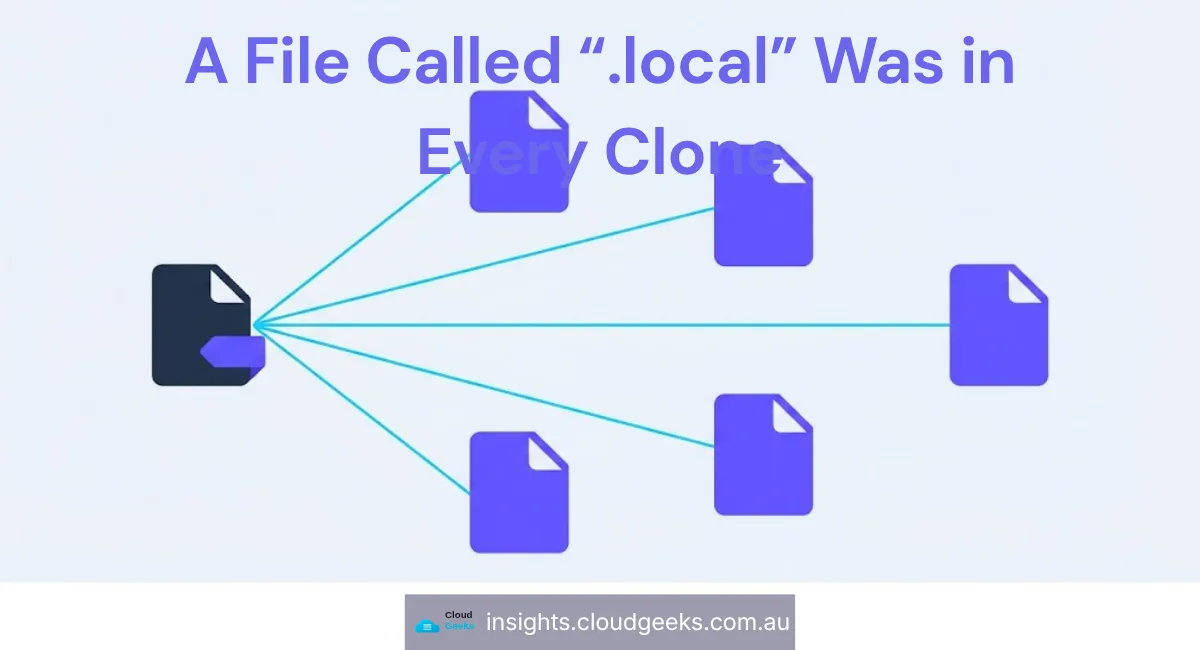
There is a convention in a lot of tooling where a file ending in .local means “this one is yours, it stays on your machine, it is not part of the project”.
We had one of those. It was in version control.
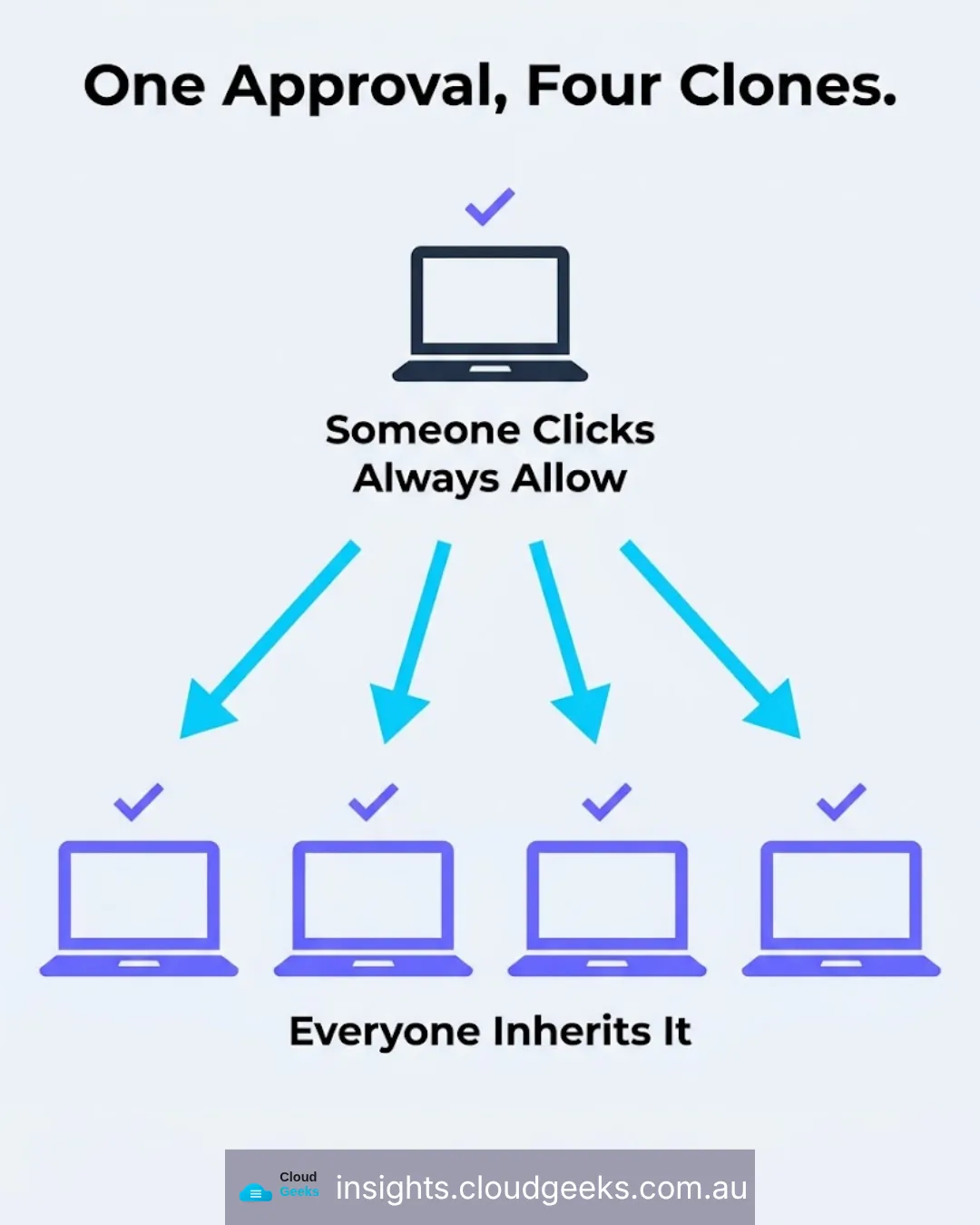
Which meant it was not local at all. It was in every clone, on every machine, for everyone who had ever pulled the repository — and every time someone clicked “always allow” on a tool permission, that decision quietly propagated to the whole team.
The convention is not the mechanism
This is the part worth internalising, because it generalises well past one file.
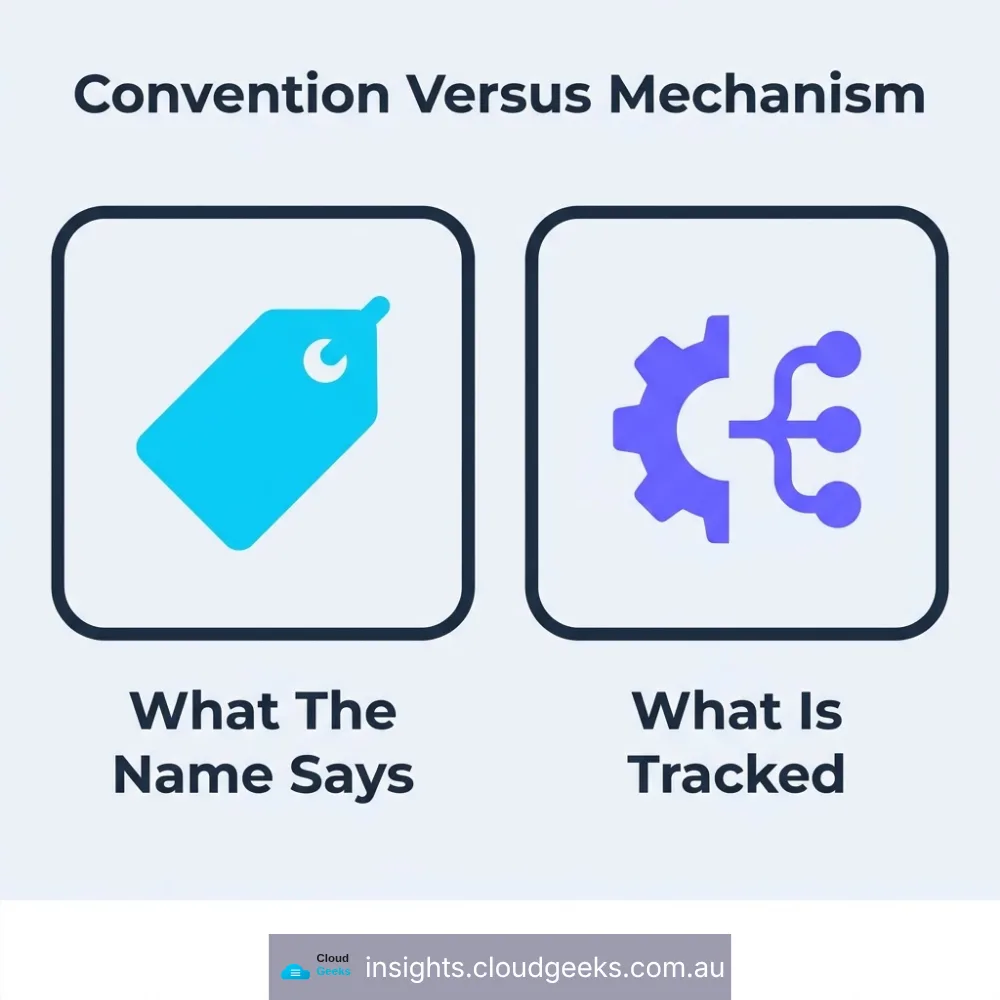
A naming convention is documentation. Git does not read documentation.
The .local suffix tells a human what the file is for. It has no effect on whether the file is tracked. That is determined entirely by whether someone added it, and whether an ignore rule happens to exclude it. Nothing in git inspects the name and infers intent.
So the file sat there doing precisely what its name said it would not do, while every signal a developer had — the name, the tooling’s own documentation, the convention itself — said it was fine.
Nobody made a wrong decision. The file was written into a directory that was already tracked, added once, and after that it was simply part of the repository.
What was actually in it
Honesty matters more than drama here, and the honest version is less alarming than the setup suggests.
The file held permission decisions: a list of tool actions someone had approved on their own machine. Forty-three entries. No credentials, no API keys, no tokens, no customer data.
This was not a breach. Nothing leaked that could be used against us.
What it was, precisely: one person’s security posture, applied silently to everyone else. Somebody decides on their machine that a particular command is safe to run without asking. That decision is committed. It arrives in a colleague’s clone. The colleague’s tooling now proceeds without prompting on an action they never evaluated.
That is a real problem, and a quiet one, because the person inheriting the decision gets no notification that a decision was inherited. They just experience fewer prompts.
Four repositories, same day
When we found it, we checked the others. The same file was tracked in four repositories, and we untracked it in all four that afternoon.
The count is the thing to notice. One repository is an accident. Four is a pattern — a default that was wrong everywhere the same tooling had been used, which is to say everywhere.
When you find a hygiene problem in one repository, the useful question is not “how did this happen here” but “where else does this shape exist”. The cause was not local to the project, so the fix should not have been either.
And two we missed
Writing this up, I went back and checked all six of our main repositories properly.
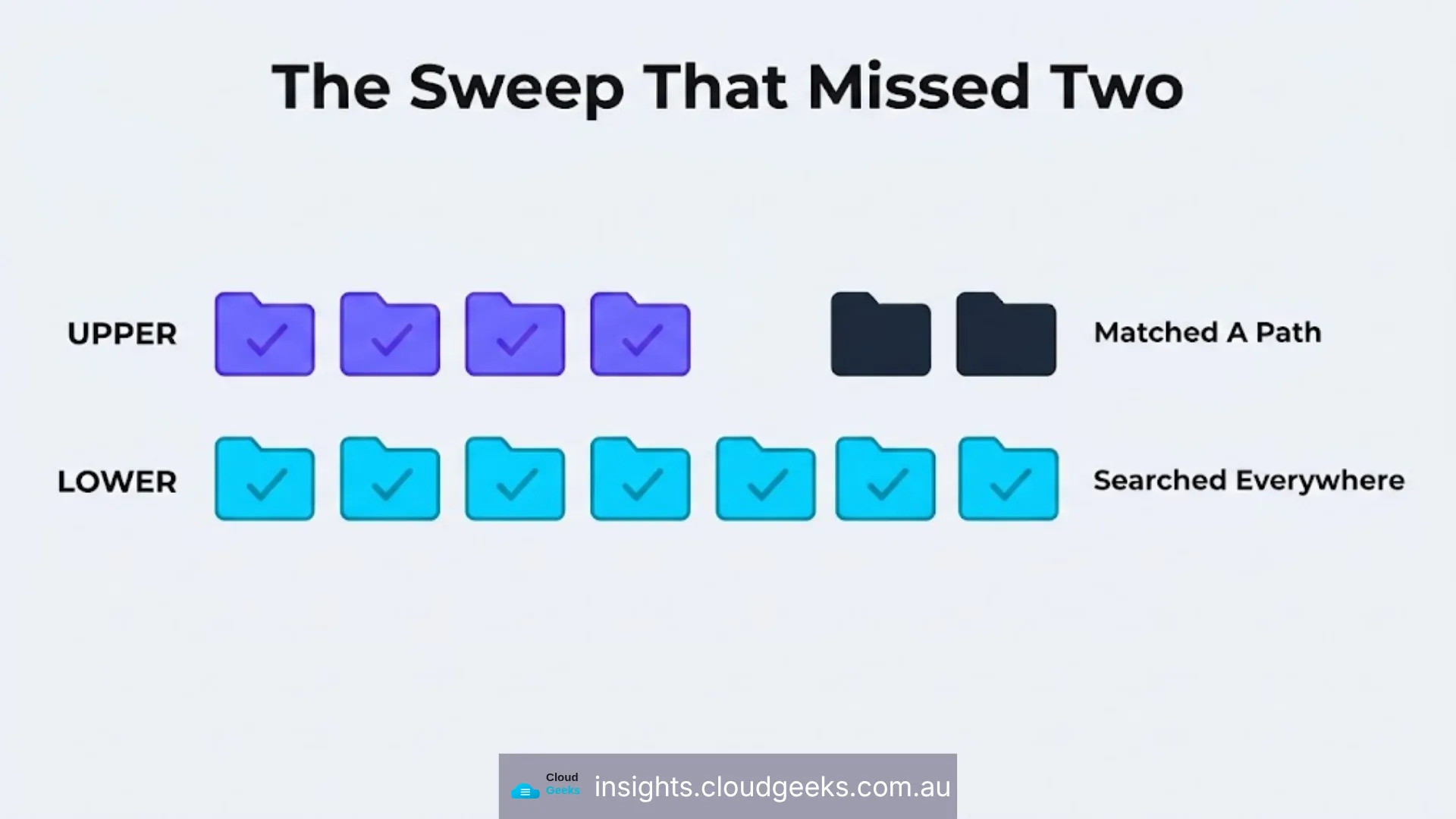
Two of them still track the file. Not in the location we cleaned — in a backup directory, a copy of the settings folder somebody had made before a risky change, which the original cleanup did not match. Forty-three entries each, still tracked, still in every clone.
So a sweep that fixed four repositories missed two, because it searched for the file where it expected the file to be rather than for the file anywhere. Ordinary mistake, and the reason a cleanup needs a verification pass that asks the question differently from the way the fix asked it.
The lesson is not that we were careless. It is that a fix applied by pattern needs a check applied by search.
What actually belongs in a repository
The general rule that would have prevented this: a repository holds what the project needs to build and run, and nothing that is true only of one person’s machine.
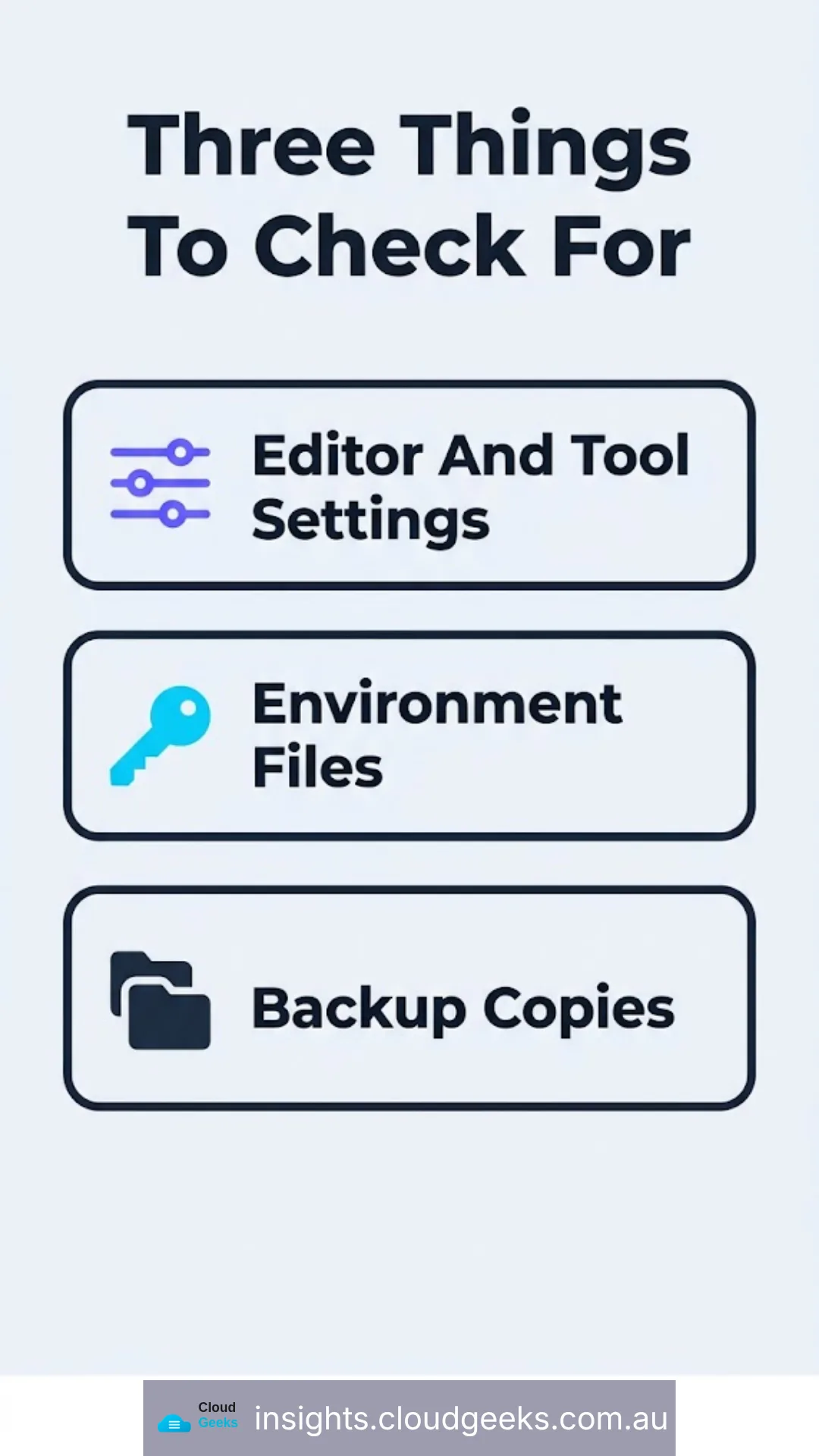
The things that most often break that rule, roughly in the order we encounter them:
Editor and tool settings that encode one person’s preferences or, as here, one person’s security approvals.
Environment files. The classic. They are meant to hold configuration that differs per environment, which by definition should not be shared — and they are very frequently where database passwords and API keys live.
Local database files. A development database committed once, then shipping forever with whatever test data was in it.
Build output and dependency folders. Not a security problem directly, but they make every change unreadable, which is how the security problems get missed.
Backup copies. The one that caught us. A directory is duplicated before a risky change, the copy is not covered by ignore rules written for the original, and it stays.
How to check yours
If you have a development team or an agency working on your systems, these are reasonable things to ask.
What is in the repository that should not be? Specifically: any environment files, anything ending in .local, any credentials. The answer should be no, and it should be demonstrated rather than asserted.
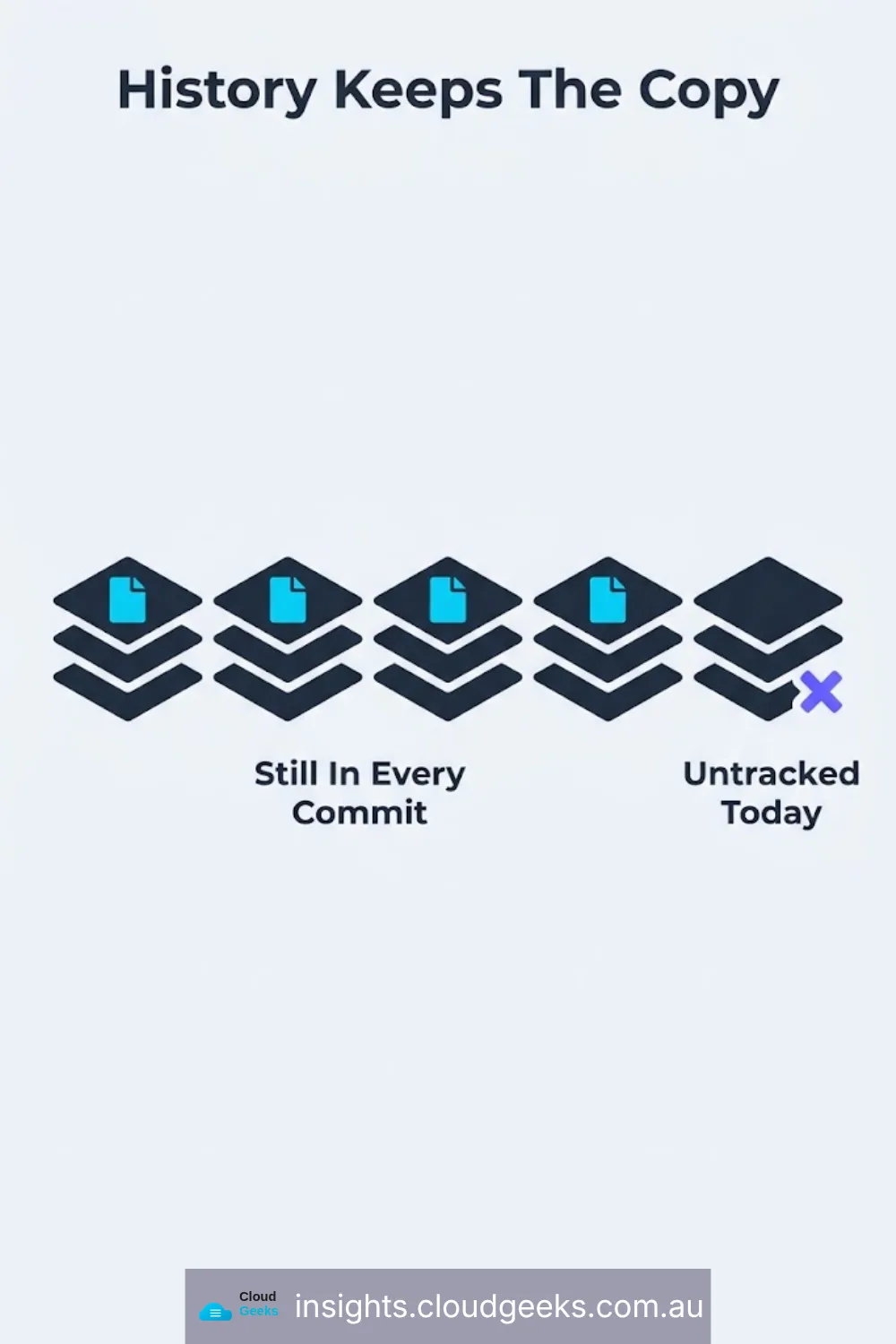
Has anyone ever checked? Not whether the ignore rules cover it now — whether anyone has searched the history.
That second question is the one that turns hygiene into an incident, and it deserves spelling out. Untracking a file stops it changing. It does not remove it from history. Every historical commit still contains it, readable by anyone with a copy of the repository. If what you find is a permission list, untracking is enough. If what you find is a password, that password is compromised and must be rotated, whatever you do to the file. Those two responses are not interchangeable and the difference is what the file contained, not how quickly you removed it.
Who wrote the ignore rules, and when? They are the actual mechanism, and they are usually written once at project creation from a template that predates half the tools now in use.
The moment this matters most
There is one point in the life of a business system where this stops being hygiene and becomes exposure: handover.
When you change web developers, bring a project in-house, or take on an agency that inherits someone else’s work, you receive a repository. Everything in it comes with you — including whatever the previous team committed, and including the entire history, which nobody reads.
We have taken over projects and found a production database password in a commit from three years earlier. The file had been removed. The password had never been changed, because removing the file felt like fixing it.
If you are receiving a codebase, the questions are short. Has the history been scanned for credentials? Which credentials have been rotated since the handover, and when? Who still has a clone of the repository from before you took it over?
That last one is the uncomfortable one, and it is the reason rotation is the only real remedy. You cannot un-share a repository. Everyone who ever cloned it still has every version of every file, on their own machine, permanently, regardless of what access you revoke today.
The short version
A filename is a promise to a human being. Version control keeps no such promise.
Ours cost us nothing, because what was in the file was a list of approvals rather than a secret. The same mistake with an environment file is a very different conversation, and it is the same mistake.
If you would like someone to look at what your systems are actually storing and sharing, that is part of how we work with clients through managed IT support and across Parramatta and Western Sydney.
Ash Ganda is the founder of Cloud Geeks, which provides managed IT support and cyber security for Australian small and medium businesses.